Inventory shortages rarely announce themselves. They show up at the worst possible moment, when a customer places an order and the item is gone. The cost is not just the missed sale. It is the time spent apologizing, expediting a replacement, or substituting something that is not quite what was promised.
For most SMEs, this happens because inventory is tracked manually with no reorder logic behind it. This is a practical look at what actually works for Google Sheets inventory management, the mistakes that quietly undo it, and the point at which a plain spreadsheet stops being enough.
What Actually Works: A Direct Answer
Google Sheets inventory management works reliably when three things are true: stock levels are calculated from a logged movement history rather than typed in directly, every item has its own reorder point instead of one blanket threshold, and someone (or something) actually checks those thresholds without depending on a person remembering to look. Get those three right and a spreadsheet can run inventory for a long time. Miss any one of them and the sheet degrades no matter how well it was built on day one.
The Setup Mistakes That Break It
A handful of mistakes account for most of the "our spreadsheet stopped working" stories:
- Typing stock levels directly instead of logging movements. If a number can be overwritten by hand, nobody can explain why it changed when it turns out to be wrong.
- One reorder threshold for every item. A fast-moving, high-value item and a slow-moving, low-value one do not deserve the same scrutiny. Treating them the same wastes attention where it matters least.
- No owner for the sheet. When everyone can edit everything and nobody is responsible for keeping it accurate, small errors compound until nobody trusts the numbers.
- Alerts nobody actually sees. Conditional formatting that highlights a cell red does nothing if nobody opens that tab regularly.
- No supplier lead time attached to reorder points. A reorder point set without accounting for how long restocking actually takes guarantees the alert comes too late.
Reorder Logic That Actually Holds Up
A reorder point should reflect two things: how much the item sells or gets used per day, and how long it takes to get more once ordered. A rough starting formula: reorder point equals average daily usage multiplied by supplier lead time in days, plus a safety stock buffer for demand variability.
This does not need to be precise on day one. Most small teams start with a rough rule of thumb, such as one to two weeks of average usage as a buffer, and refine it once a few months of real movement data exist. What matters more than precision at the start is that every item has its own number, set deliberately, rather than one shared guess.
A worked example. Say an item sells an average of 4 units a day, and the supplier takes 10 days to deliver a new order. The base reorder point is 4 x 10 = 40 units. Add a safety buffer of roughly one week of usage (28 units) to absorb a slower week or a delayed delivery, and the reorder point lands around 68 units. If that item instead sells 1 unit a day with the same 10-day lead time, the reorder point drops to roughly 17 units. Applying the same flat threshold, say 50 units, to both items would leave the fast-moving one exposed to a stockout and the slow-moving one sitting on unnecessary stock. This is exactly why a single blanket reorder number across a whole catalog causes so much of the damage covered above.
Movement Tracking: The Part That Makes Everything Else Trustworthy
The single change that prevents most stock-accuracy problems is separating the item list from the movement log. Every inbound receipt, outbound shipment, and adjustment gets its own row: date, type, SKU, quantity, and who recorded it. Current stock is then calculated by summing movements for that SKU, never typed in directly.
This one habit is what separates a spreadsheet that lasts from one that quietly drifts from reality. It also creates an audit trail: when a count does not match the records, the movement log shows exactly where to look instead of leaving the discrepancy unexplained.
Getting From Manual Alerts to Automated Ones
Once movement tracking and reorder points are in place, alerting can scale in stages:
- Conditional formatting. Fast and free. Highlight any row where current stock falls below the reorder point. The limitation is that it is passive: someone has to open the sheet and notice it.
- Notification rules. Google Sheets can send an email when a cell changes, which creates a lightweight, proactive alert without adding a new tool. This becomes harder to manage once the catalog grows past a few dozen SKUs and multiple people are updating the same file.
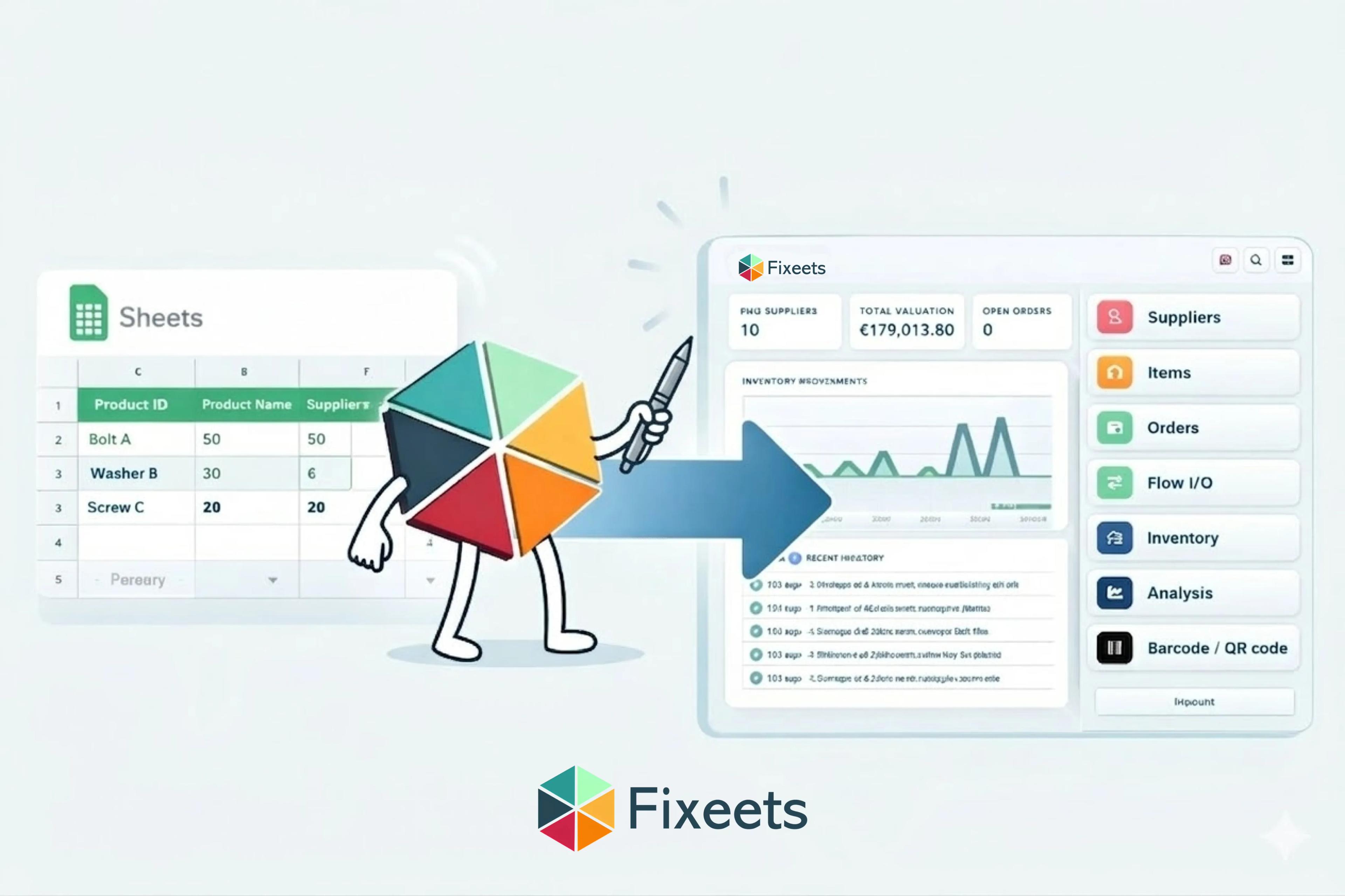
- A dedicated add-on. For larger catalogs, a structured add-on like Fixeets Inventory centralizes thresholds, standardizes alerts across the team, and keeps a real-time movement history without anyone maintaining formulas by hand.
For teams managing a large number of SKUs, combining these alerts with ABC analysis for inventory classification lets you set tighter reorder points on high-value items and lighter monitoring on low-value ones, instead of watching everything equally closely.
When to Add a Tool Layer
A plain spreadsheet, used correctly, covers a single location with a stable, moderate-sized catalog. The signals that a tool layer is worth adding rather than optional:
- More than one physical location needs its own stock visibility, not just a shared total.
- Barcode scanning would meaningfully speed up receiving or picking.
- More than two or three people update stock and need to see the same real-time numbers.
- Reorder alerts are being missed often enough that stockouts are becoming a pattern, not an exception.
None of these require an ERP. Fixeets Inventory Management adds movement logging, per-item reorder alerts, and multi-location visibility directly inside Google Sheets, so the spreadsheet a team already trusts gets the structure it was missing rather than getting replaced.
It is worth being honest about the reverse case too: a single location with a small, stable catalog and one person managing stock rarely needs any of this yet. Adding alerts, multi-location tracking, or barcode scanning before the operational pain shows up just adds process for its own sake. The signals above are meant to be checked against, not treated as a countdown timer.
Before setting up alerts, a solid foundation matters more than the alert method itself. Our step-by-step guide to setting up inventory management in Google Sheets covers building that foundation for a team doing this for the first time. And for retail businesses specifically, preventing stockouts in retail inventory management covers reorder points and safety stock with retail-specific detail.
FAQ
Why do Google Sheets inventory systems stop working as a business grows?
Almost always because stock levels were being typed in by hand instead of calculated from a movement log, or because one reorder threshold was applied to every item regardless of how fast it moves. Both are setup problems, not limits of the tool itself.
What is the simplest way to get low-stock alerts in Google Sheets?
Conditional formatting that highlights a row when stock falls below its reorder point. It is free and immediate, but passive: someone still has to open the sheet and notice it.
How do I set a reorder point that actually works?
Multiply average daily usage by supplier lead time in days, then add a safety stock buffer to absorb demand variability. Refine the number once a few months of real movement data are available.
Do I need a different reorder point for every item?
Yes, ideally. A high-value, fast-moving item needs tighter monitoring than a low-value, slow-moving one. ABC analysis is the standard method for deciding which items deserve which level of attention.
When does a plain spreadsheet stop being enough for inventory tracking?
When more than one location needs separate visibility, when barcode scanning would meaningfully speed up daily work, or when stockouts start happening often enough to look like a pattern rather than an occasional miss.
Can Google Sheets handle multi-location inventory?
With the right structure, yes. Stock needs to be tracked per location rather than as one company-wide total. See our guide on managing inventory across multiple locations in Google Sheets for how to structure it.
How do I know if my current alert setup is actually working?
Track your stockout rate over a few months. If items are still running out unexpectedly despite an alert system, the reorder points are likely set too low, or the lead time behind them was underestimated. Our guide on inventory turnover ratio covers a related metric worth tracking alongside it.