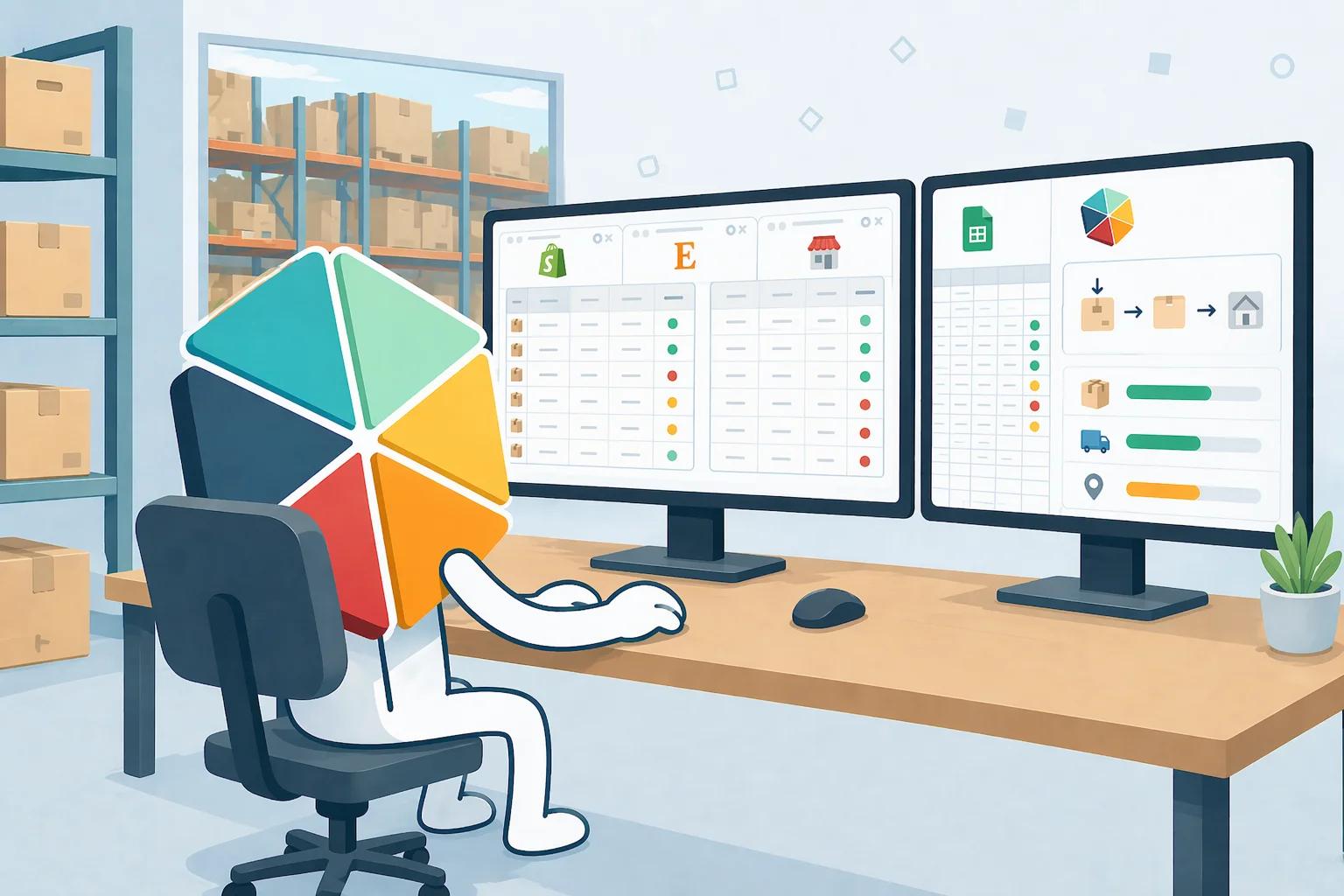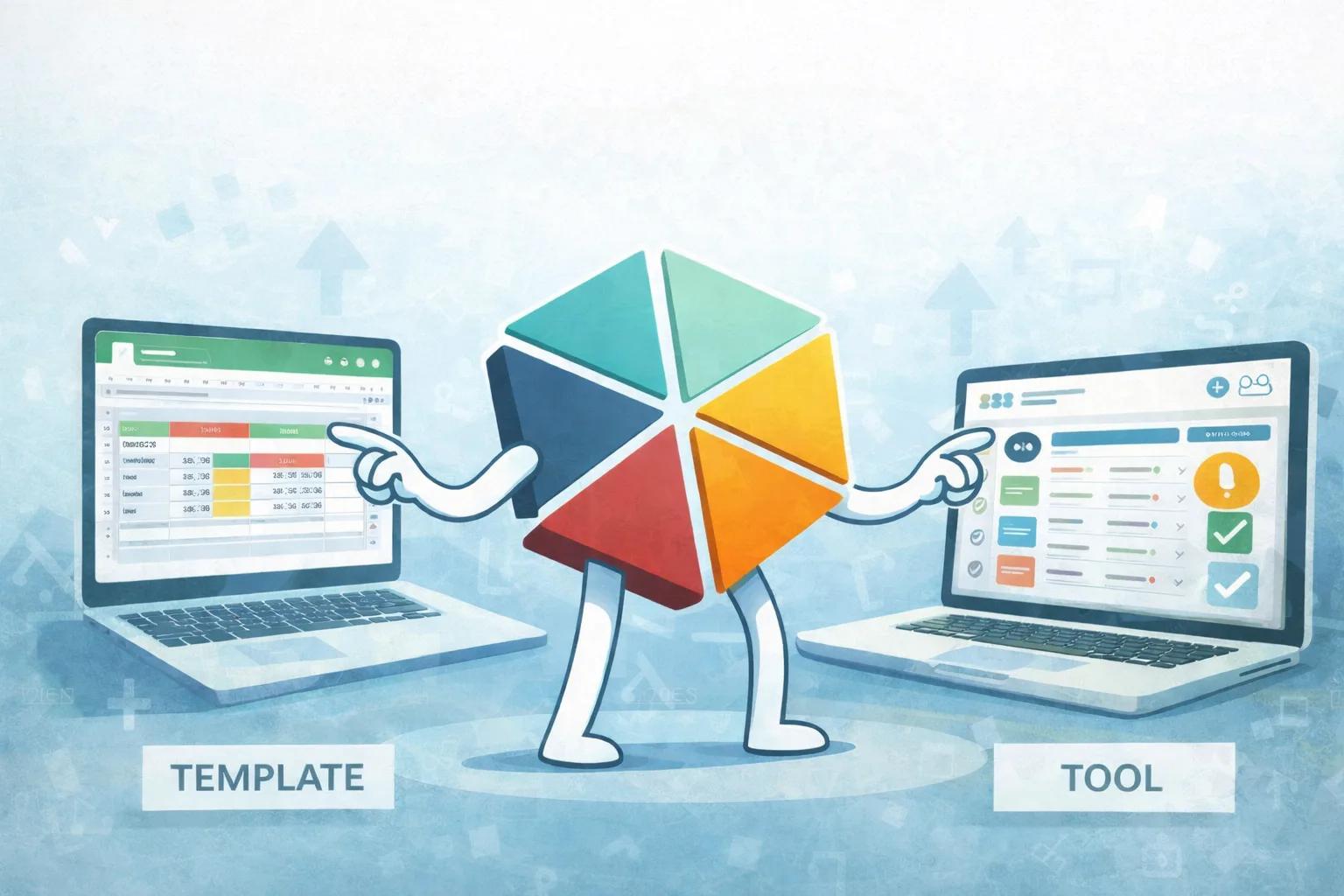
"We track that in a spreadsheet" and "we have an inventory system" sound similar but describe very different things in practice. This covers what actually separates the two, what structure a real system adds on top of a plain list, and the practical steps for an SME making that transition without abandoning the spreadsheet it already runs on.
What "Real" Actually Means, Operationally
A real inventory system, as opposed to a spreadsheet list, has three properties a plain list does not: stock numbers are calculated from a logged history rather than typed by hand, every stock change can be traced to who made it and when, and low stock triggers a visible alert instead of depending on someone noticing. None of these require an ERP. They require structure, which is a different thing from software.
The Gap Between a List and a System
A spreadsheet list is a snapshot: 40 units of item X, updated whenever someone remembers to change the number. It answers "what do we have right now, according to the last person who touched this cell."
A system answers a different question: "what do we have, and can we explain how we got here." That second question only gets answered when every change is a logged event rather than an edit to an existing cell. Once two people can independently overwrite the same number, a spreadsheet list stops being trustworthy, even if it looks fine on the surface.
This is the exact point where most small businesses hit friction. The spreadsheet was never wrong on purpose. It was just never structured to survive more than one person touching it.
What Structure Actually Adds
Three specific additions turn a list into a system:
- A movement log. Every inbound receipt, outbound shipment, and adjustment becomes its own row, with a date and a person attached. Current stock is then a calculation, not an entry.
- Reorder logic. A defined threshold per item, checked automatically rather than by someone scanning rows manually.
- An audit trail. When a physical count disagrees with the records, the movement log shows exactly where to look, instead of leaving a mystery.
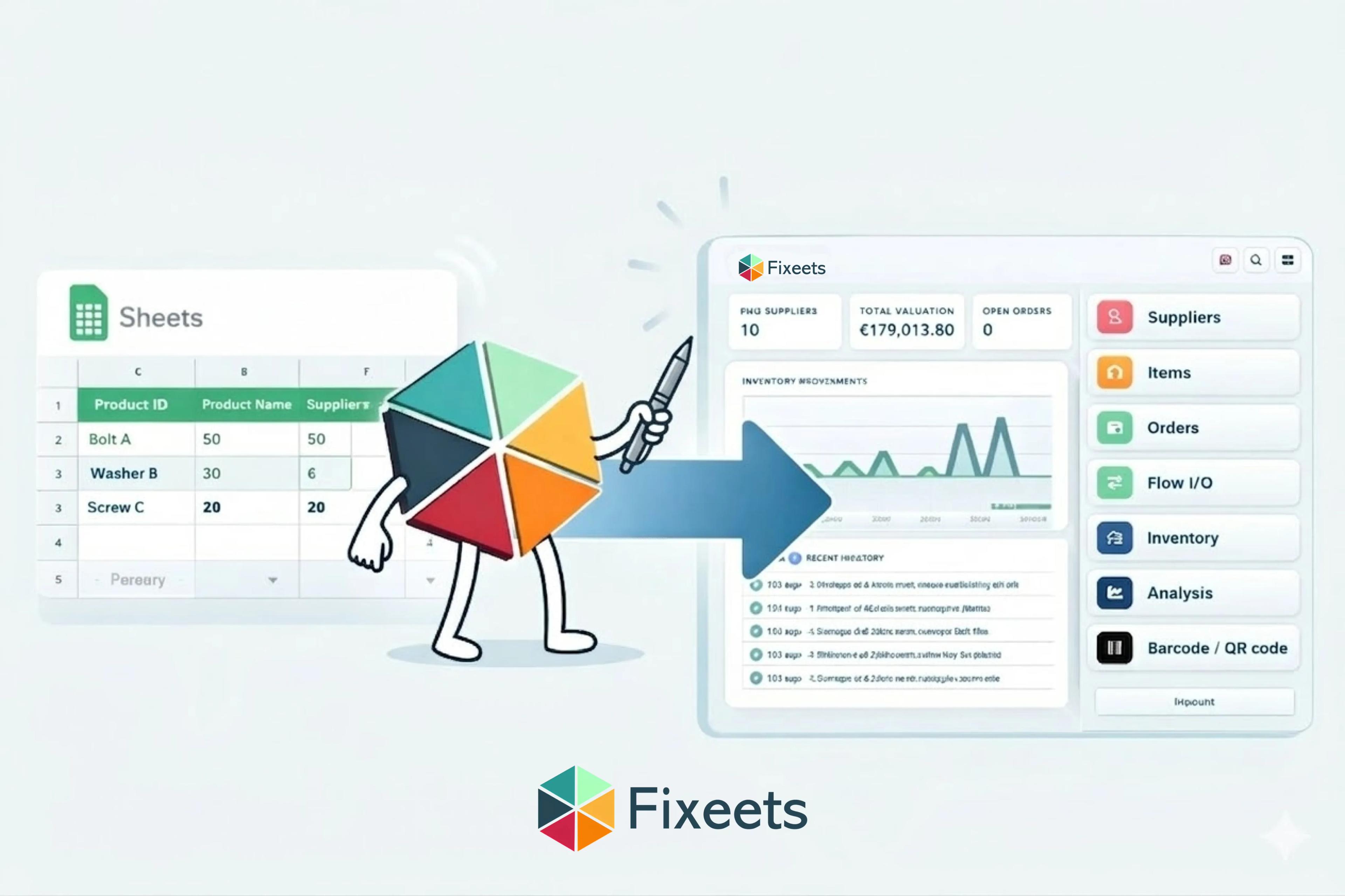
Fixeets Inventory adds these three directly inside Google Sheets, through a structured entry panel rather than free-form cell editing. Adding an item, logging a movement, or updating a supplier happens through a form that enforces the structure, while the underlying spreadsheet stays the same file the team already knows.
The Real-Time and Mobile Gap
A second, separate gap shows up in the field rather than at a desk. Editing a stock spreadsheet from a phone is slow and error-prone, so many warehouse and field teams still write stock changes on paper or in a notes app, then update the spreadsheet later. That delay is exactly where recorded stock and real stock start to diverge.
Barcode scanning tied directly to the movement log closes this gap: a scan on the warehouse floor logs the movement immediately, and the central sheet reflects it without anyone transcribing anything later. For distributed teams, this is often the single biggest source of accuracy improvement, more than any formula change.
Consider a two-shift warehouse where the morning team ships 30 orders before lunch. Under a paper-and-transcribe process, those 30 movements sit unrecorded until someone has time at a desk, often hours later. If a customer calls asking about stock in that window, the answer is a guess. With scanning tied to the movement log, the same 30 movements are already reflected the moment they happen, so the answer is a fact instead of an estimate. The operational difference is not about the volume of data. It is about how long a gap exists between something happening and the system knowing about it.
Practical Transition Steps for an SME
Moving from a plain spreadsheet to a structured system does not require starting over. A workable sequence:
- Separate items from movements first. Before adding any tool, split the existing sheet into an item list and a movement log, and stop editing stock numbers directly. This alone fixes most accuracy problems.
- Set a reorder point per item, even a rough one, rather than relying on someone noticing stock is low.
- Pick the smallest structural addition that solves the actual pain. If the problem is missed reorders, start with alerts. If the problem is field accuracy, start with barcode scanning. Not every gap needs solving at once.
- Add a structured tool once manual maintenance becomes the bottleneck, not before. A dedicated add-on like Fixeets Inventory is worth adopting once formula upkeep, alert misses, or editing conflicts are recurring weekly, not as a first step on day one.
- Keep the transition additive. The spreadsheet does not need to be replaced. Structure gets layered on top of it.
None of these steps require committing to a full platform migration before the team knows whether it is needed. A business can separate items from movements this week, set reorder points next week, and only evaluate a structured add-on once those two changes have been running long enough to reveal whether manual upkeep is still the bottleneck. Treating the transition as a sequence of small, reversible steps, rather than one large decision, is usually what makes it actually happen instead of staying a plan on a whiteboard.
Where This Fits Into Broader Growth
The moment many businesses first feel this gap is when operational friction shows up: stock counts stop matching reality, or excess inventory quietly ties up cash. The traditional next step used to be an ERP system, with the onboarding, customization, and training costs that come with it. For an SME, that cost is often disproportionate to the actual problem, which is usually just missing structure, not missing software.
Fixeets Inventory Management is built to close that specific gap: professional-grade movement tracking, reorder alerts, and multi-location visibility, added directly inside Google Sheets rather than requiring a new platform. For the artisan and small-manufacturer version of this same story, why small manufacturers choose spreadsheets over ERP covers the same transition from an industry-specific angle. And once turnover and stockout patterns become visible, inventory turnover ratio is one of the first metrics worth tracking to confirm the new structure is actually working.
For the fundamentals behind all of this, including methods and system selection, see our complete inventory management guide.
FAQ
What is the difference between a spreadsheet and a real inventory system?
A spreadsheet stores a snapshot that anyone can overwrite. A system calculates stock from a logged movement history, so every number is traceable to a specific transaction rather than someone's last edit.
Do I need new software to turn a spreadsheet into a system?
Not necessarily. Splitting an existing sheet into an item list and a movement log, and setting reorder points per item, gets most of the way there without adding any tool. A structured add-on becomes worth it once manual upkeep becomes the bottleneck.
Why does my spreadsheet stock count not match a physical count?
Almost always because stock numbers were typed in directly rather than calculated from logged movements. Without a movement log, there is nothing to trace a discrepancy back to.
How does barcode scanning help inventory accuracy?
It removes the delay between something happening on the warehouse floor and the spreadsheet reflecting it. Without scanning, that gap is usually filled with paper notes or memory, both of which introduce errors.
When should a small business add a structured inventory tool instead of maintaining its own spreadsheet?
Once formula maintenance, missed alerts, or editing conflicts start happening on a weekly basis rather than occasionally. Below that threshold, a well-structured plain spreadsheet is usually enough.
Does adding structure mean replacing Google Sheets?
No. Structure gets added on top of the existing spreadsheet, through a movement log, reorder logic, and controlled data entry. The team keeps working in the same file.
What is the first sign a spreadsheet has become a real bottleneck?
When nobody can confidently explain why a stock number is what it is. That single symptom points directly at a missing movement log, which is usually the first thing worth fixing.