For artisans, workshops, and small manufacturers, professional inventory software often promises more than it delivers. Traditional ERP systems are positioned as complete, all-in-one solutions. In practice, small teams frequently run into complexity, licensing costs, and implementation timelines that slow work down rather than speed it up.
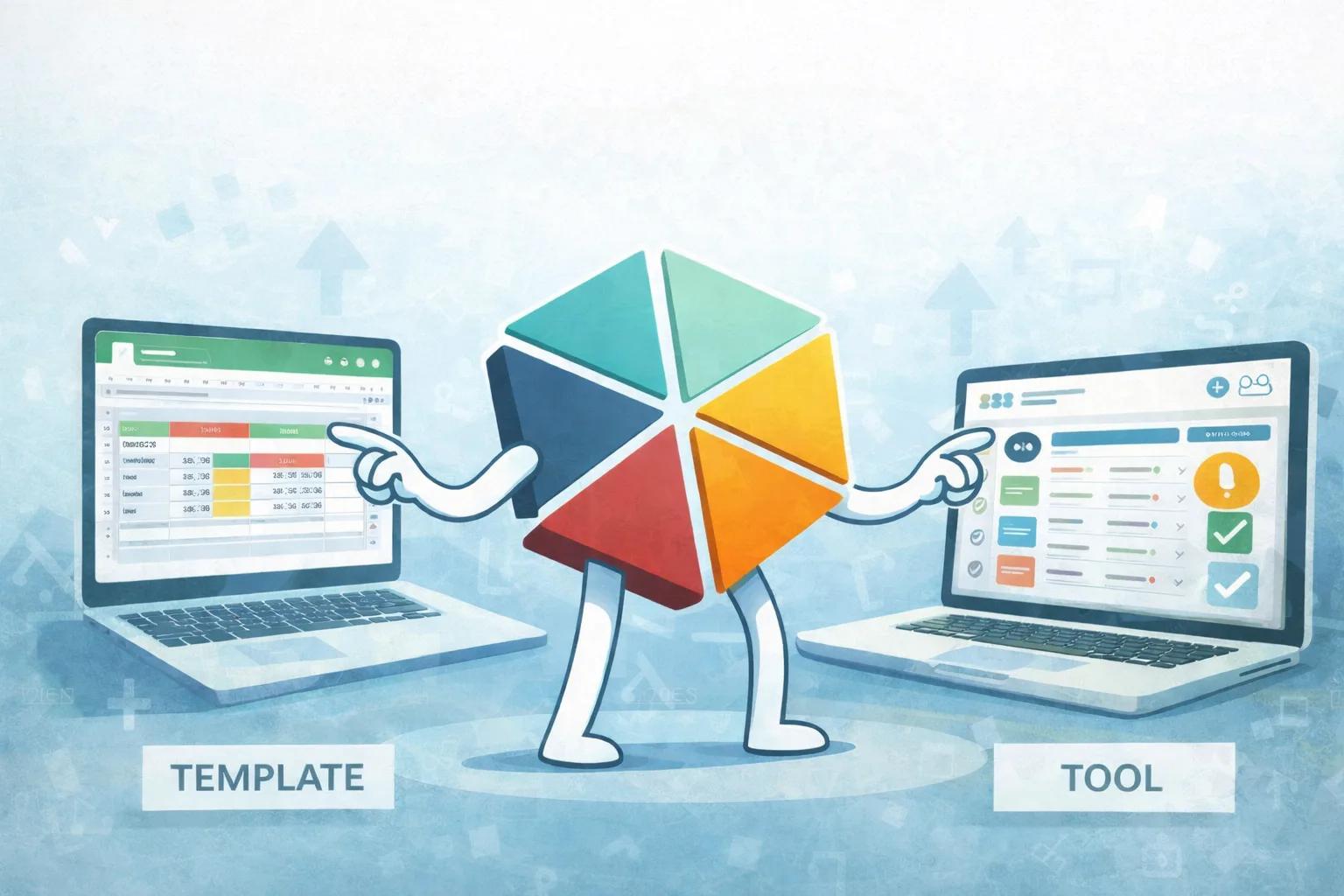
Choosing spreadsheets is not a rejection of ERP. It is a decision to match the tool to the stage of the business. This looks at the real cost of ERP for a small manufacturing team, why spreadsheets fit that stage well, and what actually has to be true for a spreadsheet to hold up as the business grows.
Why Small Manufacturers Pick Spreadsheets Over ERP
Small manufacturers and artisans choose Google Sheets over ERP for one practical reason: the operational requirements at their scale (tracking a limited number of SKUs, recording what came in and went out, getting clear reorder signals) do not justify ERP's cost or implementation time. ERP is built to standardize complex, multi-department operations across large organizations. A five-person workshop does not have that complexity to standardize.
The Hidden Costs Behind Traditional ERP Systems
ERP pricing rarely reflects the true cost of ownership. Beyond licensing, businesses account for onboarding, staff training, consultants, customization, and ongoing system maintenance.
For a small manufacturing team, this overhead directly reduces operational focus. Training time is especially underestimated: when only one or two people fully understand the system, daily tasks become dependent on them, which is its own risk. Spreadsheet-based tracking, by contrast, relies on tools the team already knows. Onboarding is minimal because there is nothing new to learn beyond the structure itself.
Growing First, Standardizing Later
Early-stage manufacturing demands flexibility. Product lines evolve, suppliers change, and processes get refined continuously.
Spreadsheets support that adaptability directly. Columns get added, calculations adjusted, and workflows modified instantly, without waiting on a vendor or filing a support ticket. Fixeets Inventory Management builds on this growth-first approach: inventory tracking gets structured directly inside Google Sheets, so a team keeps the flexibility while gaining the reliability of a real system. If the business eventually does move to a full ERP, the underlying data is already clean and structured, ready to export rather than needing to be reconstructed from scratch.
What Small Manufacturing Teams Actually Need
The operational requirements for a small manufacturing team are specific: stock visibility across a limited number of SKUs, a record of what came in and went out, clear reorder signals, and a way to trace a discrepancy back to its source.
None of these are technically complex. But both raw spreadsheets and full ERP systems consistently underserve them, just in opposite directions.
Raw spreadsheets give flexibility but no enforced structure. Two people updating the same stock row independently creates inconsistencies that compound over weeks, and there is no transaction history to trace a wrong number back to its cause.
Full ERP systems enforce structure but require weeks of configuration, training, and ongoing maintenance. For a team of five managing a single warehouse, the administration cost alone often outweighs the benefit.
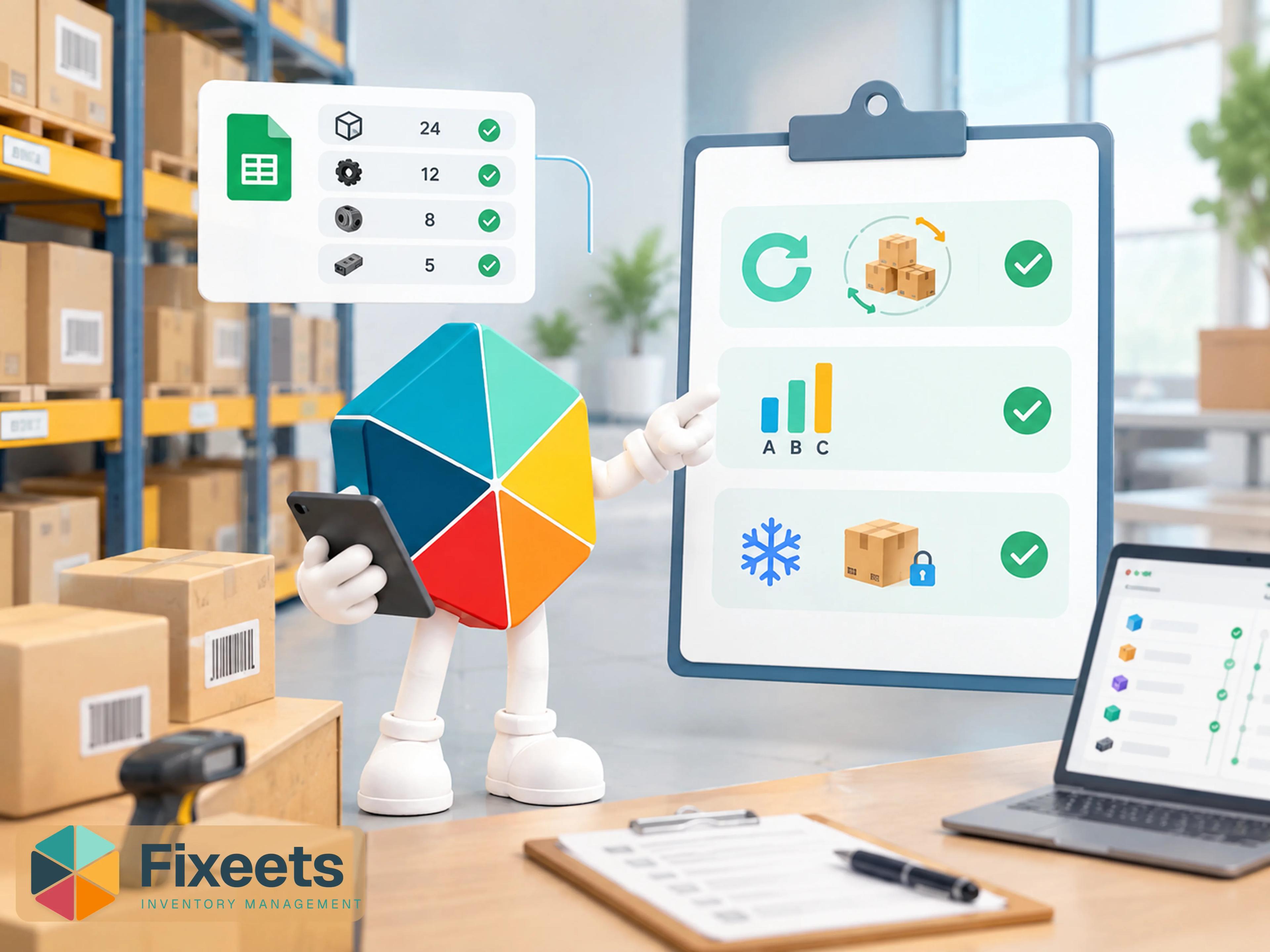
Fixeets sits between these two points. Stock movements are recorded through structured entry forms directly inside Google Sheets, keeping a complete transaction log without requiring anyone to learn a new application. Suppliers are linked to items, so reorder decisions come with the lead-time context needed to act on them. Item history builds automatically, which makes discrepancy investigation straightforward instead of guesswork.
How Google Sheets Scales With Structure
A plain spreadsheet does not scale on its own. What scales is the structure added to it. For teams managing between roughly 50 and 500 SKUs, a proper movement log, per-item reorder points, and supplier lead times cover most of what a small manufacturer needs, without the sheet becoming fragile. Structure is also what survives personnel changes, which an informal spreadsheet rarely does when only one person understands how the file is organized.
For manufacturers running more than one workshop or storage site, the same structure needs one more layer: stock tracked per location rather than as a single combined total. Managing inventory across multiple locations in Google Sheets covers how to extend the same structure without losing per-site visibility.
There is a cost dimension here too, separate from the licensing question. A small manufacturer evaluating dedicated inventory software often compares a monthly subscription against "free" spreadsheets, but that comparison misses the real trade-off. The actual comparison is between a subscription cost and the time spent maintaining formulas, chasing down discrepancies, and re-training whoever inherits the sheet next. Structure removes that maintenance burden without requiring the subscription tier built for a hundred-person operation. That middle option, a structured spreadsheet rather than a full platform, is exactly the gap most small manufacturers are actually looking to fill.
What Breaks Without It
Without that structure, the failure pattern is predictable. Stock numbers get typed by hand and drift from reality within weeks. Two people editing the same row overwrite each other silently. A physical count turns up a number nobody can explain, because there is no movement history to check against. And when the one person who understood the spreadsheet's quirks leaves, the whole system becomes a guessing game for whoever inherits it.
None of that is a reason to abandon spreadsheets for ERP. It is a reason to add the structure a plain spreadsheet was always missing, which is what Fixeets is built to do.
Where This Fits for Growing Manufacturers
For raw materials with shelf life or degradation concerns, rotating stock correctly matters as much as tracking quantity. FIFO vs LIFO for small businesses covers which rotation method fits which situation. And for a shop carrying a wide mix of parts and materials, not every SKU deserves the same counting effort: ABC analysis for inventory covers how to focus attention on the parts that actually drive value.
For artisans and small manufacturers looking for practical inventory management without the weight of a traditional ERP, a structured spreadsheet approach provides control today and flexibility for whatever comes next. Our guide on the evolution from spreadsheets to systems for small businesses covers that broader transition in more general terms.
To explore how Fixeets supports manufacturing inventory management inside Google Sheets, visit Fixeets Inventory Management. For the complete reference on methods, costing, and system selection, see our complete inventory management guide.
FAQ
Why do small manufacturers use Google Sheets instead of ERP for inventory?
Because their operational needs, tracking a limited SKU count, recording movements, and getting clear reorder signals, do not require ERP's standardization across departments. ERP costs (licensing, training, customization) often outweigh the benefit at that scale.
What does ERP actually cost beyond the subscription price?
Onboarding, staff training, consultants, customization, and ongoing maintenance. Training time is frequently underestimated, and when only one or two people fully understand the system, daily operations become dependent on them.
How many SKUs can a Google Sheets inventory system realistically handle?
With proper structure, roughly 50 to 500 SKUs is a comfortable range for a small manufacturing team. Beyond that, or with heavy multi-location complexity, dedicated software starts to make more sense.
Can a spreadsheet inventory system handle raw materials and finished goods separately?
Yes, with a proper item catalog that distinguishes categories, and a movement log that tracks each separately. Fixeets currently supports tracking individual equipment and raw material stock; full bill-of-materials and finished-goods assembly tracking is still in development.
What is the biggest risk of running inventory on an unstructured spreadsheet?
Losing the one person who understands how the file works. Without a movement log and consistent structure, institutional knowledge lives in a person's head rather than in the system, and it leaves when they do.
Does moving to Google Sheets with structure mean giving up on ERP eventually?
No. A structured Google Sheets setup keeps data clean and organized, which makes a later ERP migration easier, not harder, if the business eventually reaches that scale.
Can multiple workshop locations be tracked in the same structure?
Yes, but it needs an explicit per-location layer rather than one shared total. See how to manage inventory across multiple locations in Google Sheets for the setup.