Inventory management usually starts with a spreadsheet, and for a while that is the right call. A Google Sheets inventory management template is flexible, quick to set up, and already familiar to everyone on the team. It tracks stock, updates quantities, and organizes items without adding a new tool for anyone to learn.
Then the operation grows. More products get added, more people update stock, and movements pile up until nobody is certain the numbers on screen match the shelf. That is usually when teams start looking at inventory management software for small businesses, and the question gets concrete: keep the template, or move to a tool?
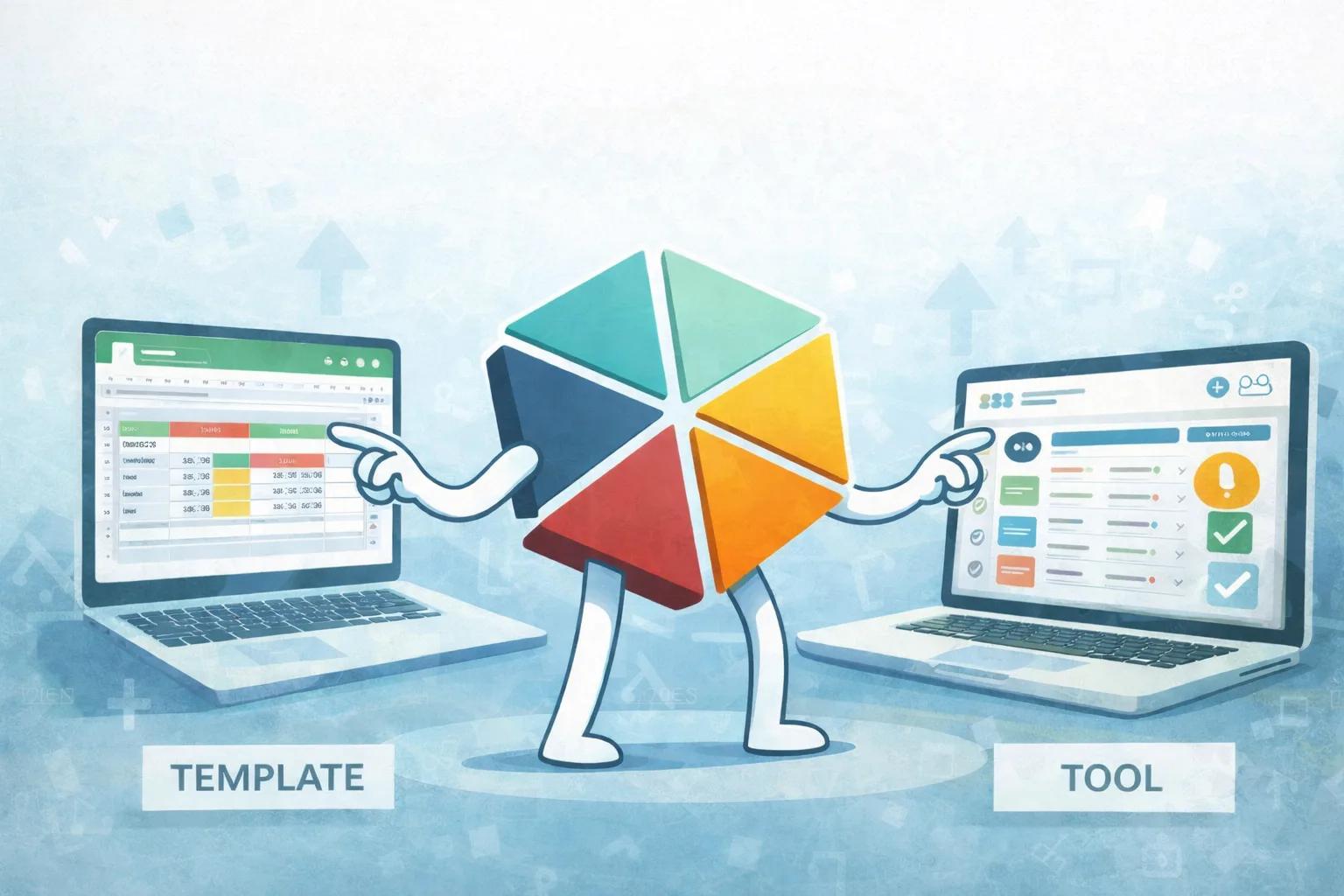
Quick Answer: Template vs Tool
- Use a Google Sheets inventory template when operations are simple and managed by one person
- Use an inventory management tool when workflows become collaborative, structured, and frequent
The right choice depends on your stage of growth.
What is a Google Sheets Inventory Template?
A Google Sheets inventory template is a spreadsheet designed to track:
- stock quantities
- product details
- supplier information
- basic inventory movements
It is widely used because it is free, flexible, and easy to customize.
For early-stage businesses, it is often the most efficient way to start managing inventory.
What is an Inventory Management Tool?
An inventory management tool is a structured system designed to manage:
- real-time stock updates
- inbound and outbound movements
- multi-user collaboration
- automation (alerts, workflows)
- reporting and visibility
Unlike templates, tools introduce consistency and structure across operations.
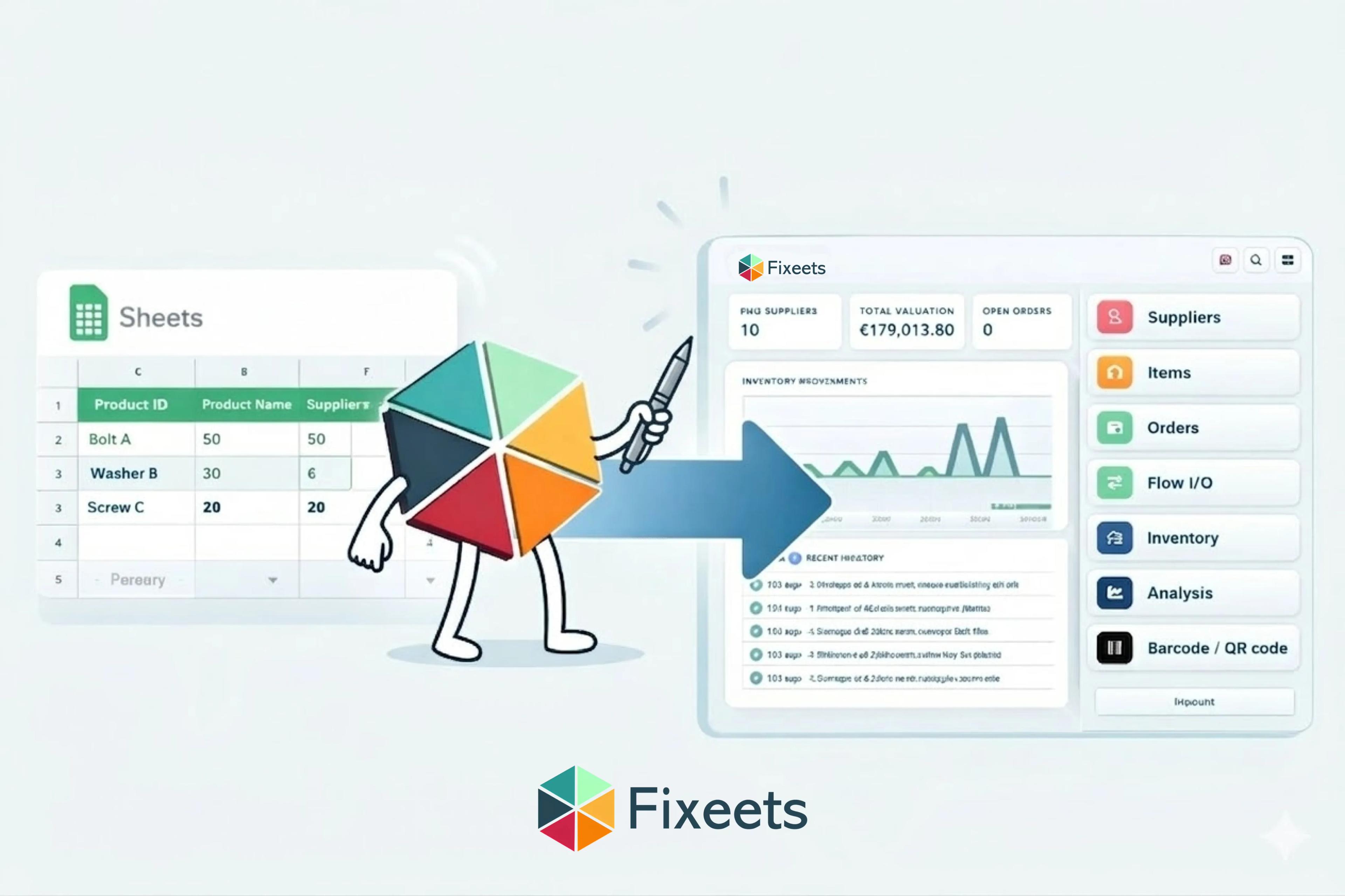
Some tools are standalone software, while others, like Fixeets, are built directly on Google Sheets to combine flexibility with structure.
Google Sheets Inventory Template vs Inventory Tool
Here is a quick comparison to help you decide.
| Criteria | Google Sheets Template | Inventory Tool (Fixeets, Zoho, etc.) |
|---|---|---|
| Setup | Very quick | Quick with structured setup |
| Flexibility | High | Structured flexibility |
| Collaboration | Basic | Multi-user with control |
| Accuracy | Depends on manual updates | Consistent and trackable |
| Automation | Limited | Built-in workflows |
| Visibility | Manual tracking | Real-time insights |
| Scalability | Works at early stage | Supports growth |
The Best Inventory Management Tools for Small Businesses Compared
If you have decided a tool is the right next step, these are the options small teams most often evaluate. Each fits a different kind of operation, so the honest answer is not one winner but the right match.
Fixeets
Fixeets Inventory Management runs entirely inside Google Sheets. Every stock movement is logged as a transaction, levels update automatically, and it supports multi-location tracking, barcode scanning, and automatic low-stock alerts for up to 500 SKUs.
- Strengths: no new platform to learn, no data migration, fastest adoption for teams already on Google Workspace
- Limits: built for SMEs rather than high-volume warehouse automation; Shopify and Etsy integrations are still on the roadmap
- Best for: teams already working in Google Sheets that need structure without changing where they work
Sortly
Sortly is a visual-first inventory app built around photos, folders, and QR labels, with strong mobile apps.
- Strengths: very quick to start, intuitive for photographing and organizing physical items
- Limits: data lives in a separate app, and deeper reporting and integrations sit in higher pricing tiers
- Best for: small teams that want photo-based asset and stock tracking from a phone
Zoho Inventory
Zoho Inventory combines stock control with order management and connects to sales channels, shipping carriers, and the wider Zoho suite.
- Strengths: strong order workflows and multi-channel selling support
- Limits: setup takes more configuration, and it delivers the most value when you adopt more of the Zoho ecosystem
- Best for: SMEs selling through multiple online channels that need order management alongside stock
Odoo
Odoo is a modular open-source ERP where inventory is one app among dozens, from accounting to manufacturing.
- Strengths: can grow into a full ERP, with deep warehouse features available when needed
- Limits: implementation takes real time and often a partner; small teams rarely need most of what it offers on day one
- Best for: companies deliberately committing to a full ERP path
Dolibarr
Dolibarr is an open-source ERP and CRM with a stock module, available self-hosted for free or as a paid cloud service.
- Strengths: no license cost when self-hosted, active community
- Limits: stock features are simpler than dedicated tools, and self-hosting requires technical comfort
- Best for: technically capable teams on a minimal budget
GearChain
GearChain is a mobile barcode and QR scanning app that syncs inventory data to spreadsheets.
- Strengths: scan-first workflows for counts and movements
- Limits: scope is centered on scanning rather than full inventory operations
- Best for: teams whose main problem is fast, accurate physical counts
Side-by-side comparison
| Tool | Best for | Works inside Google Sheets | Typical effort to adopt |
|---|---|---|---|
| Fixeets | Structure without leaving Sheets | Yes, natively | Low |
| Sortly | Photo-based mobile tracking | No | Low |
| Zoho Inventory | Multi-channel order management | No | Medium |
| Odoo | Full ERP path | No | High |
| Dolibarr | Open-source on a budget | No | Medium to high |
| GearChain | Barcode-first stock counts | Syncs to Sheets | Low |
None of these are wrong choices. The mismatch happens when a small team adopts a system built for a different scale of operation, then spends more time maintaining the tool than managing stock.
When a Google Sheets Inventory Template Works Best
A template is often the right choice when:
- one person manages inventory
- product volume is low
- workflows are still evolving
- the business is validating its operations
At this stage simplicity is the advantage, not the limitation. A well-structured Google Sheets inventory management system handles daily operations perfectly well, and adding software on top of it would mostly add overhead.
When to Move from Template to Inventory Tool
As operations grow, inventory management becomes more collaborative and structured.
You will typically notice this shift when:
- multiple users update stock regularly
- inventory movements increase
- barcode workflows become useful
- supplier coordination becomes important
- low stock tracking becomes essential
- visibility across teams becomes a priority
At this stage, moving to an inventory management tool helps standardize workflows and improve consistency.
The Key Transition: From Tracking to System
The real transition is not from spreadsheet to software. It is from tracking inventory to managing it as a system. Templates are excellent at tracking, in the sense that they faithfully hold whatever numbers you type into them. Tools are built for managing, which means the numbers move when the stock moves and the history survives the person who recorded it. Knowing which of those two problems you actually have is what tells you whether it is time to switch.
A Practical Approach for Growing Businesses
Most businesses do not need to replace spreadsheets on any particular timeline. A more practical sequence is:
- Start with a Google Sheets inventory template
- Add structure as workflows become clearer
- Introduce a tool when collaboration and automation increase
Each step earns the next one, so the team grows into the structure rather than absorbing a migration all at once.
Bridging the Gap with Google Sheets-Based Tools
For many SMEs the choice is not between a template and an ERP at all. It is a question of adding structure to something the team already uses every day.
Solutions like Fixeets allow businesses to:
- continue using Google Sheets
- add structured inventory workflows
- automate stock tracking and alerts
- improve collaboration and visibility
This creates a lightweight ERP approach to inventory management, without the complexity of traditional systems.
To explore how this works in practice, visit the Fixeets inventory management page.
Which Option is Right for You?
Here is a simple way to decide:
- Early-stage: Google Sheets inventory template
- Growing operations: Structured inventory tool
- Complex operations: Full ERP system
Each stage builds on the previous one.
Final Thoughts
Choosing between a template and an inventory tool is less about replacing one with the other than about timing. A template is the best place to start, and a tool is the best way to scale. The most effective inventory systems are rarely the most complex ones. They are the ones that still fit the business two years after they were set up.
If you are ready to move beyond a template, our guide on how to set up inventory management in Google Sheets walks through the structure you need to build a reliable system from the start.
For a deeper look at the specific signs that a template has become a bottleneck, when inventory templates stop working maps the exact patterns and what teams typically do next.
And if you want the foundations before choosing any tool - what inventory management involves, the core methods, and how to evaluate a system - our complete inventory management guide covers it all in one place.
Key Takeaways
- A Google Sheets inventory template is the right starting point for early-stage, single-user operations with simple workflows
- The real transition is not from spreadsheet to software. It is from tracking inventory to managing inventory as a system
- When multiple users update stock, movements increase, or automation becomes necessary, a dedicated inventory tool adds needed structure
- Solutions like Fixeets bridge the gap by combining spreadsheet familiarity with tool-level workflows and automation
- The best inventory approach evolves with your business: template first, tool when collaboration demands it, full ERP only when complexity truly requires it
Frequently Asked Questions
What is the difference between a Google Sheets inventory template and inventory software? A template is a spreadsheet you maintain manually: you type in stock levels and update them yourself. Inventory software logs every movement automatically and adds structure like multi-user access, alerts, and reporting on top of that record.
When should a small business move from a template to inventory software? When multiple people update stock regularly, movements increase, or the team needs barcode scanning, supplier coordination, or visibility across more than one person's work. Growth alone is not the signal. Recurring coordination problems are.
Is Fixeets free to start? Yes. The Standard plan is free with no time limit, not a trial. Enterprise is a paid upgrade for teams that need it.
How many SKUs can Fixeets Inventory handle? Fixeets supports multi-location tracking, barcode scanning, and automatic low-stock alerts for up to 500 SKUs.
Does Fixeets integrate with Shopify or Etsy? Not yet. Shopify and Etsy integrations are on the roadmap. Today, Fixeets and those platforms run side by side rather than syncing automatically.
Do I need to migrate my data to switch from a spreadsheet to a tool? Not with Fixeets. It runs inside the Google Sheets your team already uses, so there is no new platform to learn and no data migration required.
How is Fixeets different from Zoho Inventory or Odoo? Zoho Inventory and Odoo are standalone platforms outside Google Sheets, better suited to multi-channel selling or a full ERP path. Fixeets adds structure directly inside Sheets for teams that want to keep working where they already are.
Is a spreadsheet template ever the wrong starting point? No. For a single person managing a simple, low-volume catalog, a template is genuinely the right tool. The point at which it becomes the wrong choice is when collaboration and volume outgrow what manual updates can keep accurate.