What do you do when your inventory template cannot keep up anymore?
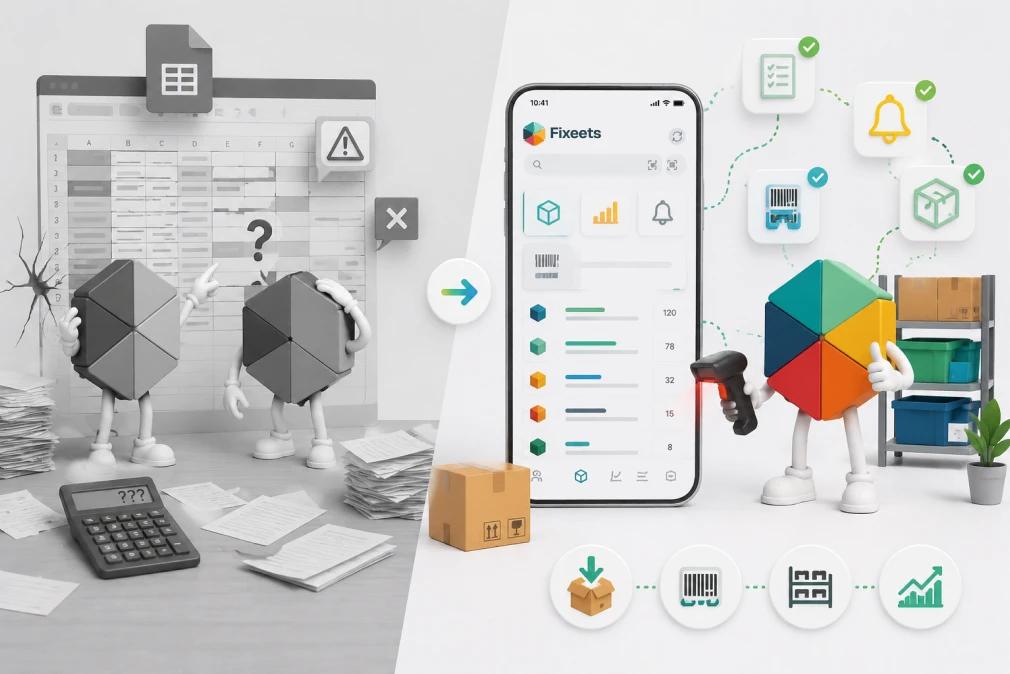
Most teams do not notice the moment it happens. The spreadsheet still opens. The columns are still there. But somewhere between the third location and the fifth person editing the same file, the template stopped being a system and became a coordination problem.
A well-built Excel or Google Sheets template gives a team something real: a consistent place to log stock, a format everyone follows, and basic visibility into what is on hand. For a team tracking inventory seriously for the first time, that is genuine progress.
The problem is not the template. The problem is what happens when the operation grows past what it was built to handle.
What templates are actually good at
Before explaining where templates break down, it is worth being honest about what they do well.
A good inventory template handles the basics cleanly:
- A product list with SKUs, descriptions, and unit costs
- Current stock levels per item
- Simple inbound and outbound logging
- A reorder point column with manual thresholds
For a team managing 20 to 50 SKUs across one location, with one person responsible for stock updates, a template can run reliably for months or even years. The issue is not that templates are broken. The issue is that operations rarely stay that simple.
The five signs a template has become the bottleneck
1. Updates are always slightly out of date
When stock logging depends on one person entering data at the end of the day or week, the spreadsheet is always a step behind reality. The team starts asking "is this number current?" instead of trusting what they see.
2. Multiple people are editing the same file
Templates are not built for simultaneous editing. When two people update stock at the same time, entries overwrite each other or create version conflicts. The workaround - sending files back and forth - creates its own problems.
3. You have more than one location or storage area
A single-sheet template works for one location. When stock lives in a warehouse, a shop floor, a van, and a supplier's premises, keeping a clear picture in a flat spreadsheet becomes a daily effort rather than a passive system.
4. You cannot answer basic questions quickly
"How much of this item did we move last month?" "Which products are consistently running low?" "What did we reorder in Q3?" If answering these questions means manually scanning rows or building pivot tables every time, the system is creating work, not saving it.
5. The template has grown into something nobody fully understands
This is more common than most teams admit. The original template gets extended over time - new columns added, sheets multiplied, formulas layered on formulas. The person who built it understands it. Nobody else does. When that person is unavailable, operations slow down.
What changes when you move past a template
The shift from an inventory template to structured inventory management is not about switching from spreadsheets to software. It is about adding operational structure that the template cannot provide on its own.
The specific things that change:
Stock movements become a log, not an edit. Instead of overwriting a number, every inbound and outbound movement is recorded as a transaction with a date, quantity, and reference. The current stock level is the result of those transactions, not a number someone typed.
Multiple people can contribute without conflict. Structured inventory tools are built for team use. Stock updates from a warehouse, a sales team, and a manager happen in parallel without creating data problems.
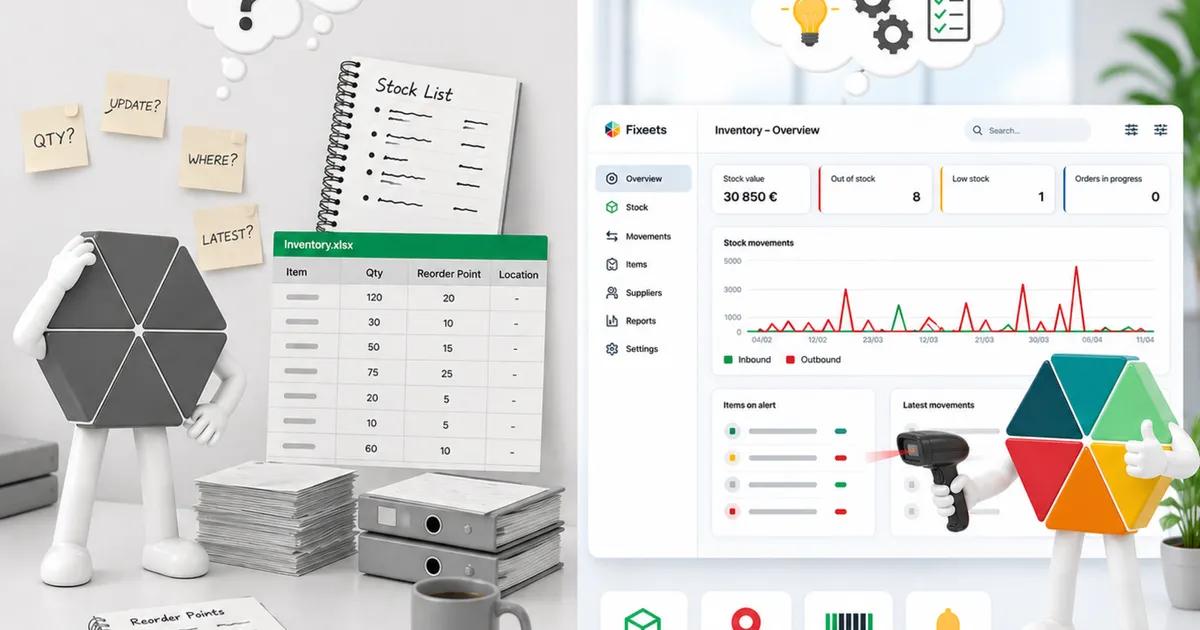
Visibility becomes automatic. Low-stock alerts, movement history, and stock summaries are generated from the data rather than built manually each time someone needs to check.
The system does not depend on one person. Because the structure is enforced by the tool, not maintained by an individual, it works the same way regardless of who is logged in.
Where Google Sheets still fits
Moving beyond a template does not mean leaving Google Sheets.
The issue with most inventory templates is not the platform. It is the structure. A flat spreadsheet where stock levels are typed directly, where there is no movement log, and where formulas are the only thing keeping data consistent is inherently fragile.
Fixeets Inventory is built to close that gap. It runs entirely inside Google Sheets and Google Workspace - the environment most teams already use - but delivers the kind of operational control that traditionally required a dedicated ERP or inventory platform.
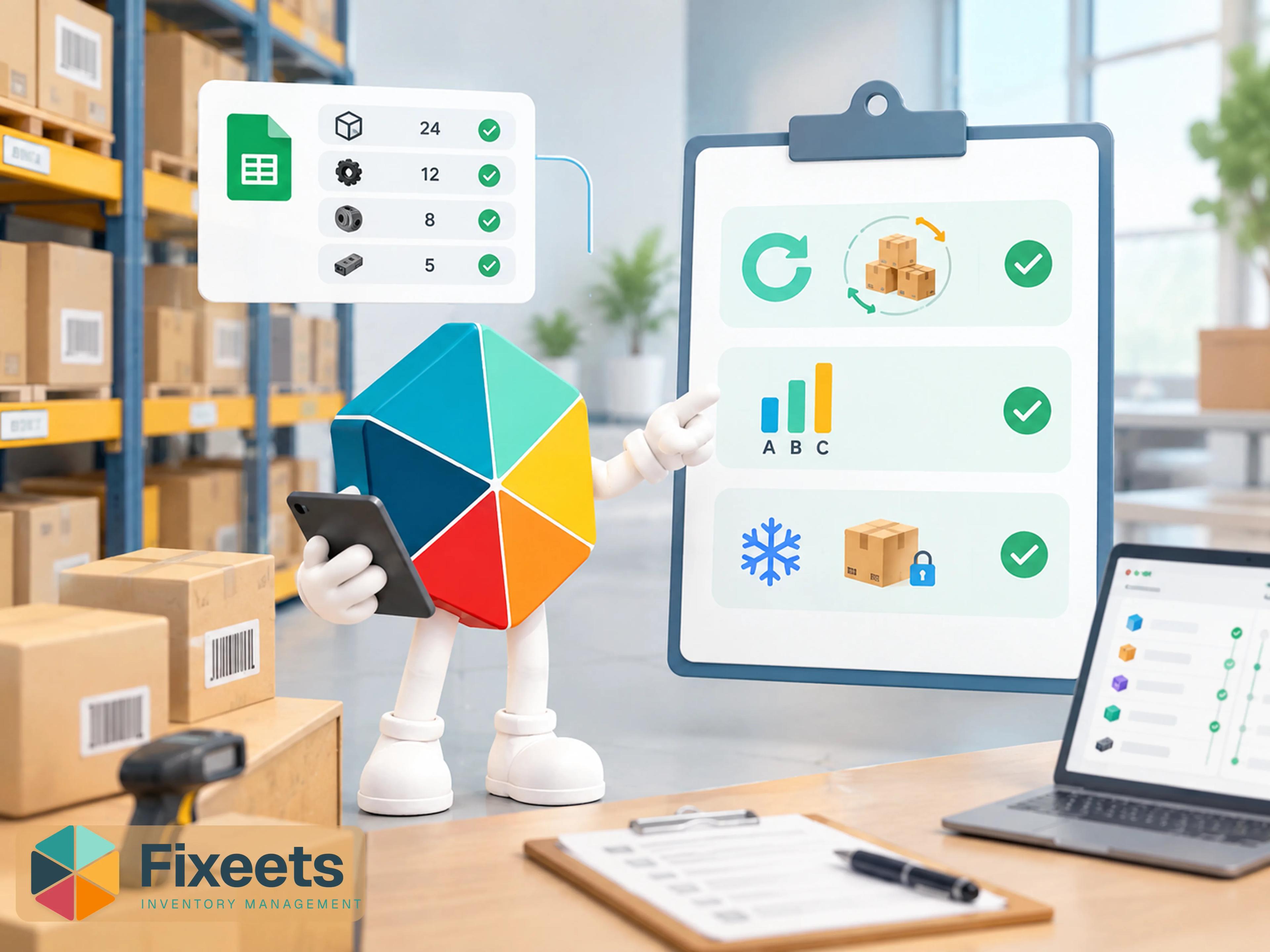
Every stock movement is logged as a transaction. Current levels update automatically. Stock is tracked across multiple locations and up to 500 SKUs. Barcode scanning is supported for faster inbound and outbound logging. Low-stock alerts run automatically. Reports pull from real movement history, not numbers someone maintained manually.
The transition is straightforward. There is no new platform to learn, no complex onboarding, and no migration project. Teams that already work in Google Sheets are set up and running within a day.
If you have not yet structured your inventory in Google Sheets, setting up inventory management in Google Sheets from scratch covers the configuration before you need to scale.
Shopify and Etsy integrations are in development for teams selling across e-commerce channels.
Learn more at Fixeets Inventory Management.
If your team is deciding between a spreadsheet template and a structured inventory tool, our comparison of inventory templates versus dedicated inventory management tools sets out the decision clearly.
When a dedicated platform makes more sense
Fixeets covers the operational needs of most growing teams. But there are situations where a purpose-built inventory platform is the better fit:
- Your SKU count is well above 500 and growing rapidly across many warehouses with complex fulfilment routing
- You need deep, real-time integrations with accounting software or ERP systems that go beyond standard connectors
- Your operation requires warehouse management features like batch picking, zone management, or automated replenishment at scale
For most teams below that threshold, Fixeets provides the operational depth they need without the cost, complexity, or onboarding time of a dedicated platform.
A practical way to assess where you are
Look at the last 30 days and answer three questions honestly:
"Is this number up to date?" - How often did someone ask that, and how often was the honest answer uncertain? If it came up more than once, the template is already behind.
"How long would this take?" - Pick one product. How long would it take to produce a full movement history for the last 90 days? If the answer is more than a few minutes, the system is creating work rather than eliminating it.
"What happens when that person is away?" - If the person who manages the spreadsheet was unavailable for a week, would stock operations continue without disruption?
If any of those answers creates discomfort, the template has already become the constraint. The question is not whether to change the system. It is how much structure to add and how quickly.
For a broader picture of how small businesses approach structured inventory, a step-by-step Google Sheets inventory setup guide covers the full structure to build from scratch. And if part of the problem is deciding which items deserve the most attention, ABC analysis is the standard method for prioritizing stock by value before you restructure anything.
Key Takeaways
- Inventory templates are a strong starting point and the right choice for early-stage operations
- They become bottlenecks when teams grow, locations multiply, or more than one person needs to update stock
- The shift from template to structured inventory management is about adding a transaction log, multi-user access, and automatic visibility - not switching platforms
- Fixeets delivers ERP-level inventory control inside Google Sheets - multi-location, barcode scanning, automatic alerts, up to 500 SKUs - with no migration and no training overhead
- A dedicated inventory platform makes sense only when SKU volume, fulfilment complexity, or deep ERP integration requirements exceed what structured Google Sheets can handle
Frequently Asked Questions
Are inventory templates in Excel and Google Sheets suitable for small businesses? Yes, for early-stage operations with limited SKUs and a single person managing stock. They become limiting when the team, product range, or number of locations grows.
What is the difference between an inventory template and inventory management software? A template is a static structure where stock levels are updated manually. Inventory management software records every movement as a transaction, updates levels automatically, and generates reports without manual work.
Can I manage inventory in Google Sheets without buying new software? Yes. The issue is usually not the platform but the structure. Adding a transaction-based workflow to Google Sheets - rather than manually editing stock numbers - solves most of the problems that cause teams to outgrow basic templates.
What is the first sign that an inventory template is no longer working? Usually it is when stock data is consistently out of date, or when answering a basic question about stock history requires significant manual effort.
Is Excel or Google Sheets better for inventory management? Both work at the template level. Google Sheets has an advantage for team use because it is cloud-native and supports real-time collaboration without version conflicts. For structured inventory management, the workflow built on top of the platform matters more than the platform itself.
How many SKUs can Fixeets handle? Fixeets Inventory supports up to 500 SKUs across multiple locations. It includes barcode scanning, automatic low-stock alerts, and movement history - all inside Google Sheets.
Does Fixeets integrate with Shopify or Etsy? Shopify and Etsy integrations are in development. They are not available yet but are part of the product roadmap for e-commerce teams.
What should an inventory template include at minimum? A product list with identifiers, current stock levels, an inbound log, an outbound log, and reorder thresholds. Anything beyond that starts to become a lightweight inventory system rather than a template.