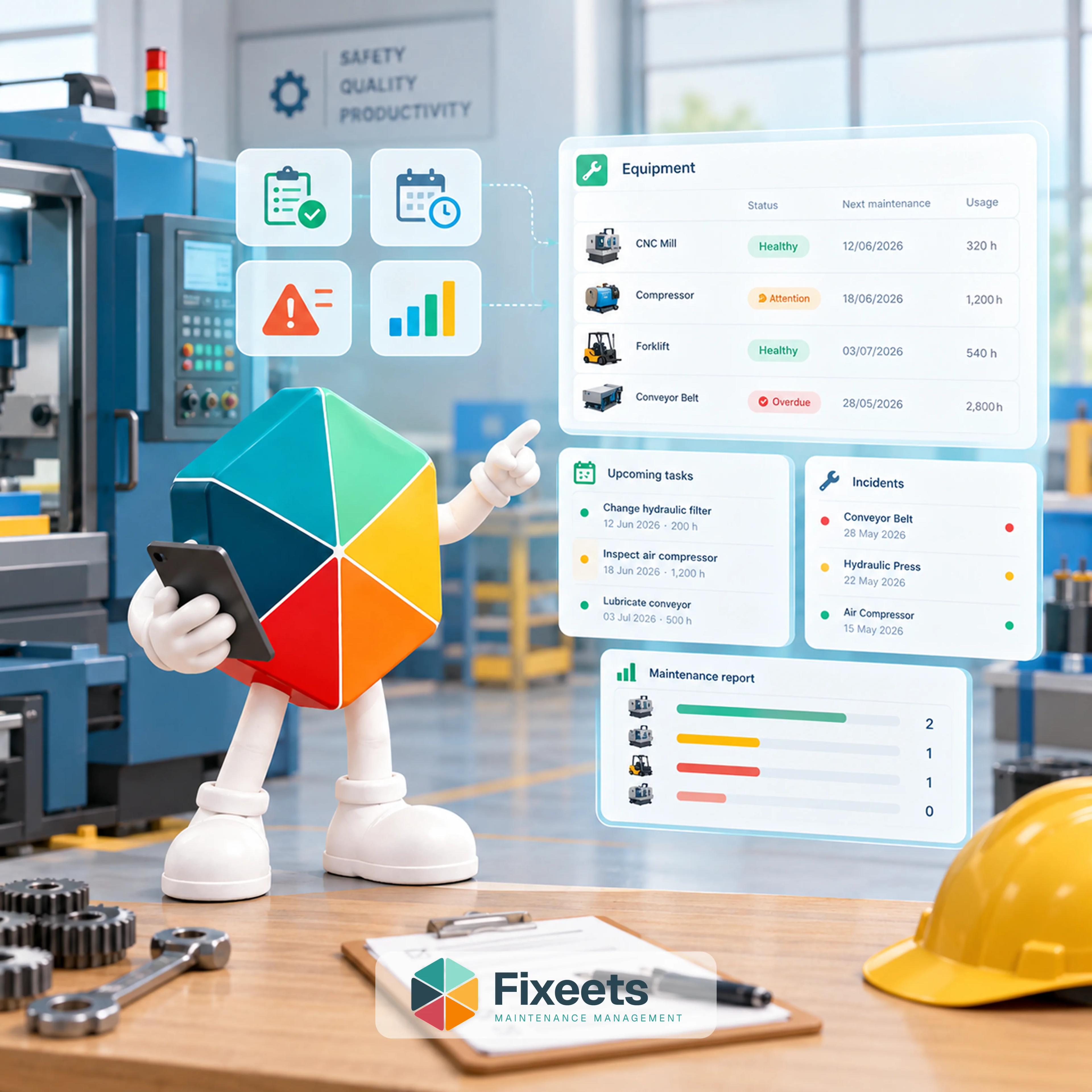
Most small operations manage maintenance the same way. One person keeps track in their head. Someone else logs some things in a spreadsheet. The rest gets handled through messages, sticky notes, or memory.
It works until it does not. A machine breaks down unexpectedly. A part was supposed to be replaced three months ago but nobody scheduled it. This is what a preventive maintenance checklist is supposed to prevent, and this covers how to build one that actually gets followed rather than abandoned after a few weeks.
What a Preventive Maintenance Checklist Actually Needs
A preventive maintenance checklist that holds up needs four things for every task: which asset it applies to, what specifically gets checked or serviced, how often it repeats, and who is responsible for doing it. A checklist missing any one of these tends to fail in a predictable way: no asset link means tasks get duplicated or missed, no frequency means it only happens when someone remembers, and no named owner means everyone assumes someone else is handling it.
Structuring a Checklist by Asset Type
A single generic checklist rarely works across different kinds of equipment, because the failure modes are different. Grouping tasks by asset type keeps the checklist relevant instead of generic:
- Rotating or moving equipment (motors, pumps, conveyors): lubrication, vibration or noise checks, belt or chain tension, temperature.
- Fixed production equipment: calibration, wear-part inspection, safety guard checks, output quality spot-checks.
- Vehicles and mobile equipment: fluid levels, tire condition, brake checks, mileage-based servicing.
- Facility systems (HVAC, electrical panels, plumbing): filter replacement, panel inspection, leak checks.
Within each group, list the specific components that actually fail, not generic phrases like "inspect equipment." A checklist item that says "check belt tension on conveyor motor" gets done. One that says "inspect conveyor" gets skipped or done inconsistently, because it is not clear what "inspect" actually means in practice.
Frequency Logic: How Often Is Often Enough
Preventive tasks are triggered one of two ways, and mixing them up is a common source of checklist failure:
Time-based frequency repeats on a calendar interval: every 30 days, every quarter, every year. This is the simpler default and the right starting point for most small teams.
Usage-based frequency repeats based on how much the asset has actually been used: every 500 operating hours, every set number of production cycles, or a similar usage measure. This is more accurate for equipment whose wear depends on how hard it runs rather than how much time has passed, but it requires actually tracking usage, which is more overhead than most small teams take on until a specific asset clearly needs it.
A practical starting rule: use time-based scheduling by default, and only switch a specific asset to usage-based tracking if time-based scheduling has produced either a missed failure or an unnecessary service call on that asset. Fixeets supports scheduling maintenance tasks by date or by a custom quantity trigger, so a team can start simple and add usage-based tracking for individual assets only where it earns its keep.
Who Owns Each Task
Every checklist item needs exactly one named owner, not a team or a department. "Maintenance team" as an owner means the task belongs to whoever happens to be free, which in practice often means nobody. A named technician, reviewed and reassigned as needed, is what keeps a checklist from silently degrading into a wish list.
Ownership should be visible to the whole team, not just the assigned person. When everyone can see who owns what and what is overdue, gaps get noticed and covered before they turn into a breakdown. This is the same reason a shared, structured system beats a private notebook: visibility is what makes accountability real.
Connecting the Checklist to a Schedule and a Log
A checklist by itself is a static document. It becomes operational once three things connect:
- The checklist defines what and how often. This is the template: asset, task, frequency, owner.
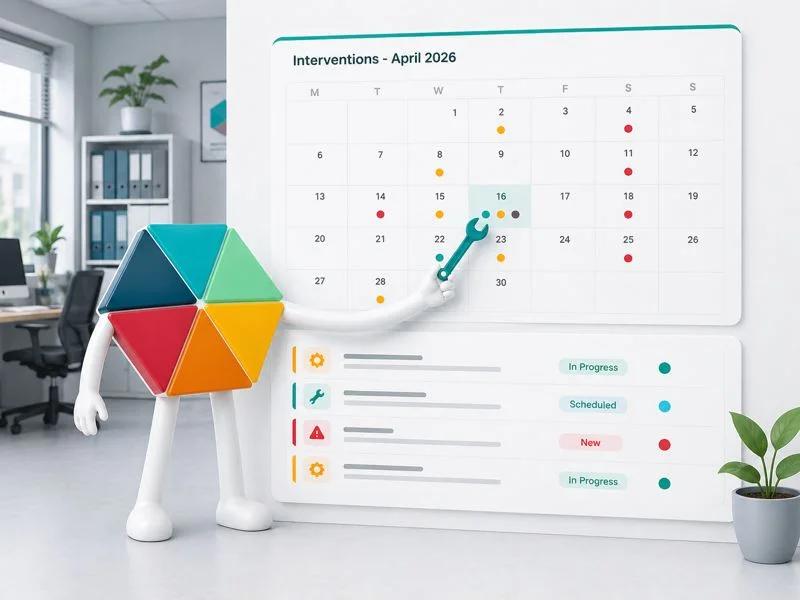
- The schedule turns that into dated, assigned occurrences. Each recurring task generates an actual due date and shows up as something concrete to complete, not just a standing rule.
- The log captures what happened. Every completed task gets recorded with a date, who did it, and what was found. Over time, this builds the asset history that makes root-cause investigation possible when something does eventually fail.
Without the log, a checklist just repeats forever with no record of whether it is actually working. Without the schedule, the checklist is just a reference document nobody consults. All three pieces need to exist together for preventive maintenance to function as a system rather than good intentions.
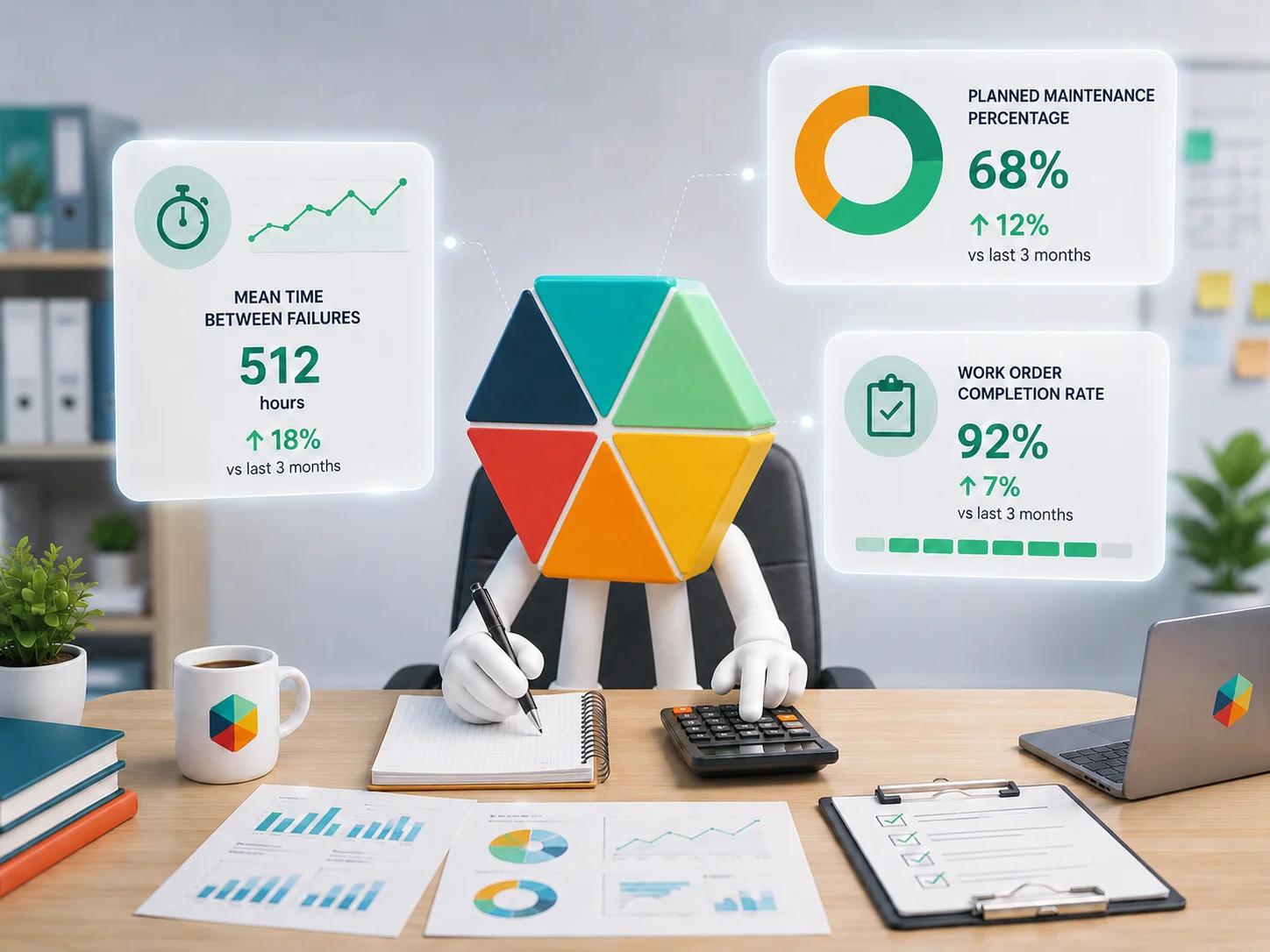
For a full walkthrough of building the schedule layer specifically, how to build a preventive maintenance schedule in Google Sheets covers the structure step by step. And once the log has a few months of history, maintenance KPIs worth tracking covers how to turn that history into an actual read on whether preventive work is paying off.
Where Google Sheets Fits
Many small teams keep their checklist in a spreadsheet already. The gap is rarely the checklist content itself, it is the connection between checklist, schedule, and log staying manual. Nothing reminds anyone a task is due, and nothing forces the completion log to actually get filled in.
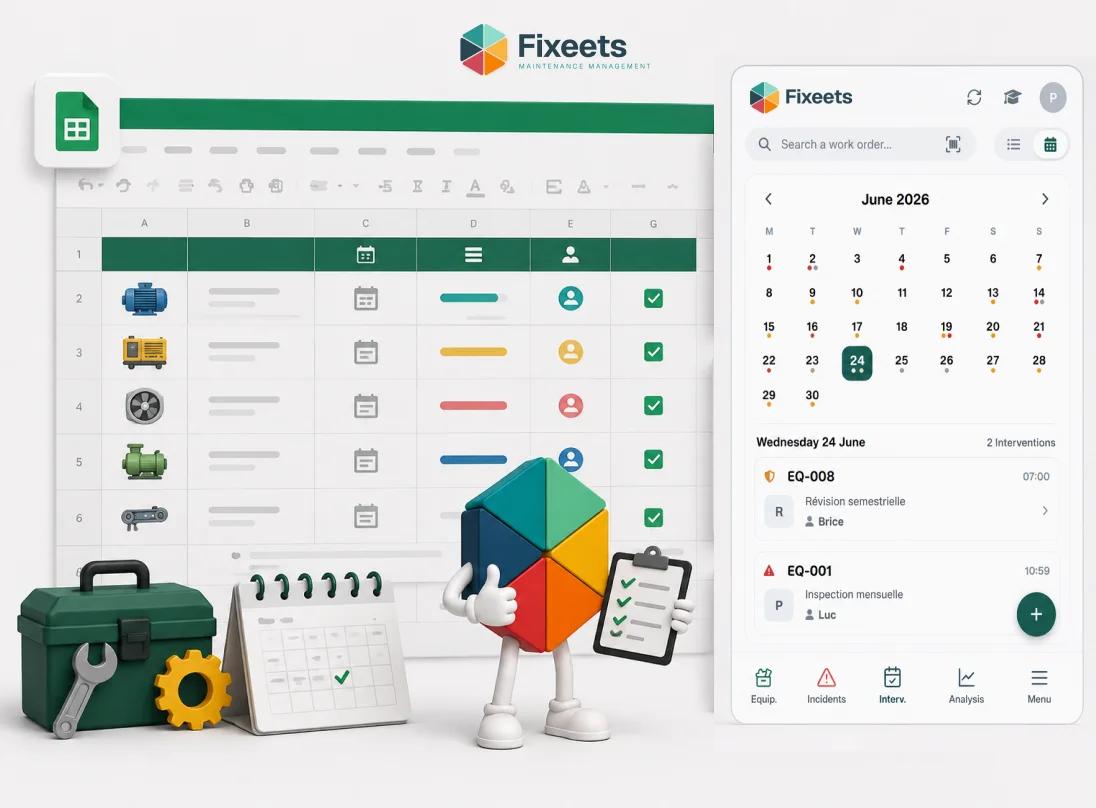
Fixeets Maintenance runs this connection directly inside Google Sheets: a checklist becomes a real schedule with due dates and reminders, and every completed task logs itself into asset history automatically rather than depending on someone remembering to write it down. The team keeps working in the same spreadsheet. What changes is that the checklist actually gets followed, because it is visible and traceable rather than sitting in a tab nobody opens.
Learn more about Fixeets Maintenance Management. For teams still deciding whether a structured system is worth adopting at all, what a CMMS is and whether small teams actually need one covers that decision honestly. And for teams whose real problem is unplanned downtime rather than the checklist itself, how to reduce unplanned downtime in small operations covers the practical causes directly.
FAQ
What should a preventive maintenance checklist include for each task?
The asset it applies to, the specific component or action to check, how often it repeats, and a named person responsible. Missing any of these is usually why a checklist stops being followed.
Should a preventive maintenance checklist be the same for every type of equipment?
No. Rotating equipment, fixed production machinery, vehicles, and facility systems fail in different ways, so grouping checklist items by asset type keeps each one specific and actually useful rather than generic.
Time-based or usage-based scheduling, which should a small team start with?
Time-based by default. It is simpler to set up and works for most equipment. Switch a specific asset to usage-based tracking only if time-based scheduling has clearly caused a missed failure or an unnecessary service call on that particular asset.
Why does a preventive maintenance checklist stop being followed?
Usually because ownership is assigned to a team rather than a named person, or because completed tasks are not logged anywhere, so there is no visible record of what is actually getting done versus slipping.
How is a checklist different from a maintenance schedule?
A checklist defines what needs doing and how often, as a template. A schedule turns that into actual dated, assigned tasks that show up as due. Both are needed: a checklist with no schedule is just a reference document nobody consults.
Does a preventive maintenance checklist replace corrective maintenance?
No. Even a well-run preventive checklist does not eliminate breakdowns entirely. The goal is to reduce how often corrective work is urgent and unplanned, not to remove corrective maintenance as a category altogether.
Can a preventive maintenance checklist be run in Google Sheets without dedicated software?
Yes, for a small asset list. The structure (asset, task, frequency, owner) works fine in a spreadsheet. The part that usually breaks down manually is reminders and logging, which is where a structured add-on closes the gap without requiring a new platform.