Unplanned downtime is any equipment failure or operational interruption that was not scheduled and stops work unexpectedly. For small operations, it typically means a machine breaks mid-shift, a vehicle fails before a delivery, or a critical tool goes out of service with no backup plan. The result is lost output, rushed repairs, and pressure that spreads across the whole team.
Unlike planned maintenance, which teams can absorb and prepare for, unplanned downtime is disruptive by definition. The cost is not only in repairs. It is in idle labour, delayed orders, emergency part sourcing, and the compounding effect when one failure triggers another.
Why Unplanned Downtime Happens More Often in Small Operations
Larger organisations invest heavily in maintenance systems because they have quantified the cost of downtime. Small operations often have not done that calculation. The result is a reactive approach where equipment gets attention only when it breaks.
Three patterns drive most unplanned failures in small teams:
No maintenance schedule exists. Equipment runs until it fails. There is no record of when it was last serviced, what parts are wearing out, or when the next intervention is due.
Maintenance records are informal or missing. Notes live in someone's head, on paper, or in a personal spreadsheet that is not shared. When that person is absent, the history is inaccessible.
Warning signs are not acted on. Teams often notice issues, such as unusual vibration, slower cycle times, or increased noise, but flag them without creating a formal follow-up. The intervention never happens until the failure does.
The Real Cost Most Small Teams Do Not Track
Unplanned downtime is easy to underestimate because the cost is spread across multiple areas.
Direct repair costs are visible. Parts, labour, and emergency callouts are invoiced. But indirect costs rarely get measured:
- Idle time for employees waiting on the machine or vehicle
- Rush orders for replacement parts at premium prices
- Overtime to catch up on delayed work
- Customer impact when deliveries or service commitments slip
- Knock-on failures when one broken component stresses adjacent equipment
For a small operation running three or four critical assets, a single unplanned failure can wipe out a week of margin. Most teams do not calculate this until it has happened several times.
How to Reduce Unplanned Downtime Without Overcomplicating It
Reducing unplanned downtime does not require enterprise software or a dedicated maintenance team. It requires a shift from reactive to preventive, supported by records that people actually use.
1. Identify Your Critical Assets
Not every asset carries equal risk. Start by listing the equipment, vehicles, or machines that, if they stopped working, would halt operations or create the largest disruption.
For a small manufacturing workshop, that might be the primary cutting machine and the compressor. For a logistics company, it is the delivery fleet. For a facility team, it is HVAC units and elevators.
Focus preventive effort on these first. The rest can follow.
2. Build a Preventive Maintenance Schedule
For each critical asset, define the maintenance tasks that prevent failure. These usually come from the manufacturer's service manual, operational experience, or the maintenance history if one exists.
Common task types: - Inspection (check fluid levels, belts, filters) - Cleaning (remove debris, prevent blockage) - Lubrication (reduce friction on moving parts) - Calibration (maintain accuracy for precision equipment) - Part replacement (scheduled swap of wear components before failure)
Assign a frequency to each task. Some tasks are weekly. Some are monthly or seasonal. Some are tied to usage hours rather than calendar time.
A practical guide for setting this up is available in How to Build a Preventive Maintenance Schedule in Google Sheets.
3. Create and Maintain a Maintenance Log
A schedule without a log is incomplete. The log is where you record what was actually done, when, by whom, and what was found.
This matters for two reasons. First, it allows you to verify that scheduled tasks were completed. Second, it builds a history that reveals patterns. If the same component fails repeatedly, the log will show it. If a machine is consistently missing its service interval, the log will show that too.
The log does not need to be sophisticated. A structured sheet with asset name, task, date, technician, and notes is enough to start. Maintenance Management Made Simple with Google Sheets covers how to set this up practically.
4. Use Work Orders to Close the Loop
One of the most common failure points in small operations is the gap between identifying a problem and fixing it. Someone notices an issue and mentions it verbally or writes it on a whiteboard. It gets lost. The repair never happens.
Structured work orders solve this. Every reported issue becomes a documented task with a status. Open. Assigned. In progress. Completed.
This visibility prevents problems from slipping through and gives operations managers a clear picture of what is pending at any moment.
5. Track Warning Signs Before They Become Failures
Teach team members who operate or work near equipment to report early warning signs. Unusual sounds, vibrations, slower performance, visible wear, unexpected heat. These are the indicators that, caught early, allow for a planned intervention rather than an emergency repair.
The reporting mechanism needs to be low-friction. If the process for flagging a potential issue is complicated or feels bureaucratic, people will not do it consistently. A simple form or a dedicated place to log observations is enough.
The Role of Data in Preventing Repeat Failures
Most small operations have no data on their downtime events. They know that things break. They do not know which assets break most often, how long repairs take, or what the total cost is per asset over a year.
Without this data, every breakdown feels unpredictable. With it, patterns become visible.
Tracking the following for each downtime event provides the foundation for better decisions:
- Asset involved
- Date and time the failure occurred
- How long the asset was out of service
- Cause of the failure
- Cost of repair (parts and labour)
- Was it preceded by a warning sign?
After a few months of consistent tracking, this data will show which assets need more frequent attention, which failure modes are recurring, and whether preventive maintenance intervals are correctly calibrated.
How Fixeets Supports This Workflow
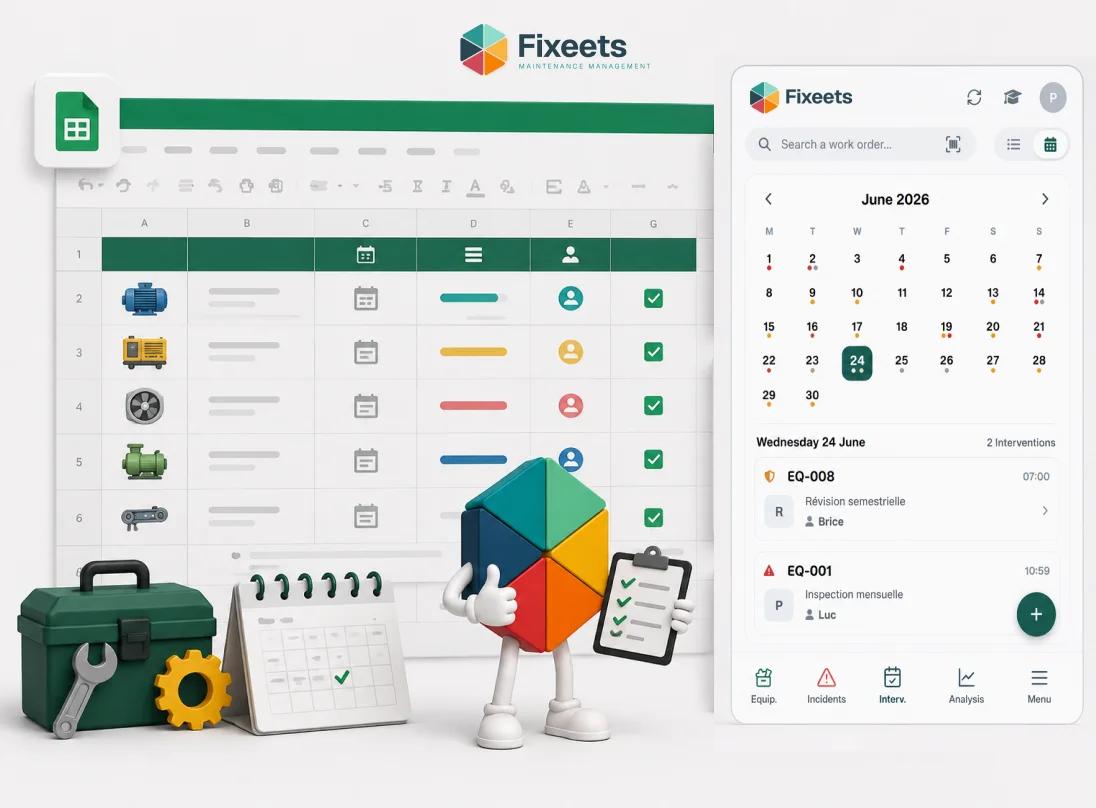
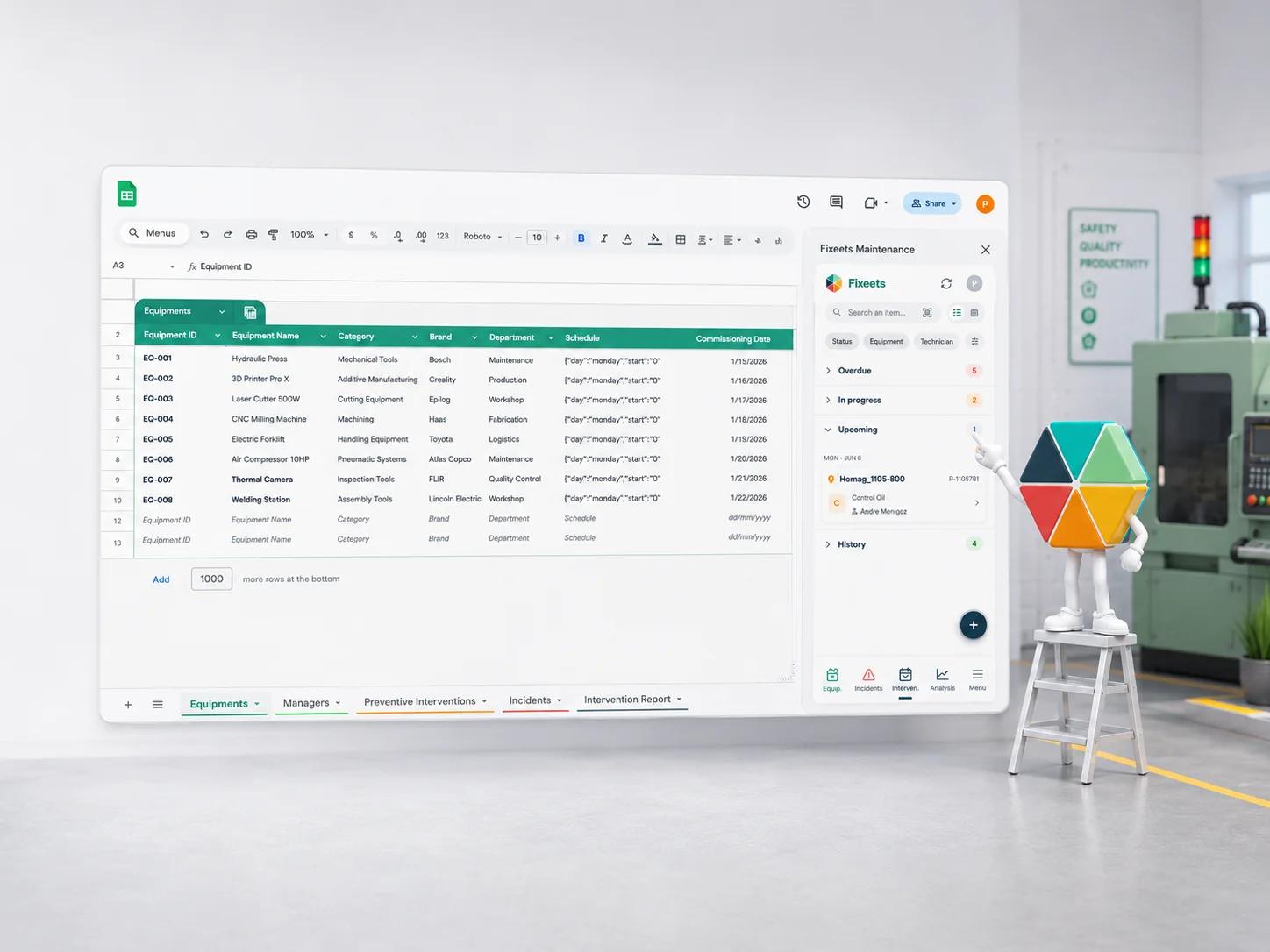
Fixeets includes a Maintenance Management module built inside Google Sheets and Google Workspace. It provides structured work orders, preventive maintenance scheduling, and a maintenance log without requiring teams to adopt new platforms or learn complex software.
Because it runs inside tools teams already use, the adoption barrier is low. Technicians log completed tasks. Managers see what is pending. Schedules are set and tracked. The history accumulates automatically.
For operations already using Google Sheets for other workflows, this integrates naturally rather than adding a separate system to manage.
You can explore the full feature set on the Fixeets maintenance management page.
Key Takeaways
- Unplanned downtime is driven by the absence of scheduled maintenance, missing records, and warning signs that are not acted on
- The true cost includes idle labour, emergency part sourcing, overtime, and customer impact, not just repair invoices
- Reducing downtime starts with identifying critical assets and building a preventive schedule for them
- A maintenance log is what turns a schedule into a system. Without it, there is no way to verify completion or spot recurring patterns
- Structured work orders close the gap between identifying a problem and resolving it
- Tracking downtime events by asset, cause, and cost reveals patterns that allow operations to improve maintenance intervals over time
- The goal is not to eliminate all failures. It is to shift from reactive to mostly preventive, which is achievable without enterprise tools
Frequently Asked Questions
What is unplanned downtime? Unplanned downtime is any unexpected equipment failure or operational interruption that was not scheduled. It stops work without warning and typically requires emergency repair to restore operations.
What causes unplanned downtime in small operations? The most common causes are absence of a preventive maintenance schedule, missing or informal maintenance records, and warning signs that are noticed but not acted on before failure occurs.
How does preventive maintenance reduce unplanned downtime? Preventive maintenance replaces or services components on a schedule before they fail. This shifts maintenance from reactive to planned, reducing the frequency and severity of unexpected breakdowns.
How do I calculate the cost of downtime in my operation? Add direct repair costs to indirect costs: idle labour during the stoppage, emergency part sourcing premiums, overtime to recover lost output, and any customer penalties or lost revenue from missed commitments.
Do small teams need a CMMS to reduce downtime? Not necessarily. A structured maintenance schedule and log in Google Sheets is sufficient for many small operations. A dedicated CMMS adds value when asset count, team size, or multi-site complexity makes a spreadsheet difficult to manage.
What is the difference between planned and unplanned maintenance? Planned maintenance is scheduled in advance and absorbed into operations without disruption. Unplanned maintenance is reactive, triggered by a failure, and disruptive by nature.
How many assets should I prioritise for preventive maintenance first? Start with the two or three assets whose failure would have the greatest impact on operations. Once preventive routines are established for those, expand to the rest.
What should a maintenance log include? At minimum: asset name, task performed, date, technician, and any observations or issues found. Over time, adding repair cost and failure cause makes the log a useful analytical tool.
How often should preventive maintenance tasks be performed? Frequency depends on the asset, its usage intensity, and the manufacturer's recommendations. Some tasks are weekly, some monthly, some tied to usage hours. Starting with manufacturer guidelines and adjusting based on operational history is the practical approach.
Can Google Sheets support a maintenance management workflow? Yes. With structured sheets for work orders, schedules, and logs, Google Sheets can handle maintenance tracking for most small and mid-size operations. Tools like Fixeets add structure and automation to make this more reliable at scale.