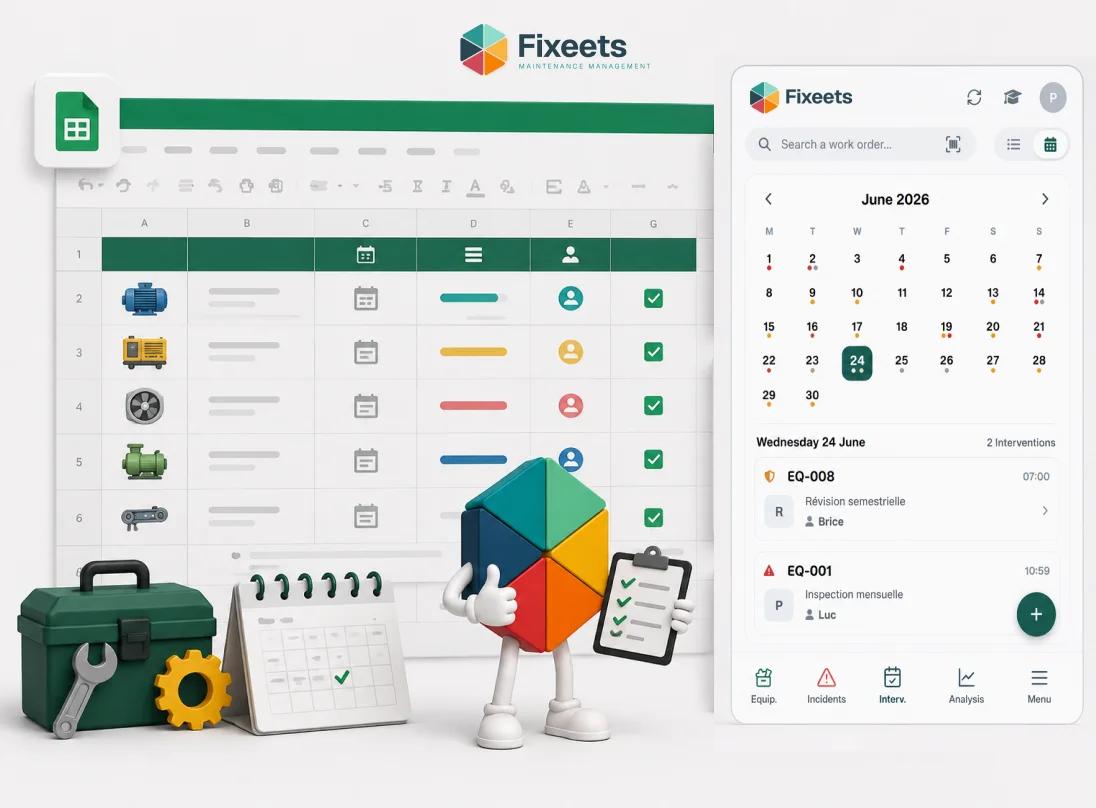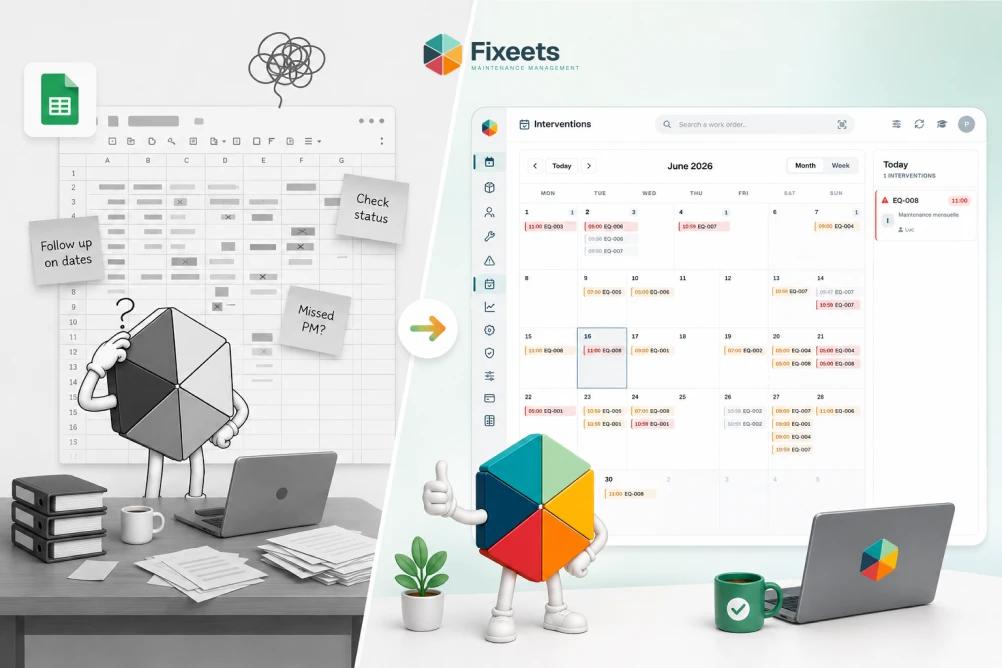
Many small teams already track maintenance in Google Sheets before ever considering dedicated CMMS software. The instinct is reasonable. The spreadsheet is free, familiar, and already open all day. What usually goes wrong is not the tool, it is the structure built on top of it, or the lack of one.
This covers how to actually structure maintenance tracking in Google Sheets: the fields a work order needs, how to set up a preventive schedule, how to build a history log that survives staff turnover, and where a raw, unstructured spreadsheet genuinely runs out of road.
What "CMMS on Google Sheets" Actually Means
Running a CMMS on Google Sheets means using a spreadsheet as the database for the same four things a dedicated CMMS platform tracks: an asset list, work orders, a preventive schedule, and a history log, built with enough structure that the data stays reliable as more people and more equipment get added. It does not mean typing notes into a single tab. Structure is what makes the difference between a spreadsheet that works and one that quietly degrades.
The Work Order Fields That Matter
A work order, whether preventive or corrective, needs the same core fields to be useful later:
| Field | Why it matters |
|---|---|
| Asset | Links the task to a specific piece of equipment, not a vague description |
| Task type | Preventive or corrective, so history can be filtered and analyzed separately |
| Description | What specifically needs doing or what failed |
| Assigned to | One named technician, not a team |
| Status | Open, in progress, or completed, so nothing sits invisible |
| Date opened / date completed | The basis for every maintenance KPI worth tracking |
| Notes on completion | What was actually found or done, which is what makes the log useful later |
Skipping the "assigned to" or "notes on completion" fields is the most common shortcut, and it is exactly what makes history useless six months later. A completed task with no notes tells you something happened, but not what, which defeats the point of keeping a log at all.
Setting Up a Preventive Maintenance Schedule
The schedule sheet needs one row per recurring task, with the asset, the task, the frequency (a calendar interval or a usage-based trigger), and the next due date. The due date is what actually needs a formula behind it: once a task is marked complete, the next due date should recalculate automatically from the last completion date plus the frequency, rather than someone updating it by hand.
This is the step most manual spreadsheets skip, and it is the one that causes preventive tasks to quietly slip. Without an automatic due-date rollover, "next month" mentally becomes "sometime," which becomes "we'll get to it," which becomes a missed service interval nobody flagged.
For the full structure of building this schedule sheet specifically, including the formulas involved, how to build a preventive maintenance schedule in Google Sheets covers it step by step.
Building a History Log That Survives Staff Turnover
A history log is only useful if it is a database, not a diary. That means one row per completed task, in a consistent format, filterable by asset. The moment history lives in prose notes, in a technician's personal notebook, or scattered across chat messages, it stops being usable by anyone except the person who wrote it.
The test for a good history log: if the technician who understands a specific machine best left tomorrow, could someone else look at the log and know what has been done to that machine and when? If the honest answer is no, the log is not structured enough yet, regardless of how much information is technically recorded somewhere.
Where Raw Spreadsheets Fall Short
A plain, unstructured spreadsheet handles a small, stable equipment list with one or two people involved. The limits show up predictably as things grow:
- No enforced fields. Nothing stops one technician from logging a work order with three fields and another with ten, which makes the log inconsistent and hard to analyze.
- No automatic due-date rollover. Preventive schedules depend on someone manually updating the next date, which is exactly the kind of task that gets forgotten.
- No reminders. A due date sitting in a cell does nothing if nobody is checking that tab regularly.
- Fragile formulas. As the sheet grows, one broken reference or accidentally overwritten cell can silently corrupt reporting.
- No real-time shared visibility for field technicians. Editing a spreadsheet from a phone in the field is slow, so updates often get delayed until someone is back at a desk.
None of these are reasons the spreadsheet approach is wrong. They are reasons it needs structure that plain cells and manual formulas cannot enforce on their own.
When to Add a Tool Layer
The signals that a structured add-on is worth adopting, rather than continuing to patch the spreadsheet manually:
- Preventive tasks have slipped more than once because nobody caught a due date in time.
- More than two or three people log maintenance work and their formats have started to diverge.
- A technician has left and a gap in institutional knowledge became obvious afterward.
- Manually maintaining due-date formulas has itself become a recurring task.
Fixeets Maintenance runs this structure directly inside Google Sheets: work orders go through a consistent form instead of free-text cells, preventive schedules roll forward automatically with reminders, and history builds itself from completed tasks rather than depending on someone writing a diary entry. The spreadsheet stays the same file the team already has open. What changes is that the structure is enforced instead of optional.
Learn more about Fixeets Maintenance Management. For a closer look at exactly where spreadsheets and dedicated CMMS platforms diverge on cost and capability, see CMMS vs spreadsheets for growing teams. If your team is still deciding whether a structured system is worth it at all, what a CMMS is and whether small teams actually need one covers that decision directly. And for the checklist that feeds into this schedule in the first place, building a preventive maintenance checklist covers what each task needs before it goes into the schedule sheet at all.
FAQ
What fields does a maintenance work order need in Google Sheets?
Asset, task type (preventive or corrective), description, assigned technician, status, date opened, date completed, and notes on what was actually found or done. Skipping the assigned technician or completion notes is the most common shortcut, and it is what makes the log unreliable later.
How do I stop preventive maintenance dates from slipping in a spreadsheet?
Set the next due date to recalculate automatically from the last completion date plus the task frequency, rather than updating it by hand. Manual due-date updates are the single most common point of failure in spreadsheet-based preventive schedules.
What makes a maintenance history log actually useful?
Consistency and structure: one row per completed task, filterable by asset, with enough detail that someone other than the technician who did the work can understand what happened. A log with inconsistent formats or missing notes stops being usable within months.
Can Google Sheets track equipment maintenance without any add-on?
Yes, for a small, stable equipment list with one or two people involved. The structure (asset list, work order log, schedule sheet) works fine manually. The parts that typically fail without an add-on are automatic due-date rollover and reminders.
When does a spreadsheet stop being enough for maintenance tracking?
When preventive tasks have slipped more than once, when several people log work in inconsistent formats, or when maintaining the due-date formulas has itself become a recurring chore. Any of these point to a structural gap, not a tool problem.
Is a CMMS on Google Sheets the same as a full enterprise CMMS?
No. It covers the same four core functions (assets, work orders, schedules, history) with less overhead and lower cost, which fits small teams well. Multi-site operations with formal compliance audits and dozens of technicians usually need the added structure of a full enterprise platform.
How do I track equipment history if a technician who knows the machine well leaves?
Only a structured, consistent log survives that. If history lives in someone's memory or personal notes, it leaves with them. Our guide on how to track equipment maintenance in Google Sheets covers the specific fields and structure that make history portable across staff changes.