For many small and mid-sized operations, the question is not whether to manage maintenance better. It is which tool actually makes that possible without adding new problems. CMMS software and spreadsheets represent two ends of a wide spectrum, and the right choice depends on your team size, the complexity of your assets, and how much operational overhead you can realistically absorb.
What Is a CMMS?
A CMMS (Computerized Maintenance Management System) is dedicated software built to track work orders, schedule preventive maintenance, manage assets, and log maintenance history. It centralizes maintenance data and gives maintenance managers a structured view of what has been done, what is scheduled, and what is overdue.
Common CMMS platforms include Fiix, UpKeep, Limble, and Maintenance Connection. Most are designed for operations with multiple technicians, complex asset registers, or regulatory compliance requirements.
What Do Spreadsheets Actually Do in Maintenance?
In practice, spreadsheets are the default maintenance tool for most small teams. They are used to track equipment lists, log interventions manually, and sometimes manage simple reminder schedules.
Google Sheets in particular is widely used because it is accessible, collaborative, and costs nothing extra for teams already in Google Workspace.
The limitation is structure. A spreadsheet does not enforce workflows. There are no automatic reminders, no work order logic, and no audit trail unless someone builds it manually. Data quality depends entirely on human discipline.
For the fundamentals behind this comparison - what maintenance management involves, preventive strategy, and how to choose a system - see our complete guide to maintenance management.
Key Takeaways
- CMMS software is purpose-built for maintenance but carries a cost and complexity overhead that many small teams cannot absorb
- Spreadsheets are flexible and familiar but break down without structure and automation
- The real gap is not CMMS vs spreadsheets. It is unstructured spreadsheets vs structured maintenance workflows
- Tools like Fixeets bring structure, work orders, and preventive schedules directly into Google Sheets
- Team size, asset complexity, and compliance requirements are the three clearest factors in making the right choice
CMMS vs Spreadsheets: A Direct Comparison
Setup and adoption time
CMMS platforms typically require weeks of configuration. Asset imports, user roles, workflow templates, and notification logic all need to be set up before the system is usable. For small teams without a dedicated IT resource, this is a real barrier.
Spreadsheets are immediate. Everyone already knows how to use them. The downside is that starting from a blank sheet means building all structure from scratch.
Cost
Most CMMS platforms charge per user per month. For a team of five, costs typically range from $150 to $500 per month depending on the platform and feature tier. Annual plans reduce this, but the commitment is still significant.
Spreadsheets are free. Google Sheets is included in Google Workspace, which most small businesses already pay for.
Work order management
This is where CMMS platforms have a genuine advantage. Work orders in a CMMS are structured records with assignees, priorities, parts used, labor time, and completion status. They create an automatic history without anyone needing to maintain a separate log.
In a standard spreadsheet, work orders are rows. There is no enforcement of required fields, no status workflow, and no automatic escalation if something goes overdue.
Preventive maintenance scheduling
CMMS platforms handle recurring schedules well. Set an interval once, and the system generates work orders automatically on the right date or after a usage threshold is reached.
In a spreadsheet, recurring schedules require either manual updates or custom formulas. Both break down as the team grows or the number of assets increases.
Missed preventive schedules are one of the most direct paths to unplanned disruption. For practical approaches to this pattern, see how small operations reduce unplanned downtime.
Reporting and history
CMMS software typically includes dashboards showing open vs closed work orders, mean time between failures, and cost per asset. These are useful for maintenance managers reporting to leadership.
Spreadsheet reporting requires manual effort. Someone has to build the formulas, keep the data clean, and produce the summaries. It is possible, but it is not automatic.
If you are working out which metrics to start tracking, maintenance management KPIs for operations managers covers what to measure and why it matters for small teams.
Flexibility
Spreadsheets win here. They adapt to any workflow because there is no predefined structure. Teams can add columns, change layouts, and adjust processes without waiting for a software update or paying for a feature add-on.
CMMS platforms are opinionated. Their workflows are built for common maintenance patterns, which is an advantage when those patterns match your operation and a frustration when they don't.
Where Spreadsheets Break Down
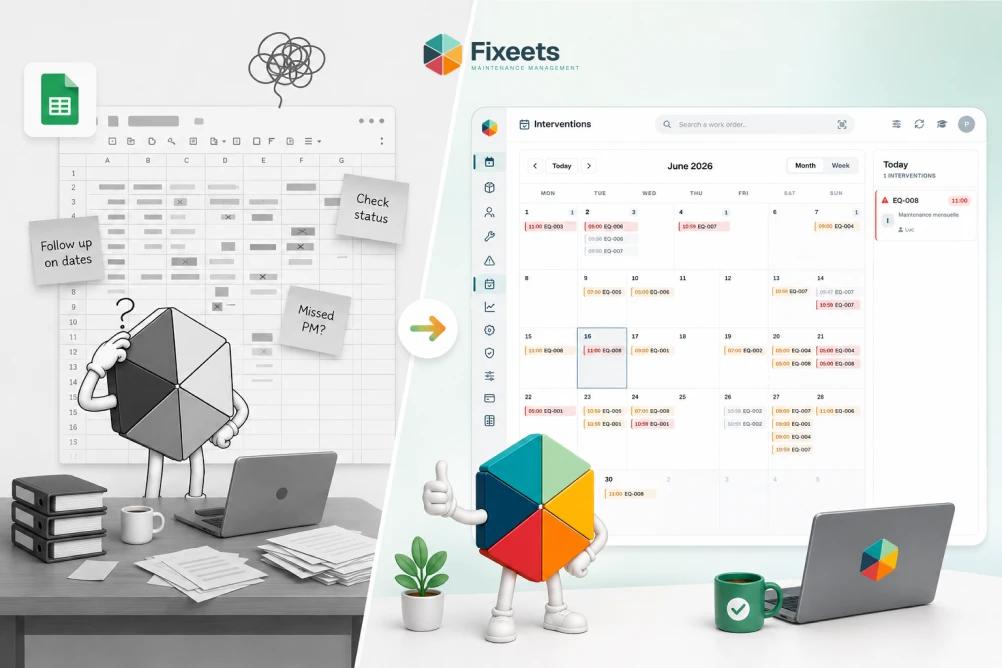
The failure mode for spreadsheet-based maintenance is almost always the same. It starts working fine for five or ten assets. Then the asset list grows. Multiple people start editing the same file. Dates get missed. Entries get skipped. The maintenance log becomes unreliable, not because spreadsheets are bad tools, but because the structure was never there to begin with.
This is not a technology problem. It is a workflow problem.
Where CMMS Breaks Down
CMMS platforms break down at the adoption stage. Small teams adopt them, configure the basics, and then find that the day-to-day workflow requires too many clicks, too much data entry, or too much context switching away from Google Workspace where everything else already lives.
The result is partial adoption. Work orders get logged for a month, then the team stops. The spreadsheet comes back.
If you are still evaluating specific platforms, best CMMS software for small businesses in 2026 covers individual tools, pricing, and where each fits.
A Third Option: Structured Maintenance in Google Sheets
The gap between a blank spreadsheet and a full CMMS is where most small teams actually live. They need more structure than a blank sheet but less complexity than a dedicated CMMS platform.
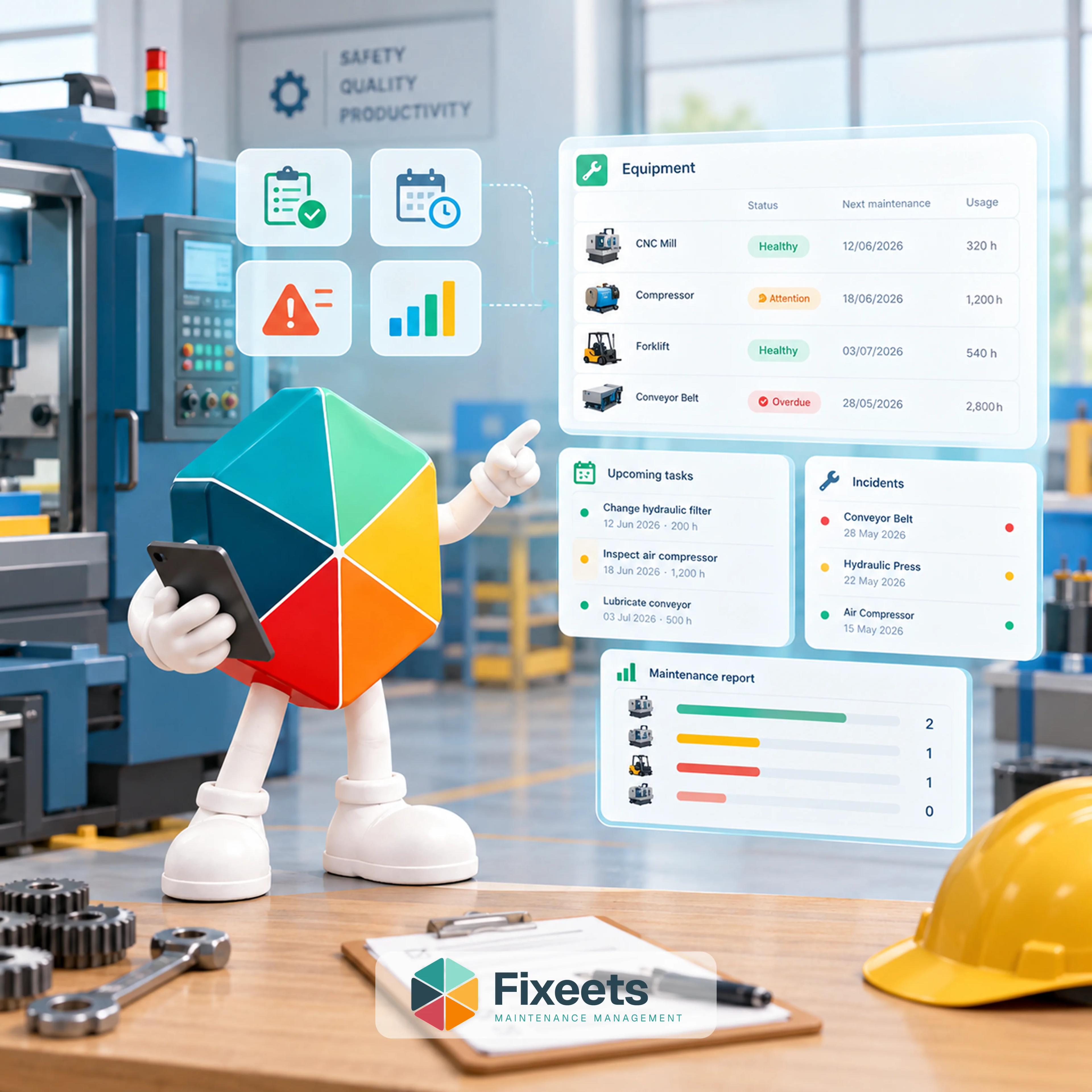
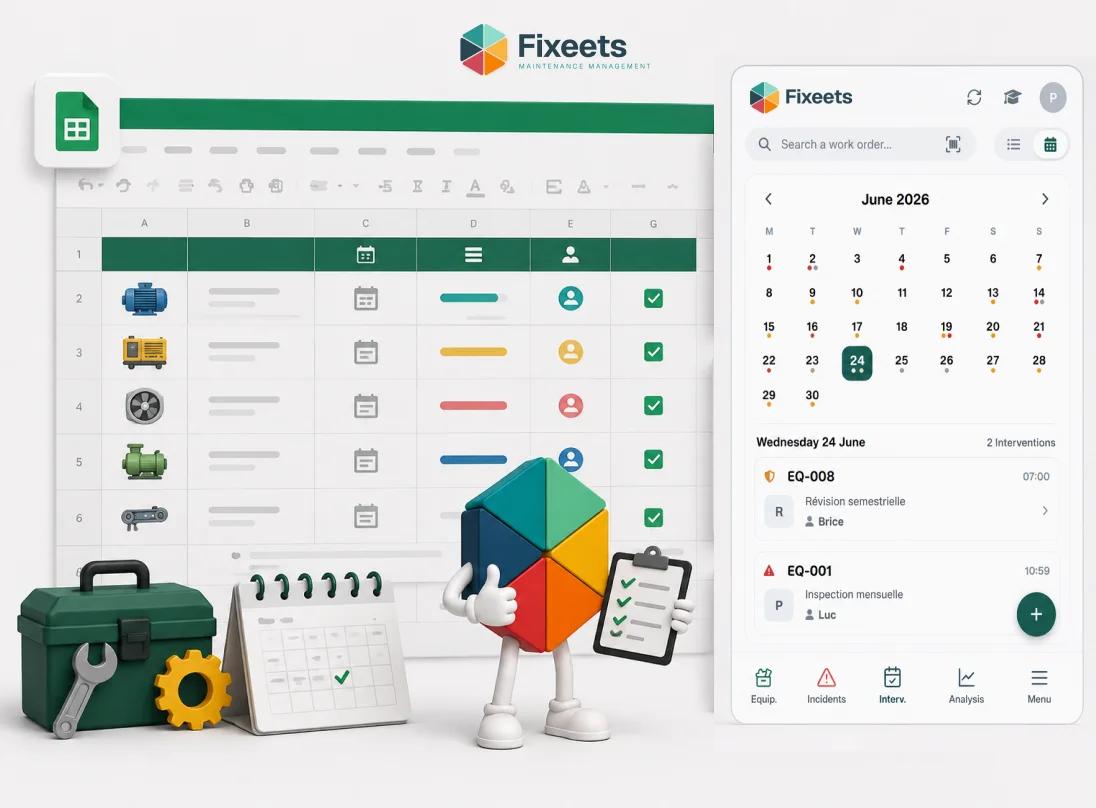
Fixeets sits in this space. It adds structured work orders, preventive maintenance schedules, and an automatically building maintenance log directly into Google Sheets. Teams stay inside the tools they already use, and the system enforces the workflow structure that spreadsheets alone cannot provide.
This approach works particularly well for:
- Operations with 10 to 200 assets
- Teams already working in Google Workspace
- Businesses that cannot justify CMMS licensing costs
- Operations that need structure now without a long implementation project
To see how this works in practice, visit the Fixeets maintenance management page.
Which Should You Choose?
Choose a CMMS if: - You have more than 200 assets or multiple sites with distinct technician teams - You have compliance requirements that need audit-ready reporting - You have budget and an IT resource to manage onboarding - Your maintenance operation is the core business function, not a support function
Choose structured Google Sheets if: - Your team is already in Google Workspace - You need structure and automation without a long implementation cycle - You are managing 10 to 200 assets across one or a few locations - CMMS pricing is hard to justify for your current scale
Stay on a basic spreadsheet if: - You have fewer than ten assets and one person responsible for all maintenance - Your maintenance needs are genuinely simple and infrequent
Frequently Asked Questions
What is the difference between a CMMS and a spreadsheet for maintenance? A CMMS is dedicated software with built-in work order logic, scheduling, and reporting. A spreadsheet is a flexible document that can be used for maintenance tracking but has no built-in enforcement of workflows or automatic reminders.
Can Google Sheets replace a CMMS? For small teams managing fewer than 200 assets, a structured Google Sheets setup can handle the core functions of a basic CMMS: work orders, preventive schedules, and maintenance logs. It does not replace enterprise CMMS features like IoT integration or advanced compliance reporting.
How much does CMMS software cost? Most CMMS platforms charge between $30 and $100 per user per month. For a small team of five, that is $150 to $500 per month. Some platforms offer flat-rate plans for small teams.
What are the main reasons small teams abandon CMMS software? The most common reasons are complexity during setup, too many clicks for routine tasks, and low adoption by technicians who prefer simpler tools. Teams often revert to spreadsheets because the CMMS workflow adds friction rather than reducing it.
Is Fixeets a CMMS? Fixeets is not a traditional CMMS. It is a maintenance management tool built inside Google Sheets, designed for small and mid-sized operations that need structure and automation without the cost or complexity of dedicated CMMS software.
What maintenance tasks can a structured spreadsheet handle? With the right structure, a Google Sheets-based maintenance system can handle work order creation and tracking, preventive maintenance scheduling, equipment asset registers, maintenance history logging, and low-stock alerts for spare parts.
When should a small business upgrade from spreadsheets to a CMMS? When the number of assets, sites, or technicians makes manual coordination genuinely unreliable. Signs include missed maintenance dates, no reliable history for key equipment, and more than one person struggling to keep the same sheet updated.
How long does it take to set up a CMMS? Most CMMS platforms estimate two to eight weeks for full setup depending on asset count and configuration complexity. Structured Google Sheets tools like Fixeets can be operational within a day.
Does maintenance tracking in Google Sheets work for multiple locations? Basic visibility by location is possible in Google Sheets. Full transfer and site-level workflow management is more complex and depends on how the system is structured. Fixeets supports location-based tracking, with further multi-site workflow features in development.
What is preventive maintenance scheduling in Google Sheets? It means setting up recurring maintenance intervals for each asset and having the system flag or generate a task when that interval is reached. In a structured tool like Fixeets, this happens automatically. In a basic spreadsheet, it requires manual formulas and regular updates.