Someone on the team says it eventually: "we should probably get a CMMS." Usually right after a machine breaks down that was supposed to be serviced weeks ago, or after a technician leaves and takes years of undocumented history with them.
But what is a CMMS, exactly, and does a team of ten or twenty people actually need one?
What Is a CMMS?
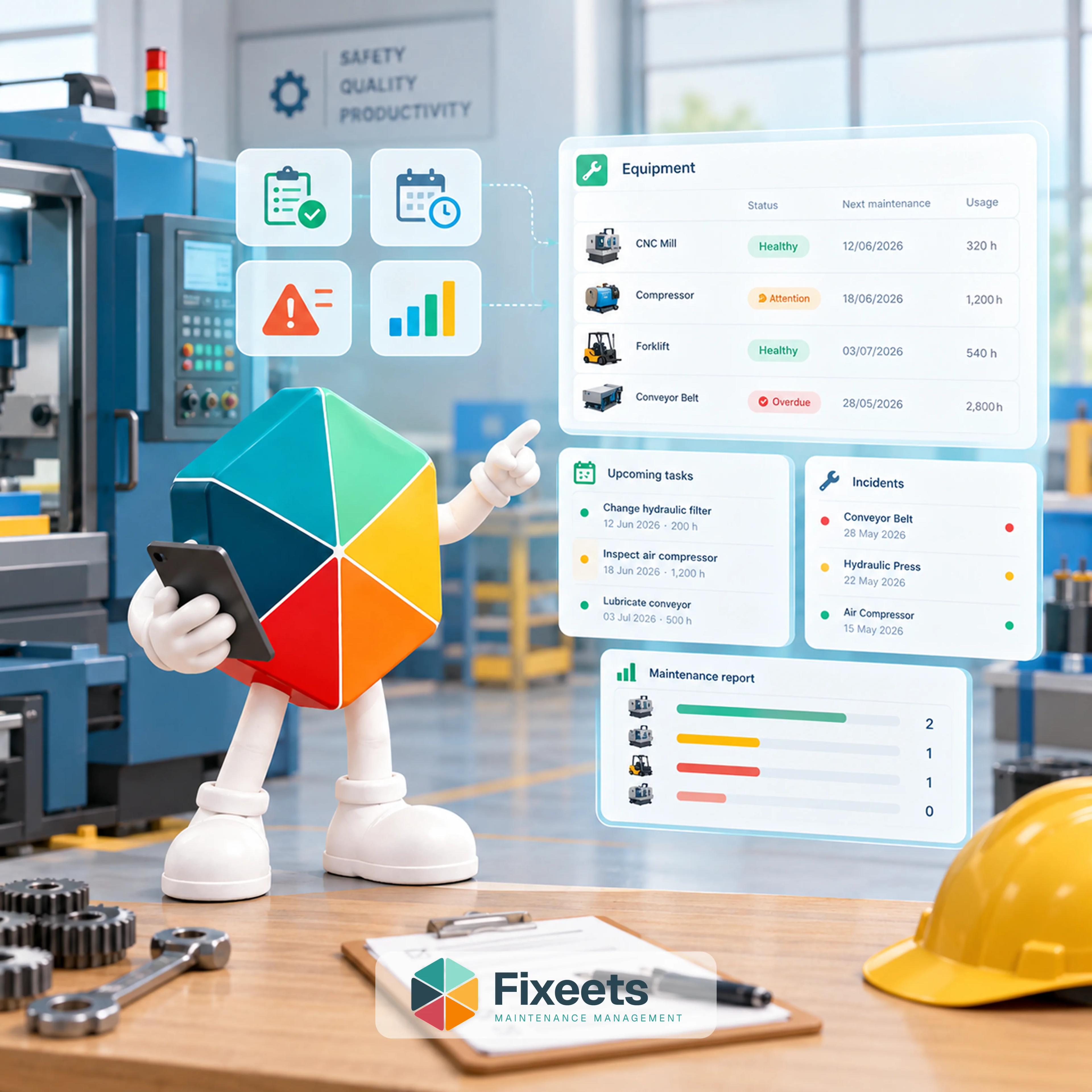
A CMMS, or computerized maintenance management system, is software that centralizes the information a maintenance team needs: what equipment exists, what work needs doing, when it is due, and what has already been done. Instead of that information living in someone's memory, a group chat, or a paper log, it lives in one shared, searchable place.
At its core, a CMMS tracks four things:
- Asset register. A list of the equipment or facilities you maintain, usually with location, type, and criticality.
- Work orders. Individual maintenance tasks, assigned to a person, tracked from creation to completion.
- Preventive maintenance schedules. Recurring tasks triggered by a calendar date or by usage (operating hours, cycles, mileage).
- History. A record of what was done, by whom, when, and what was found.
Everything else a CMMS offers, spare parts tracking, reporting dashboards, mobile access, is built on top of those four things. If a tool does not handle those four reliably, the extra features do not matter much.
Why Teams Start Looking for One
The trigger is almost always the same: reactive maintenance is quietly costing more than a scheduled approach would.
Reactive maintenance means fixing things after they break. On its own that is not a failure. Some equipment genuinely does not justify a preventive schedule. The problem shows up when reactive maintenance is not a choice but a default, applied to everything because no system exists to plan otherwise. The costs that add up in that situation:
- Emergency repairs cost more than scheduled ones, because parts get rushed and technicians work under pressure.
- Unplanned downtime stops production or service delivery at the worst possible moment.
- The same failure gets repeated because nobody recorded what fixed it the first time.
- Technicians spend real time chasing information (what was done last, who has the part, where the manual is) instead of doing the work.
None of this requires a large facility to matter. A five-person team with one critical machine loses the same afternoon of production a five-hundred-person plant does. It is just easier to write off as a one-time bad day until it happens for the third time.
Do Small Teams Actually Need a Full CMMS?
This is the part worth being honest about.
A traditional enterprise CMMS is built for large facilities: multiple sites, dozens of technicians, formal compliance audits, and integration with procurement and ERP systems. For a team of five to thirty people, most of that is overhead nobody asked for.
What small teams actually need is narrower:
- A clear, searchable record of what maintenance has been done and when.
- A simple way to schedule recurring tasks so nothing quietly falls through.
- A shared view so everyone knows what is open, assigned, or overdue.
- Equipment history that survives a technician leaving.
That is not a system requiring months of configuration and a dedicated administrator. It is structured operational control at a scale that actually fits the team using it.
A Four-Signal Test
"Do we need a CMMS" is usually argued from frustration rather than from numbers, which is why the answer keeps changing depending on who was on shift last week. Four countable signals settle it faster.
1. How many assets are on a preventive schedule? Not how many assets you own. How many have recurring work that has to happen on a date or a usage interval. Under roughly 15 to 20, a well-kept sheet holds up. Past that, the schedule starts to need something that reminds people instead of waiting to be opened.
2. How many people log maintenance work? One person can keep a consistent record in almost any format, because the format lives in their head. At two people it starts to drift. At three or more, "revised", "serviced" and "checked" all end up in the same column meaning three different things, and the history stops being searchable.
3. How many preventive tasks come due in a month? Under about ten, a person can hold the list. Over about ten, tasks slip in the gaps between other work, and nobody notices until something fails.
4. Does an hour of downtime on any asset have a known cost? If you can name the number for at least one machine, the decision stops being about software preference. If you cannot name it for anything you own, that is worth finding out before spending on tooling either way.
Three or four signals pointing the same way is a real answer. One is not.
Run the Cost Comparison Both Directions
The per-seat price is the easy half. Work out the other half before deciding.
Take a three-technician team on a platform at $35 per user per month. That is $105 a month, $1,260 a year, before any implementation time. Now price a single unplanned stoppage: six hours on a line that bills $400 an hour is $2,400, plus whatever the rushed part cost over its normal price.
On those numbers one avoided stoppage covers roughly two years of the tool. That is the argument vendors make, and it is arithmetically true. What it leaves out is that buying the software does not avoid the stoppage. Someone still has to do the preventive work the schedule asks for. A CMMS makes it visible that the work is due and records that it happened. It does not do the work.
So run it with your own figures, and be honest about the second number. If your team is already doing preventive maintenance reliably and just cannot find the history afterwards, you have a record-keeping problem and the cheaper fix is usually structure rather than a new platform. If preventive work is genuinely not getting done because nobody can see what is due, the tool is doing something the spreadsheet was not.
CMMS, EAM, or ERP
These three get used interchangeably in sales conversations and they are not the same category.
| What it covers | Typical buyer | |
|---|---|---|
| CMMS | Day-to-day maintenance: assets, work orders, preventive schedules, history | Maintenance or operations lead |
| EAM | The full asset lifecycle, including procurement, depreciation and disposal | Asset or finance function at a larger organisation |
| ERP | Finance, purchasing, stock and production across the business, with maintenance as one module | Whole-business decision, usually a long project |
For a team of five to thirty people the answer is almost always CMMS, or the structured-spreadsheet version of one. An ERP maintenance module tends to arrive because the business bought an ERP for other reasons, not because it was the best way to track work orders. Buying an ERP to solve a maintenance problem is a large project attached to a small question.
CMMS vs. Spreadsheet: An Honest Comparison
Most small teams already track some of this in a spreadsheet. The spreadsheet is not the problem. The problem is that an unstructured spreadsheet has no enforced fields, no reminders, and no easy way to trace history once it grows past a few dozen rows.
| Plain spreadsheet | Dedicated CMMS | Structured Google Sheets | |
|---|---|---|---|
| Setup time | Immediate | Days to weeks | Immediate to a few hours |
| Cost | Free | Typically $20 to $50 per user per month for small-team platforms, more for enterprise tiers | Lower than dedicated CMMS, no new login |
| Enforced structure | None, anyone can overwrite anything | Full | Partial to full, depending on setup |
| Learning curve | None | New interface to learn | Minimal, same spreadsheet |
| Reporting | Manual | Built in | Depends on structure added |
| Best fit | Very small, stable equipment list | Multi-site, compliance-heavy operations | Small to mid-size teams already in Sheets |
For a deeper breakdown of where spreadsheets specifically fall short as maintenance operations grow, see our comparison of CMMS vs spreadsheets for growing teams.
How to Evaluate CMMS Options
If you are past the point where a plain spreadsheet works, a short evaluation process avoids paying for capability you will not use:
- List what breaks today, specifically. Not "maintenance is disorganized" but "we do not know when the compressor was last serviced" or "two technicians logged the same repair differently." Specific gaps point to specific required features.
- Separate must-have from nice-to-have. A shared asset history and a working preventive schedule are usually must-haves. Advanced reporting dashboards and API integrations are often nice-to-have at small scale.
- Check mobile access for technicians in the field, not just office staff. A system only the office can use gets half-adopted.
- Ask what happens to your data if you leave the platform. Exportable, structured data protects you from vendor lock-in.
- Price per user, not per feature list. Per-seat costs that look fine at three technicians can become the most expensive item in the stack once every technician who touches a work order is counted.
For a side-by-side look at named CMMS platforms and how they compare, the best CMMS software for small businesses in 2026 covers specific options with honest pros and cons.
Where Google Sheets Fits
Many small teams already track assets, schedules, and interventions in Google Sheets before ever considering dedicated CMMS software. That instinct is reasonable. The gap is not the tool, it is the missing structure: no enforced fields, no automatic reminders, and no easy way to search history once the sheet has a few hundred rows.
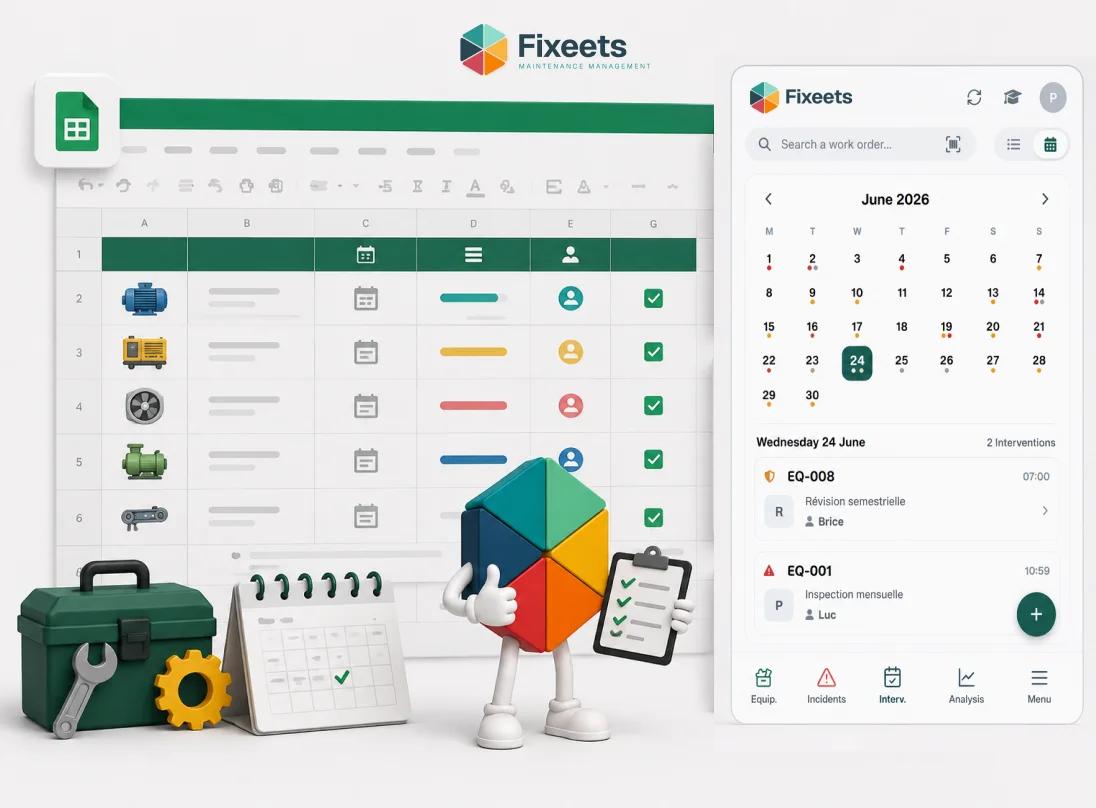
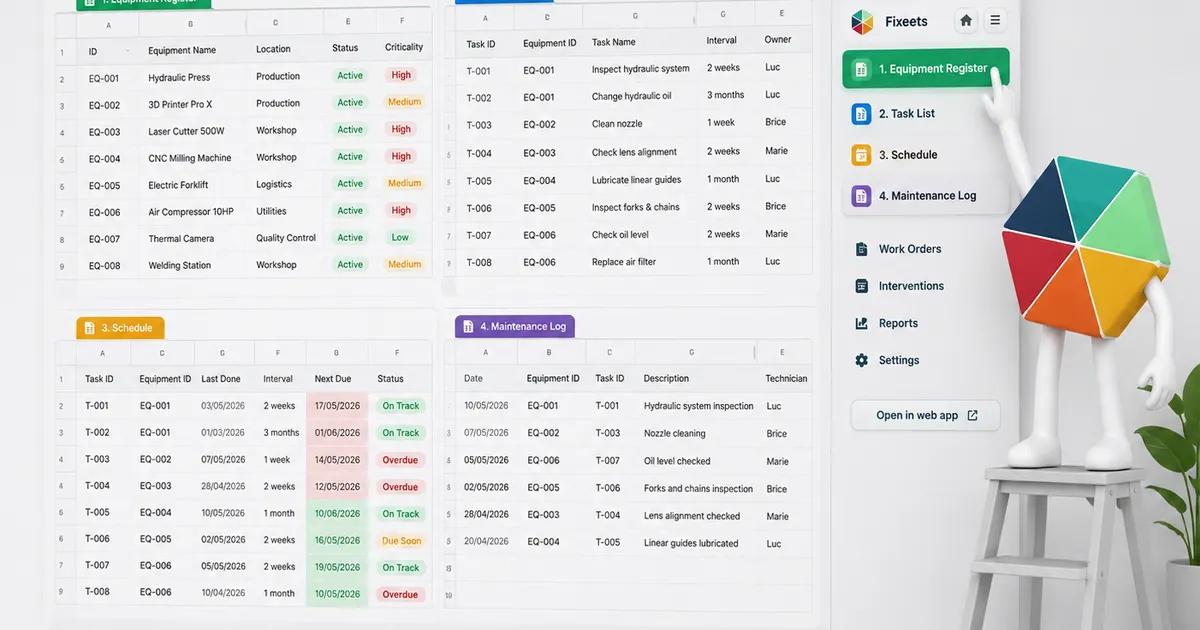
Fixeets Maintenance adds that structure directly inside Google Sheets: work orders logged through consistent fields, preventive schedules that trigger reminders instead of depending on someone checking a tab, and asset history that builds automatically instead of getting typed in inconsistently. It does not replace a technician's judgment about what needs fixing. It makes sure the record of what happened is actually there when someone needs it.
If your team already works in Sheets and just needs the gaps closed, how to structure maintenance tracking in Google Sheets walks through the specific fields and setup. If the immediate need is a working preventive maintenance checklist rather than a full system decision, building a preventive maintenance checklist is the more direct starting point.
To see the underlying product, visit Fixeets Maintenance Management. For the full picture beyond this introduction, including KPIs and how to run maintenance day to day, see our complete guide to CMMS and maintenance management.
FAQ
What does CMMS stand for?
CMMS stands for computerized maintenance management system. It is software that tracks assets, work orders, preventive maintenance schedules, and maintenance history in one place.
Do small businesses really need a CMMS?
Not always, and not immediately. A small, stable equipment list with one or two people handling maintenance can run on a well-structured spreadsheet. The need for a dedicated system usually shows up once preventive tasks start slipping unnoticed, history stops being traceable, or more than a couple of people touch maintenance work.
What is the difference between a CMMS and just using a spreadsheet?
A spreadsheet can store the same information a CMMS does, but it does not enforce structure. Nothing stops two people from logging the same repair differently, and nothing reminds anyone when a preventive task is due. A CMMS, or a structured spreadsheet system, closes that gap.
How much does CMMS software cost?
Platforms aimed at small teams commonly run $20 to $50 per user per month. Enterprise-focused CMMS platforms with compliance and multi-site features can run considerably higher, often $50 to $300 per user per month, depending on features and whether implementation is billed separately.
Can a CMMS run inside Google Sheets?
Yes. A structured add-on can add work order forms, preventive schedules, and asset history directly inside a spreadsheet a team already uses, which avoids the cost and adoption friction of a completely new platform.
What is the biggest sign a team has outgrown spreadsheets for maintenance?
When nobody can answer "what have we done to this piece of equipment" without asking around, or when a preventive task has slipped more than once because nothing reminded anyone it was due. Both point to a structure problem a plain spreadsheet will not solve on its own.
How do I know if my small business needs a CMMS?
Count four things: assets on a preventive schedule, people logging maintenance work, preventive tasks due per month, and whether you can name the hourly cost of downtime on any machine. Roughly 15 to 20 scheduled assets, three or more people logging work, or more than ten tasks due a month each point toward needing one. Three of the four pointing the same way is a real answer.
What is the difference between a CMMS and an ERP?
A CMMS covers day-to-day maintenance: assets, work orders, preventive schedules and history. An ERP covers finance, purchasing, stock and production across the whole business and usually offers maintenance as one module among many. Teams that buy an ERP to fix a maintenance problem take on a large project to answer a small question.
Is a CMMS the same as an EAM?
No. A CMMS focuses on day-to-day maintenance operations: work orders, schedules, and history. An EAM (enterprise asset management) system additionally covers the full asset lifecycle, including procurement and depreciation, and is typically built for large, multi-site organizations. Most small and mid-size businesses need a CMMS, not a full EAM.