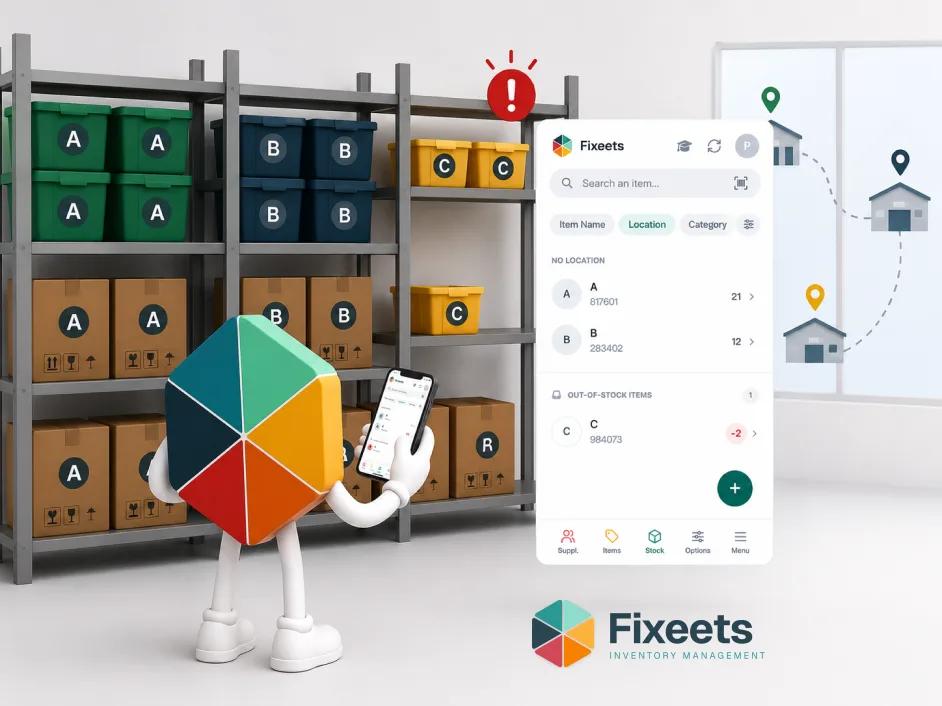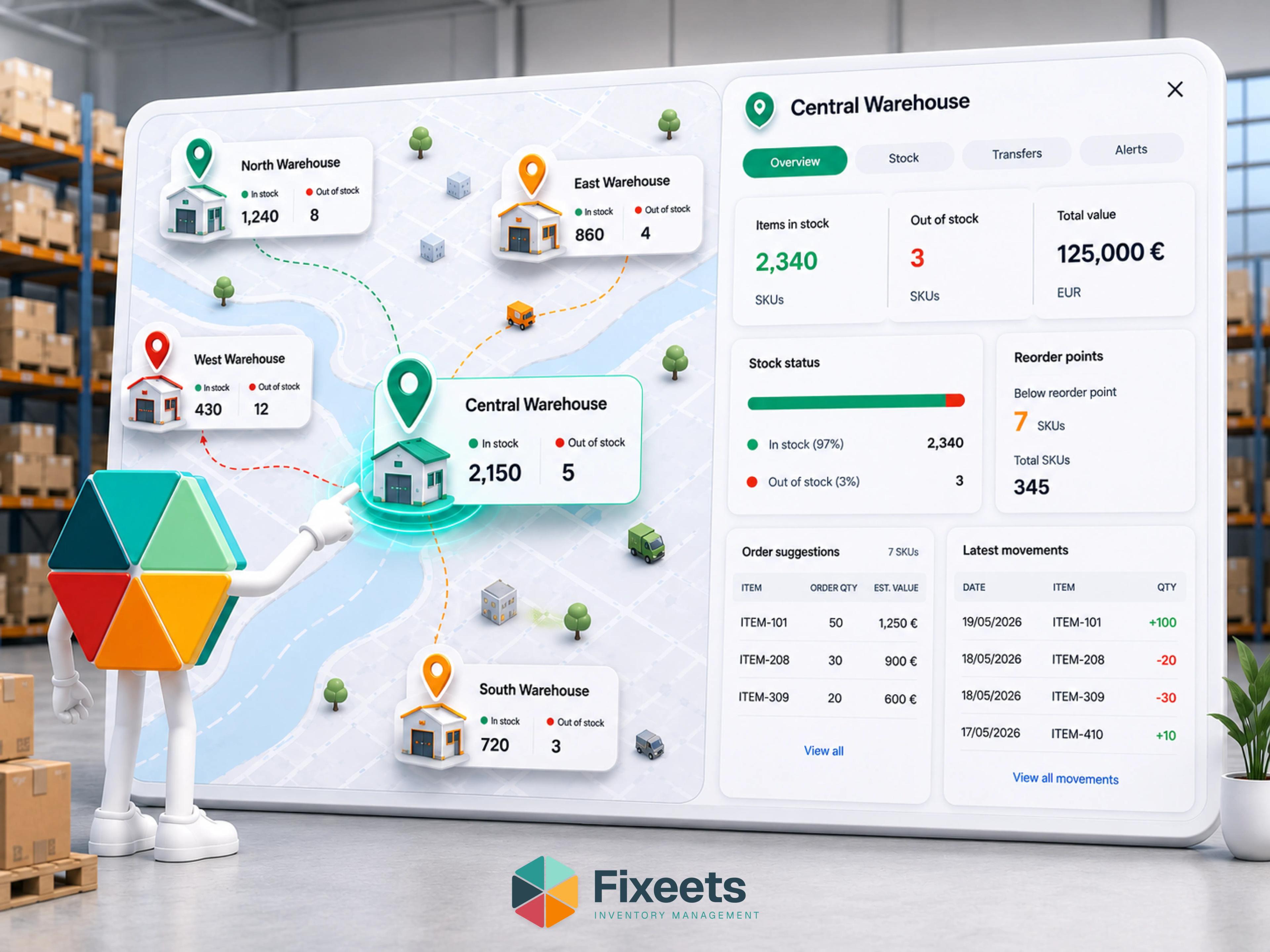
Multi-location inventory management is the practice of tracking stock quantities, movements, and availability across two or more physical locations from a single system. For small operations, those locations are usually a combination of warehouses, retail stores, workshops, vehicles, or job sites. The goal is to know what is where, at any time, without calling someone or checking in person.
Most small teams start managing inventory from a single spreadsheet. That works until a second location enters the picture. At that point, the system either duplicates, fragments, or fails silently, showing numbers that no longer reflect reality.
Why Multi-Location Inventory Breaks Down in Spreadsheets
The problem is structural, not technical. Google Sheets can handle the data. What it cannot do on its own is enforce the rules that multi-location inventory requires.
Stock quantities lose location context. A spreadsheet that shows 40 units of a product does not tell you whether those units are in the main warehouse, split across two stores, or sitting in a delivery van. The total is correct. The distribution is invisible.
Transfers between locations go unrecorded. Moving stock from one site to another is an inventory event. In most spreadsheet setups, it is handled informally. Someone updates the numbers at one end but forgets to update the other. The sheets drift apart.
Reorder decisions use incomplete data. A low-stock alert based on total quantity across all locations can be misleading. One location might have plenty of stock while another is empty. Aggregate numbers hide site-level shortages.
Multiple people editing creates conflicts. When location managers update the same sheet or separate sheets without coordination, conflicting entries appear. No version is reliable.
These are not edge cases. They are the normal experience for any team running multi-location inventory without structure.
What Multi-Location Inventory Actually Requires
Before choosing a tool or building a system, it helps to define what multi-location inventory needs to do reliably.
Location-level visibility
Every stock quantity should be tied to a specific location. The system should answer "how many units of this product are at Location B?" without requiring manual filtering or a separate sheet.
Transfer tracking
When stock moves between locations, the system should record the origin, destination, quantity, date, and reason. This maintains accuracy at both ends and creates a traceable history of internal movements.
Location-specific reorder points
A product might need different minimum stock levels at different locations. A retail store with high turnover needs a different threshold than a backup warehouse. Reorder logic should reflect this.
Unified reporting
Even with location-level detail, operations managers need a consolidated view. Total stock across all locations, stock distribution by product, and movement history should be accessible from one place without merging sheets manually.
Controlled access
Different team members should be able to update stock at their location without accidentally modifying another location's data. This is especially important when field teams or store managers are involved.
How to Structure Multi-Location Inventory in Google Sheets
Google Sheets can support multi-location inventory if the structure is intentional. The key is separating location-level data while maintaining a unified view.
Option 1: One sheet per location
Each location gets its own tab with identical columns. A summary tab pulls quantities using formulas. This is the most common starting point.
Works when: You have two or three locations with limited product overlap.
Breaks when: Product catalogues diverge, transfers are frequent, or more than two people are updating simultaneously. Keeping column structure aligned across tabs becomes manual work that eventually drifts.
Option 2: Single sheet with a location column
All stock data lives in one sheet. Every row includes a location identifier. Filtering and pivot tables provide location-level views.
Works when: You want a centralised data set and are comfortable with filtering.
Breaks when: The sheet gets long, multiple users edit concurrently, and there is no validation on the location column. Typos in location names create phantom locations. Missing entries create gaps that are hard to spot.
Option 3: Structured system on top of Google Sheets
Instead of building the structure manually, a tool like Fixeets adds location tracking, transfer logging, and unified reporting directly inside Google Sheets. The spreadsheet remains the working environment. The structure is enforced by the tool rather than by formulas and discipline.
This approach works for teams that want multi-location visibility without migrating to a separate inventory platform. More detail is available on the Fixeets inventory management page. For a closer look at what actually changes when a plain spreadsheet gets this kind of structure, see how Fixeets turns Google Sheets into a real inventory system.
Handling Stock Transfers Between Locations
Transfers are where most multi-location spreadsheet setups fail. The movement itself is simple. Recording it accurately on both sides is what teams struggle with.
A reliable transfer process needs four things:
A transfer record. Every movement should be logged: product, quantity, origin location, destination location, date, and who initiated the transfer. Without this, discrepancies between locations are impossible to trace.
Simultaneous quantity updates. When stock leaves one location, the source quantity should decrease and the destination quantity should increase in the same operation. If these updates happen separately, there is always a window where the total inventory count is wrong.
Reason tracking. Not every transfer is the same. Some are routine restocking. Some are emergency moves to cover a shortage. Logging the reason helps operations managers understand whether transfers are planned or reactive, which informs future stock distribution decisions.
A transfer history. Over time, transfer patterns reveal whether stock is allocated correctly across locations. If one site consistently transfers stock to another, the initial distribution or reorder points need adjustment.
Setting Location-Specific Reorder Points
A single reorder point per product is insufficient when stock is spread across multiple locations. Demand patterns differ by site, and a reorder trigger based on aggregate stock can miss location-level shortages entirely.
To set location-specific reorder points, consider:
Demand rate at each location. A product selling 50 units per week at one store and five units per week at another should not share the same minimum stock level.
Lead time to each location. If restocking the main warehouse takes three days but restocking a remote site takes a week, the remote site needs a higher buffer.
Storage capacity. Some locations cannot hold large quantities. The reorder point and order quantity should respect physical constraints.
A structured approach to setting these thresholds is covered in a step-by-step Google Sheets inventory setup guide, which walks through building the sheet structure and reorder-point logic from scratch.
Automating Low-Stock Alerts Across Locations
Manual stock checks across multiple locations are time-consuming and unreliable. By the time someone notices a shortage, the impact has already started.
Automated alerts solve this by monitoring stock levels against location-specific thresholds and notifying the right person when levels drop below the minimum.
In Google Sheets, this can be done through conditional formatting and notification rules. For a more structured approach, Inventory Management in Google Sheets: Real Examples covers practical methods that work at the location level.
The important point is that alerts should be location-aware. An alert that fires only when total stock across all locations drops below a threshold will miss situations where one site has run out while another is overstocked.
Common Mistakes in Multi-Location Inventory
Teams that manage inventory across locations in spreadsheets tend to encounter the same problems repeatedly.
Relying on aggregate numbers. Total stock across all locations looks healthy, but one location is empty. This is the most common and most costly mistake in multi-site inventory.
No transfer discipline. Stock moves between locations without being recorded. Within weeks, no location's numbers match reality.
Inconsistent product naming. If Location A calls a product "Blue Widget 500ml" and Location B calls it "Widget Blue 0.5L", the data cannot be consolidated. A single product catalogue shared across locations is essential.
Treating each location as independent. Separate spreadsheets per location with no consolidated view means no one has a complete picture. This fragments decision-making and hides system-wide issues.
Ignoring physical audits. Multi-location inventory is more prone to drift than single-location setups. Regular physical counts at each site, reconciled against the system, are necessary to maintain accuracy. A practical guide to running these without disrupting operations is available in Inventory Guide for Small Business: From Spreadsheets to Systems.
When Google Sheets Stops Being Enough
Google Sheets can support multi-location inventory for a surprisingly long time if the structure is right. But there are signals that the setup is reaching its limits.
You are spending more time maintaining the system than using it. When formula maintenance, sheet alignment, and data validation consume hours each week, the spreadsheet is generating cost rather than saving it.
Errors are recurring despite fixes. The same discrepancies appear month after month. The structure is not preventing mistakes, and patching individual errors does not fix the underlying problem.
More than five people are updating inventory regularly. Concurrent editing in Sheets works well for documents. For structured data that needs validation and consistency, it creates conflicts that are difficult to detect.
You need audit trails. If your operation requires knowing who changed what, when, and why, native Google Sheets revision history is insufficient for operational tracking.
At this point, the decision is between building more complex custom Sheets infrastructure or adopting a tool that provides structure inside the same environment. Best Inventory Management Tools for Small Businesses explores this tradeoff in detail.
How Fixeets Handles Multi-Location Inventory
Fixeets is an Inventory Management tool built inside Google Sheets and Google Workspace. It supports multi-location tracking with location-level stock quantities, transfer logging, and unified reporting across sites.
Because it runs inside Google Sheets, teams do not need to learn a new platform or migrate data. The spreadsheet is still the working environment. Fixeets adds the structure that manual setups cannot sustain - enforced location tagging, automatic quantity adjustments on transfers, and low-stock alerts that are location-aware.
For operations managing stock across warehouses, stores, or job sites, the Fixeets inventory management page has the full feature breakdown.
Multi-location tracking is one piece of a larger discipline. Our complete inventory management guide covers the fundamentals it builds on, from movement logging to reorder methods.
Key Takeaways
- Multi-location inventory in spreadsheets breaks down because stock quantities lose location context, transfers go unrecorded, and reorder decisions rely on aggregate data
- The minimum requirements are location-level visibility, transfer tracking, location-specific reorder points, unified reporting, and controlled access
- Stock transfers need a formal process with origin, destination, quantity, date, and reason captured for every movement
- Reorder points should vary by location based on demand rate, lead time, and storage capacity
- Automated alerts must be location-aware to catch site-level shortages that aggregate numbers hide
- Common mistakes include relying on total stock numbers, inconsistent product naming, and treating each location as a separate system
- Google Sheets can support multi-location inventory with the right structure, but teams should recognise when the manual overhead signals the need for a structured tool
Frequently Asked Questions
What is multi-location inventory management? Multi-location inventory management is the practice of tracking stock quantities, movements, and availability across two or more physical locations from a single system. It ensures visibility into what is where, without relying on manual checks or separate spreadsheets per site.
Can Google Sheets handle multi-location inventory? Yes, Google Sheets can handle multi-location inventory if the structure is designed for it. This means either using separate tabs per location with a summary sheet, or a single sheet with a location column. Tools like Fixeets add enforced structure and automation on top of Sheets to make this more reliable.
How do I track stock transfers between locations in a spreadsheet? Each transfer should be recorded as a separate entry with product name, quantity, origin location, destination location, date, and reason. Both the source and destination quantities should update in the same operation to avoid discrepancies.
What is the biggest mistake in multi-location inventory? Relying on aggregate stock numbers across all locations. Total inventory might look healthy while individual locations have run out. Every stock check and reorder decision should happen at the location level.
How do I set reorder points for different locations? Base reorder points on each location's demand rate, the lead time to restock that specific site, and its physical storage capacity. A product with high turnover at one location and low turnover at another should have different minimum thresholds.
When should I move from a spreadsheet to an inventory management tool? When maintaining the spreadsheet consumes more time than using it, errors recur despite fixes, more than five people edit regularly, or you need reliable audit trails. These signals indicate the manual structure is no longer sustainable.
How does Fixeets handle inventory across multiple locations? Fixeets runs inside Google Sheets and supports location-level stock tracking, transfer logging, and unified reporting across sites. It adds enforced structure to the spreadsheet environment, so teams get multi-location visibility without migrating to a separate platform.
What is the best way to structure a multi-location inventory spreadsheet? For small setups with two or three locations, separate tabs per location with a summary tab works. For more locations or more users, a single consolidated sheet with a location column is better. In both cases, a shared product catalogue and consistent naming conventions are essential.
How do I automate stock alerts for specific locations? Use conditional formatting or notification rules in Google Sheets tied to location-specific minimum stock thresholds. The key is making alerts location-aware rather than based on total stock, so site-level shortages are caught before they cause disruption.
How often should I audit inventory across multiple locations? More frequently than single-location operations. Multi-site setups are more prone to drift from transfers, concurrent editing, and informal stock movements. Monthly cycle counts at each location, reconciled against the system, are a practical starting point.