For years, the advice to small businesses was simple: outgrow spreadsheets as fast as possible. If you were serious about scaling, you needed a proper inventory management system, usually meaning an ERP.
That advice skipped a step. Most small businesses do not fail because they used a spreadsheet. They fail because the spreadsheet had no structure behind it.
What Inventory Management Actually Means
Inventory management is the ongoing process of tracking what stock a business has, where it is held, how it moves, and when it needs to be replenished. It answers three questions on a continuous basis: what do we have, where is it, and how much do we need before we run out.
For a small business, this usually starts informally: a notebook, a spreadsheet, or someone's memory of what is running low. That works fine at a small scale. It stops working once product volume, locations, or team size grow past what one person can reliably track in their head.
When Informal Tracking Breaks Down
A few concrete signs a business has outgrown notebook-and-memory tracking:
- The same item goes on backorder more than once because nobody flagged it was low until it was already gone.
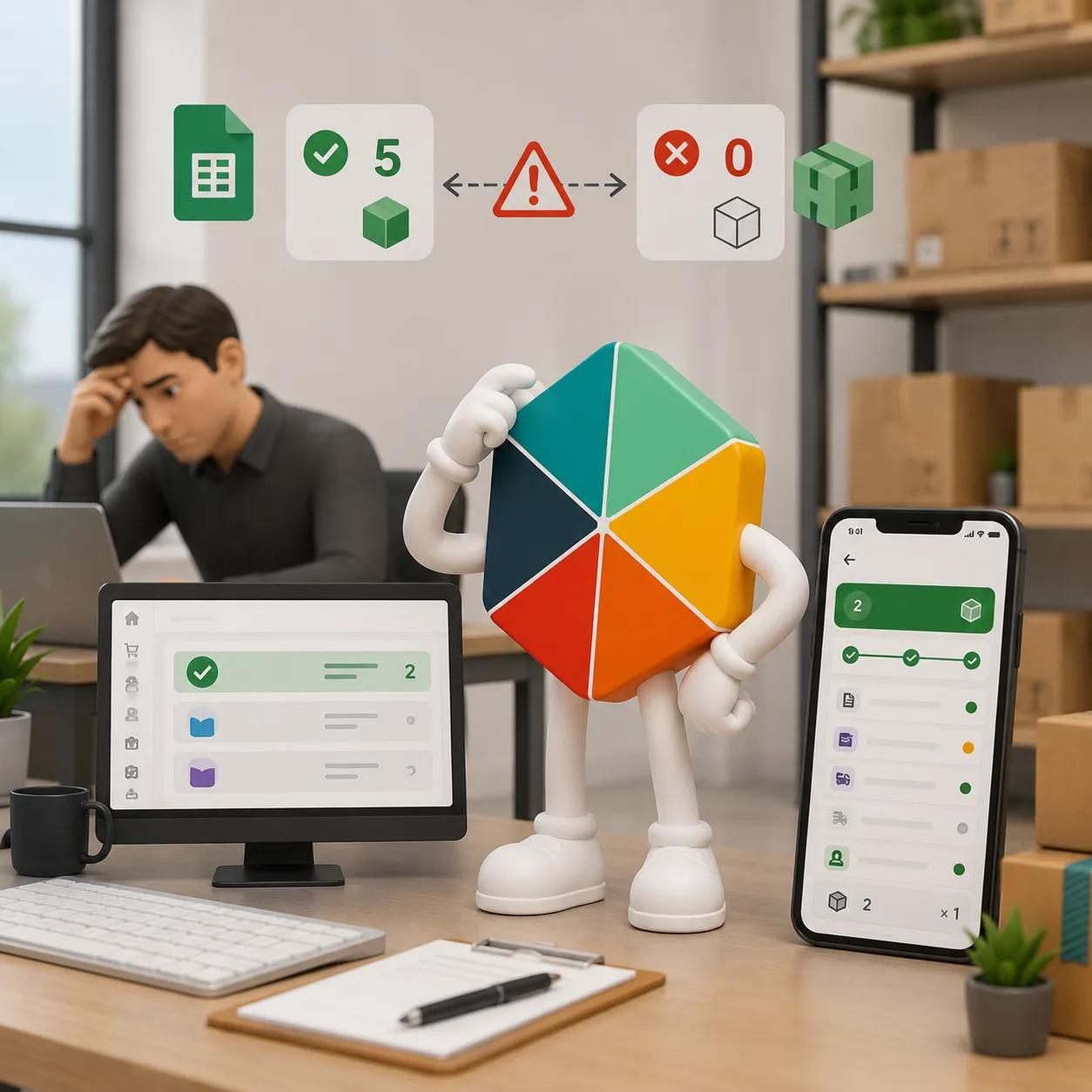
- Two people update the same spreadsheet and their numbers disagree by the time anyone checks.
- A physical count regularly turns up a different number than the records say, with no way to explain why.
- Reordering happens on a gut feeling rather than a defined threshold.
- More than two people touch stock records, and each one manages it slightly differently.
One of these happening occasionally is normal. Several happening on a regular basis is usually the point where a defined system starts saving more time than it costs to set up.
What a Real Inventory System Needs to Include
Regardless of the tool, functioning inventory management covers the same ground:
- Item catalog. A single source of truth for SKU, description, unit, supplier, and cost.
- Stock levels. Current quantity on hand, per location if the business operates more than one.
- Movements. A record of every inbound receipt, outbound shipment, and adjustment, so a stock level is explainable rather than just asserted.
- Reorder points. A minimum threshold per item that triggers a restock decision before the business runs out.
- Valuation. A costing method, which matters for margin reporting and for choosing between FIFO, LIFO, or average cost.
Missing any one of these is usually where tracking breaks down. A business that tracks stock levels but not movements cannot explain a discrepancy. A business that tracks everything at one location loses accuracy the day a second location opens, unless multi-location tracking is built in from the start.
Core Inventory Methods, Briefly
A handful of standard methods show up in almost every inventory system:
FIFO (First In, First Out) assumes the oldest stock moves first. It is the standard choice for anything perishable and the most common valuation method for small businesses generally. For a full comparison against the alternative, see FIFO vs LIFO for small businesses.
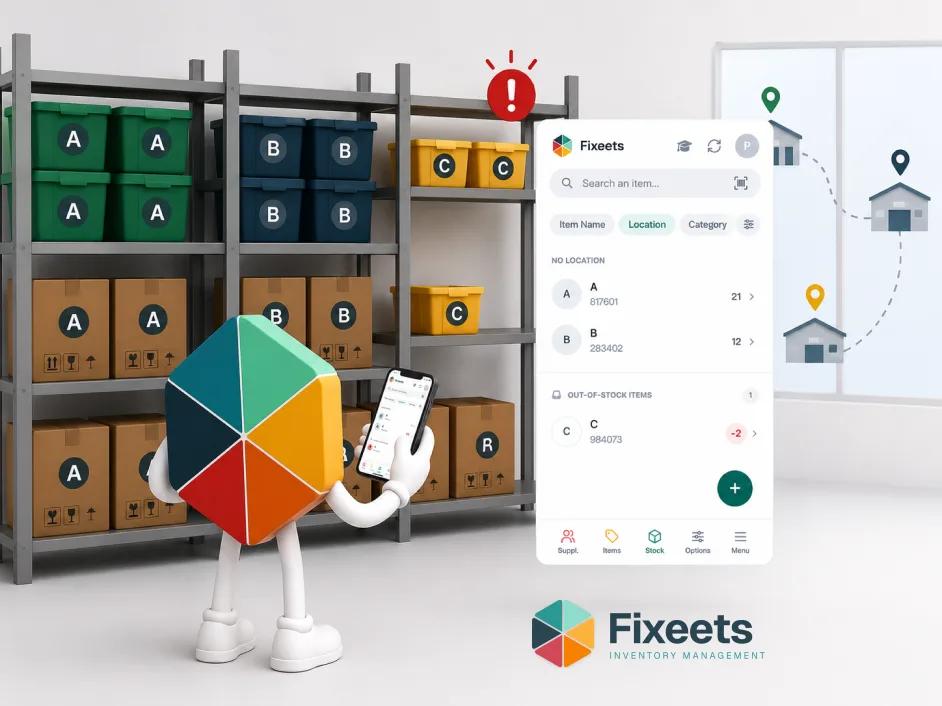
ABC analysis ranks inventory by value contribution: a small number of "A" items drive most of the value or turnover, "B" items are mid-tier, and "C" items are low-value, low-priority. The point is to focus counting effort where it actually matters. ABC analysis for inventory covers how to apply it step by step.
Safety stock is a buffer quantity held above expected demand, to absorb variability in supplier lead time or sales volume. Set it too low and stockouts follow. Set it too high and cash gets tied up in stock nobody needs yet.
From Spreadsheet to System: Practical Starting Steps
Moving from informal tracking to a real system does not require replacing the spreadsheet on day one. A practical sequence:
- Build one item catalog. One row per SKU, with unit cost and a reorder point, even if the reorder point is a rough estimate at first.
- Separate the item list from the movement log. Stock levels should be calculated from logged movements, not typed in directly. This single change is what prevents most of the "why doesn't this number match reality" problems.
- Set a reorder point per item, not a single blanket threshold. A fast-moving, high-value item needs a different trigger than a slow-moving, low-value one, which is exactly what ABC analysis is for.
- Add supplier and lead-time data once movements are tracked reliably, so reorder decisions come with the context needed to act.
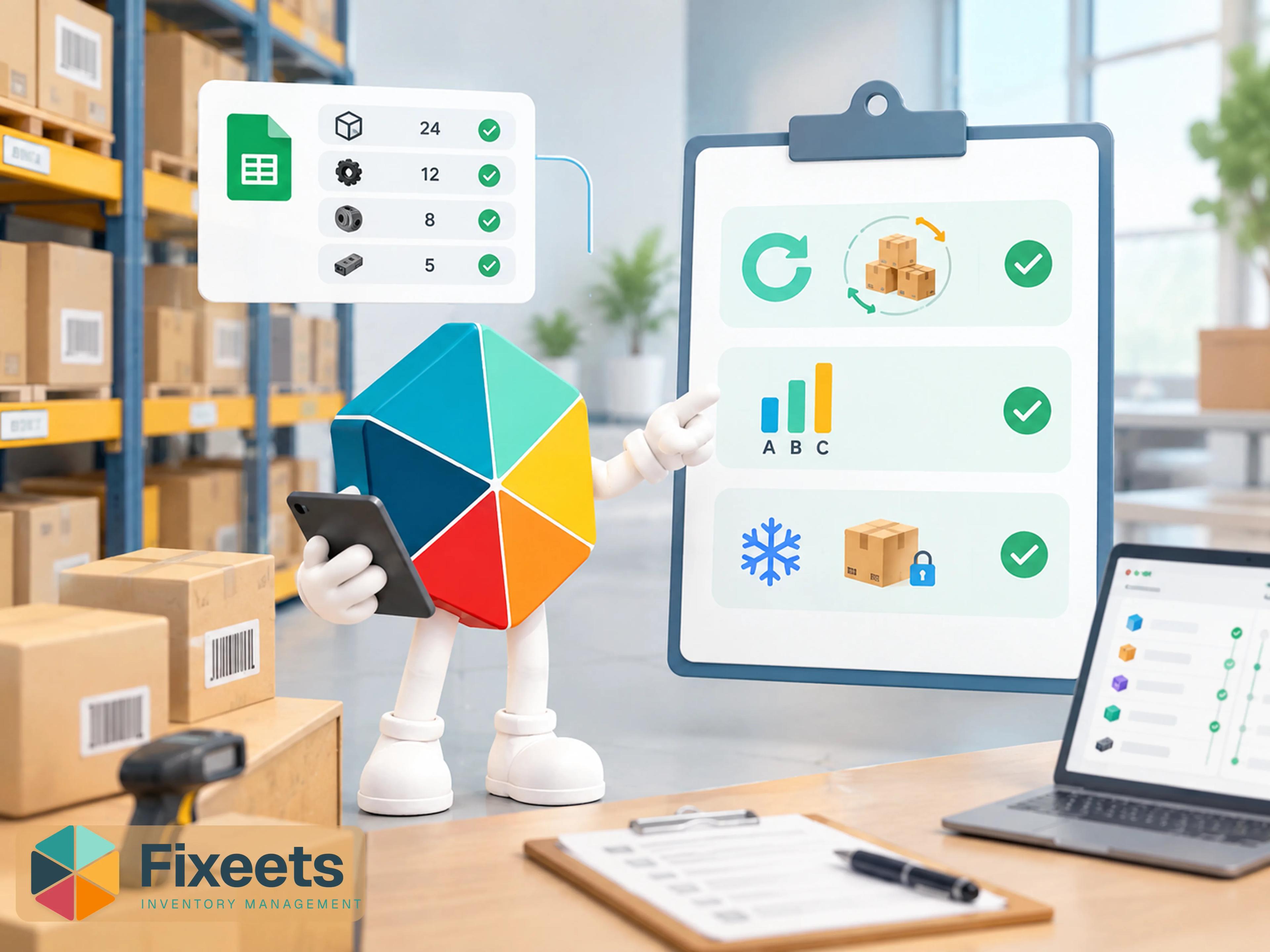
- Add structure before adding software. A dedicated add-on inside Google Sheets, like Fixeets Inventory, layers movement logging, low-stock alerts, and multi-location tracking on top of a spreadsheet a team already knows, without asking anyone to learn a new interface.
- Reassess only when a specific limit is hit. Multiple physical locations, barcode scanning at volume, or dozens of people touching stock are real signals to look at dedicated software. Growth alone is not.
For businesses selling in retail specifically, preventing stockouts in retail inventory management covers reorder points and safety stock in more retail-specific depth. And once a system is running, inventory turnover ratio is one of the first metrics worth tracking to see whether the new structure is actually working.
Where Fixeets Fits
Fixeets Inventory is a structured add-on that runs inside Google Sheets rather than replacing it. It adds controlled data entry, a real movement history, low-stock alerts, and multi-location visibility on top of the spreadsheet a team already uses daily. It does not turn a business into an ERP shop overnight, and it is not meant to. For a closer look at where a plain spreadsheet specifically falls short compared to a structured tool, see how Fixeets compares to Excel for inventory management. And for what specifically changes once a spreadsheet gets that structure, how Fixeets turns Google Sheets into a real inventory system walks through the distinction in more depth.
As covered in why artisans and small manufacturers choose spreadsheets over ERP, keeping the tool simple is often the more scalable decision, not the compromise one.
To see the product in more detail, visit Fixeets Inventory Management. For the full reference on methods, costing, and system selection, see our complete inventory management guide.
FAQ
When should a small business move beyond a plain spreadsheet for inventory?
When the same problems recur: items running out unexpectedly, two people's stock counts disagreeing, or nobody being able to explain a discrepancy after a physical count. Occasional issues are normal. Recurring ones signal a structure gap.
What is the minimum an inventory system needs to include?
An item catalog, current stock levels, a movement log, and a reorder point per item. Valuation and multi-location tracking matter once the business scales, but these four are the baseline.
Is FIFO or LIFO better for a small business?
FIFO is the more common default, especially for perishable or trend-sensitive goods, and it mirrors how stock physically moves in most small operations. LIFO is less common outside specific accounting contexts and is not permitted under IFRS in most countries.
What is ABC analysis and do I need it?
ABC analysis groups inventory into three tiers by value or turnover, so counting effort and reorder attention go where they matter most. It is most useful once a catalog passes roughly fifty SKUs; below that, treating every item the same is usually fine.
Do I need dedicated software to track inventory well?
Not necessarily. A well-structured spreadsheet, with a proper item catalog and movement log, handles a single location and a stable catalog fine. Dedicated software or a structured add-on becomes worth it once multiple locations, barcode scanning needs, or several people updating stock enter the picture.
How do I know if my reorder points are set correctly?
Track stockout rate and days of inventory on hand for a few months. Frequent stockouts on an item suggest the reorder point is too low or the lead time was underestimated. Consistently high stock on a slow-moving item suggests it is set too high.
Can Google Sheets really replace dedicated inventory software?
For many small businesses, a structured Google Sheets setup covers the same ground as entry-level dedicated software: item tracking, movement logging, reorder alerts, and reporting. The gap that remains is usually barcode scanning at high volume and very large multi-site operations, where dedicated software's built-in tooling starts to pay for itself.