A stockout happens the moment a customer wants to buy something you do not have. For a retail team it means a lost sale. For a manufacturer it can mean a stalled production line. Either way, the cost is rarely just the missed transaction. It is the customer who does not come back, or the order that gets fulfilled late and damages a relationship.
What Is a Stockout?
A stockout is when demand for a product exceeds the available supply, leaving zero units on hand to fulfil an order. It can happen at a single location, across an entire operation, or for a specific SKU while others remain in stock.
Stockouts are different from being low on stock. Low stock is a warning state. A stockout is the point where the warning was not acted on in time, or was never in place at all.
What Causes a Stockout?
No reorder point, or one set too low
The most common cause is a missing or miscalculated reorder point. Without a defined trigger level, stock gets reordered reactively, usually after someone notices the shelf or warehouse bin is already empty.
Inaccurate demand forecasting
Ordering based on outdated sales data or a rough estimate rather than actual recent demand means the reorder quantity does not match what is really moving. A sudden increase in demand, seasonal or otherwise, can outpace a static ordering pattern.
Supplier lead time variability
Even a well-calculated reorder point fails if the supplier takes longer than expected to deliver. Lead time assumptions that do not reflect real, recent delivery performance are a common hidden cause of stockouts.
No visibility across locations
For operations with multiple locations, a SKU can be well stocked at one site and out at another. Without consolidated visibility, a stockout at one location can go unnoticed while stock sits idle elsewhere.
Manual tracking errors
In spreadsheet-based or manual systems, a missed update, a double-counted return, or a simple data entry mistake can make stock appear available when it is not, right up until someone tries to fulfil an order that cannot be completed.
The Real Cost of a Stockout
The immediate cost is the lost sale. But stockouts carry costs beyond the transaction itself:
- Customer trust. A customer who cannot get what they came for once may not come back a second time.
- Emergency purchasing. Reactive orders placed to cover a stockout often come at higher unit costs, with less favorable terms, and sometimes from a backup supplier at a premium.
- Production delays. For manufacturing and workshop operations, a stockout on a critical component can halt an entire production line, not just delay a single order.
- Reputation with retail and wholesale partners. Repeated stockouts on committed orders damage supplier relationships in the other direction, not just with end customers.
These downstream costs are usually larger than the value of the single missed sale, which is why stockout prevention deserves more attention than it typically gets in small operations.
How to Measure Stockout Risk
A practical way to track stockout exposure is the stockout rate: the percentage of SKUs that hit zero stock within a given period.
Stockout Rate = (Number of SKUs Out of Stock / Total Number of SKUs) x 100
Tracking this monthly gives you a trend line. A rising stockout rate signals a systemic issue with reorder points, forecasting, or supplier reliability, not just an isolated bad month.
How to Prevent Stockouts
Set a reorder point for every SKU that matters
A reorder point is the stock level that triggers a new order, calculated from average daily usage, supplier lead time, and a safety stock buffer. Without this number defined, stock decisions default to whoever happens to notice a shelf is empty.
For the full formula and worked examples, the article on how to set a reorder point covers the calculation in detail, including how to size safety stock for variable demand and lead times.
Prioritize by SKU value and movement
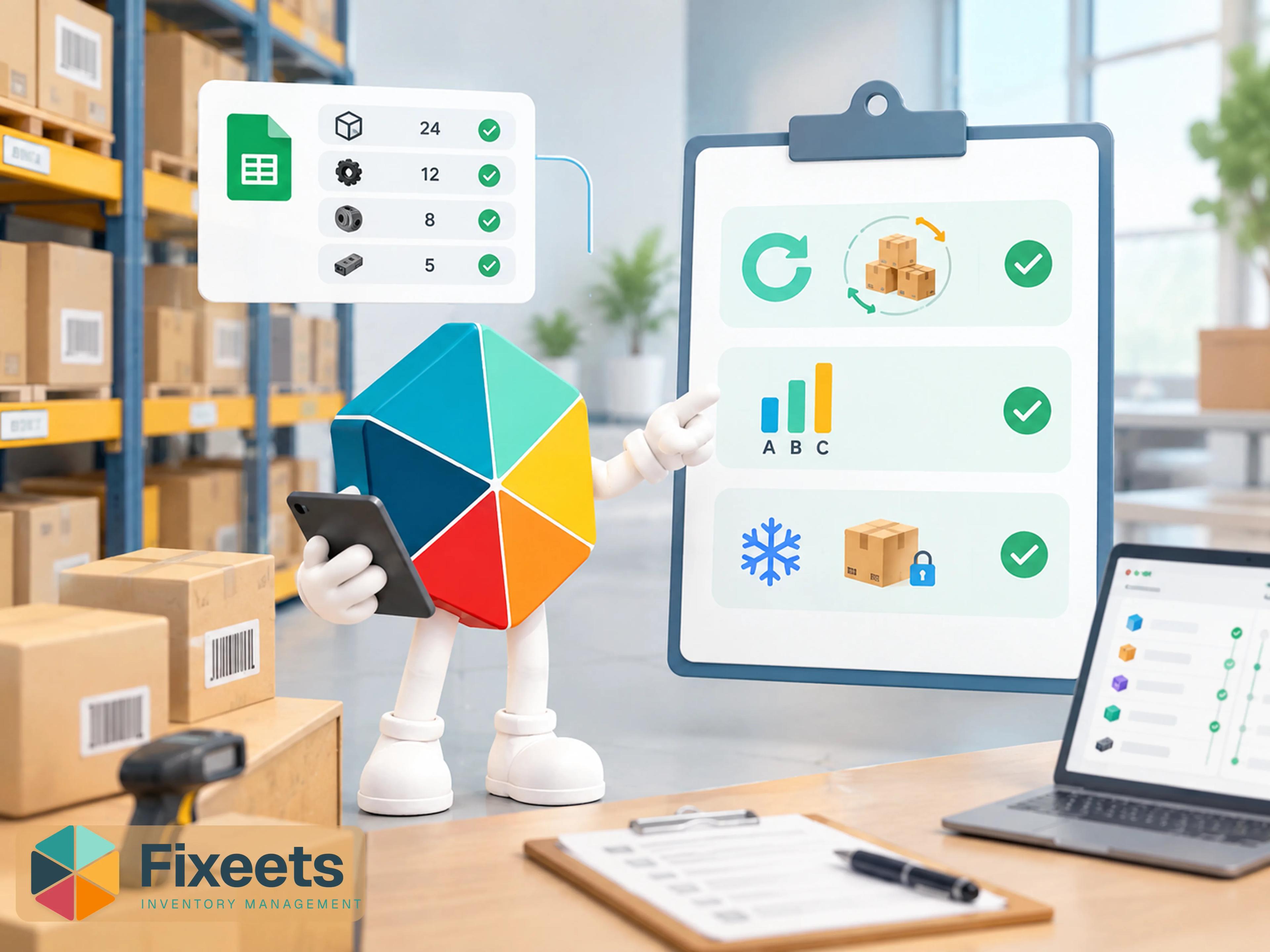
Not every product needs the same level of attention. Applying ABC analysis lets you focus precise reorder point calculation and closer monitoring on your highest-value, fastest-moving SKUs, while using simpler minimum-quantity rules for lower-impact items.
The article on ABC analysis for inventory covers how to categorize stock this way and what it changes about your ordering decisions.
Build in safety stock for lead time variability
If a supplier's delivery time varies, your reorder point needs to account for the worst realistic case, not just the average. A supplier that usually delivers in 7 days but occasionally takes 12 needs a safety stock buffer sized for that gap, not for the average.
Get visibility across every location
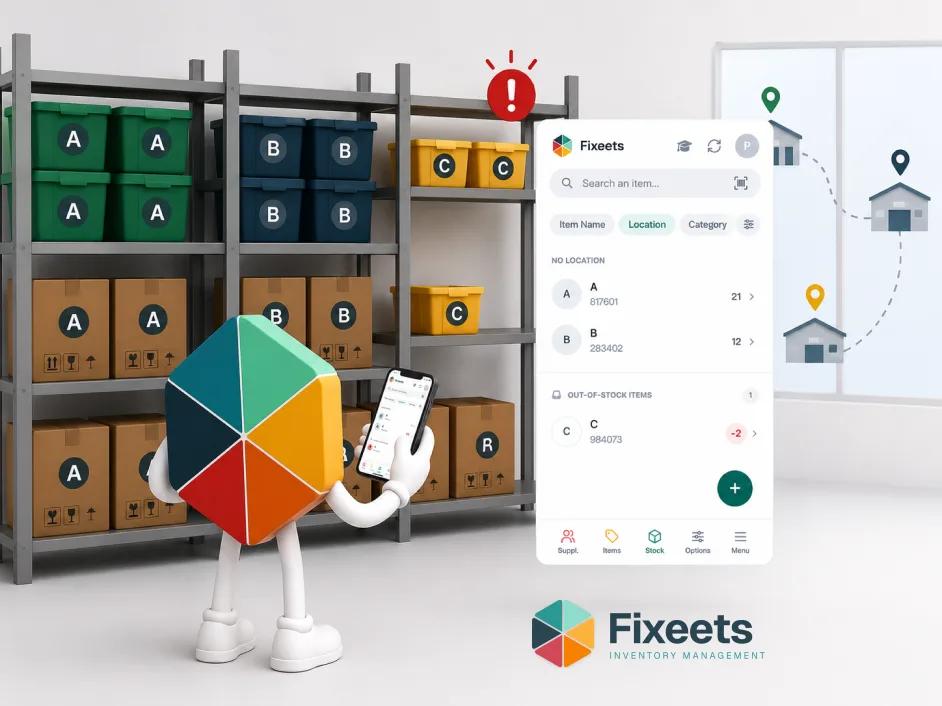
If stock is spread across more than one site, a single consolidated view of on-hand quantity per SKU per location is what prevents a stockout at one site from going unnoticed while stock sits unused at another.
Set up automatic low-stock alerts
Manual checks are the weakest link in stockout prevention. A team member has to remember to check, has to check often enough, and has to act on what they see. Automatic alerts remove that dependency entirely by flagging a SKU the moment it crosses the reorder threshold.
Avoiding the Opposite Problem: Overstocking
Preventing stockouts should not mean defaulting to excess safety stock across the board. Overstocking ties up cash, increases holding costs, and depresses inventory turnover ratio.
The goal is precision, not padding. A reorder point calculated from real usage data and real lead times gives you enough buffer to prevent a stockout without carrying more stock than the risk actually justifies.
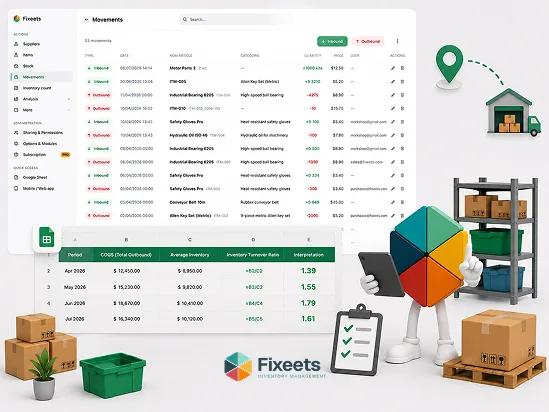
For a closer look at how reorder decisions affect broader inventory efficiency, the article on inventory turnover ratio covers how overstocking and stockouts both distort the same underlying metric, from opposite directions.
Stockout Prevention Inside Fixeets
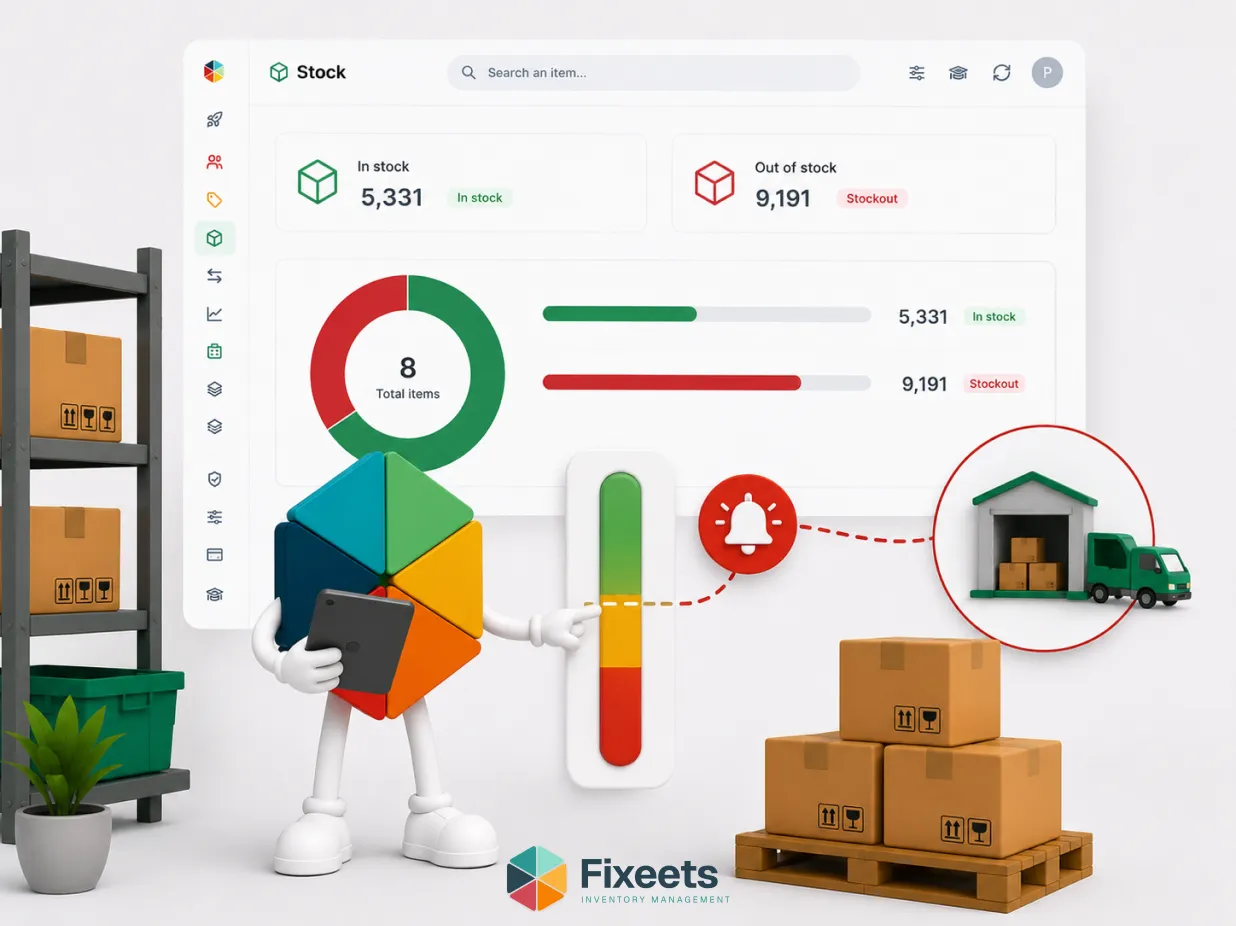
Fixeets flags SKUs automatically when stock drops to a defined minimum threshold, which functions as your reorder point in practice. Combined with live multi-location visibility, this closes the two most common gaps that lead to stockouts: no alert before stock runs out, and no visibility when stock is unevenly distributed across sites.
To see how stock thresholds and location visibility work together, visit the Fixeets inventory management page.
For retail and e-commerce operations specifically, the article on retail inventory management and stockout prevention covers reorder timing and supplier lead time management in a retail context.
Key Takeaways
- A stockout is when demand exceeds available supply, leaving zero units to fulfil an order. It differs from being low on stock, which is a warning state rather than a failure point.
- Common causes: missing or miscalculated reorder points, outdated demand forecasting, supplier lead time variability, no cross-location visibility, and manual tracking errors.
- The real cost of a stockout extends beyond the lost sale to customer trust, emergency purchasing costs, and production delays.
- Stockout rate (percentage of SKUs hitting zero stock in a period) is a practical way to track exposure over time.
- Prevention comes from setting accurate reorder points per SKU, prioritizing by ABC value, building in safety stock for lead time variability, and getting visibility across locations.
- Preventing stockouts should not mean overstocking. Precision in the reorder calculation avoids both problems at once.
Frequently Asked Questions
What is a stockout? A stockout is when demand for a product exceeds available supply, leaving zero units on hand to fulfil an order. It can occur at a single location, across an entire operation, or for one SKU while others remain adequately stocked.
What is the difference between a stockout and low stock? Low stock is a warning state where quantity is falling but units are still available. A stockout is the point where units have reached zero and an order cannot be fulfilled. Low-stock alerts exist specifically to prevent the transition from one to the other.
What causes stockouts? The most common causes are missing or poorly calculated reorder points, outdated demand forecasting, supplier lead time variability that is not accounted for, lack of visibility across multiple locations, and manual tracking errors in spreadsheet-based systems.
How do I calculate stockout rate? Stockout rate is the percentage of SKUs that hit zero stock within a given period, calculated as (number of SKUs out of stock divided by total number of SKUs) multiplied by 100. Tracking this monthly reveals whether stockout risk is trending up or down.
How does a reorder point prevent stockouts? A reorder point defines the stock level that triggers a new order, based on average daily usage, supplier lead time, and safety stock. When set correctly, new stock arrives before existing stock is depleted, preventing a stockout before it happens.
Can preventing stockouts lead to overstocking? Yes, if reorder points and safety stock are set too conservatively across the board. The goal is a reorder point calculated from real usage and lead time data, which prevents stockouts without tying up excess cash in inventory that is not needed.
Do stockouts only affect retail businesses? No. Stockouts affect manufacturing and workshop operations as well, where a missing component can halt a production line rather than just delay a single customer order. The operational impact can be more severe than in a pure retail context.
How does multi-location visibility help prevent stockouts? Without a consolidated view across locations, a SKU can be out of stock at one site while sitting unused at another. Visibility across all locations allows stock to be reallocated or reordered before a localized stockout occurs.
What is the real cost of a stockout beyond the lost sale? Beyond the immediate lost transaction, stockouts often lead to emergency purchasing at higher costs, damaged customer trust, production delays for manufacturing operations, and strained relationships with retail or wholesale partners when committed orders cannot be fulfilled.
How does Fixeets help prevent stockouts? Fixeets flags a SKU automatically when stock drops to a defined minimum threshold, which serves as the reorder point in practice. Combined with live visibility across multiple locations, this addresses the two most common causes of stockouts: missed alerts and unseen stock imbalances between sites.