Running a small retail store or an e-commerce operation looks simple from the outside. You sell products, you restock, you repeat. In practice, the inventory layer underneath that cycle is where most small businesses quietly lose money, time, and customers.
A product listed as available on your Etsy or WooCommerce store that is actually out of stock. A warehouse movement that never got recorded. A supplier order placed too late because nobody noticed the shelf was running low. These are not rare edge cases. For small retail and e-commerce teams managing inventory manually, they are weekly realities.
Why Retail and E-commerce Inventory Is Harder Than It Looks
Retail and e-commerce inventory has a specific set of challenges that generic inventory advice often skips over.
Volume and variety. A small store between 50 to 1,000 SKUs is not managing a handful of items. Each product may have multiple variants: size, colour, format, packaging. Each variant needs its own tracking. A raw spreadsheet becomes unmanageable fast.
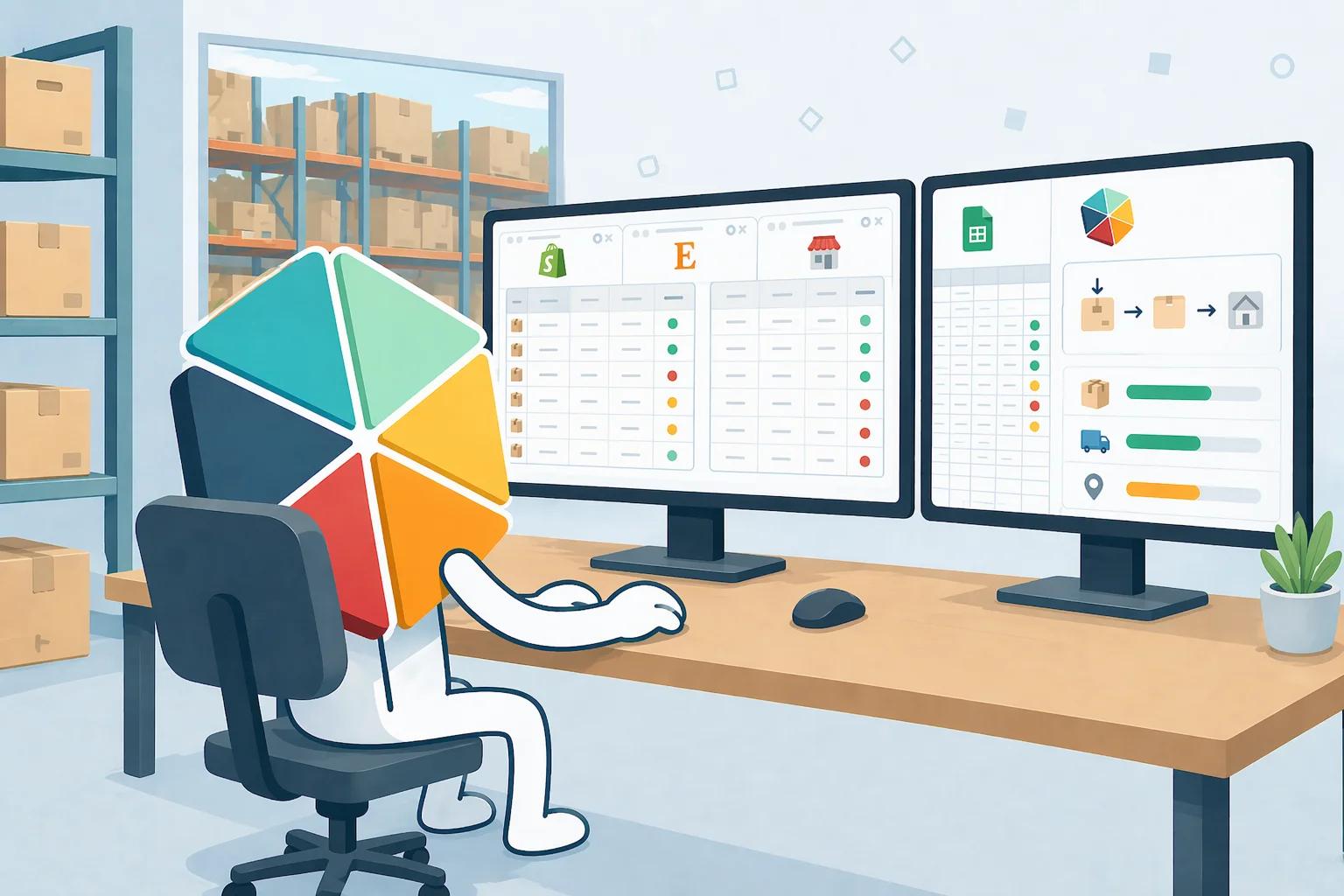
Multiple sales channels. A store selling on WooCommerce, Etsy, and in a physical location simultaneously is drawing from the same stock across three surfaces. Without a central record, overselling is a matter of when, not if.
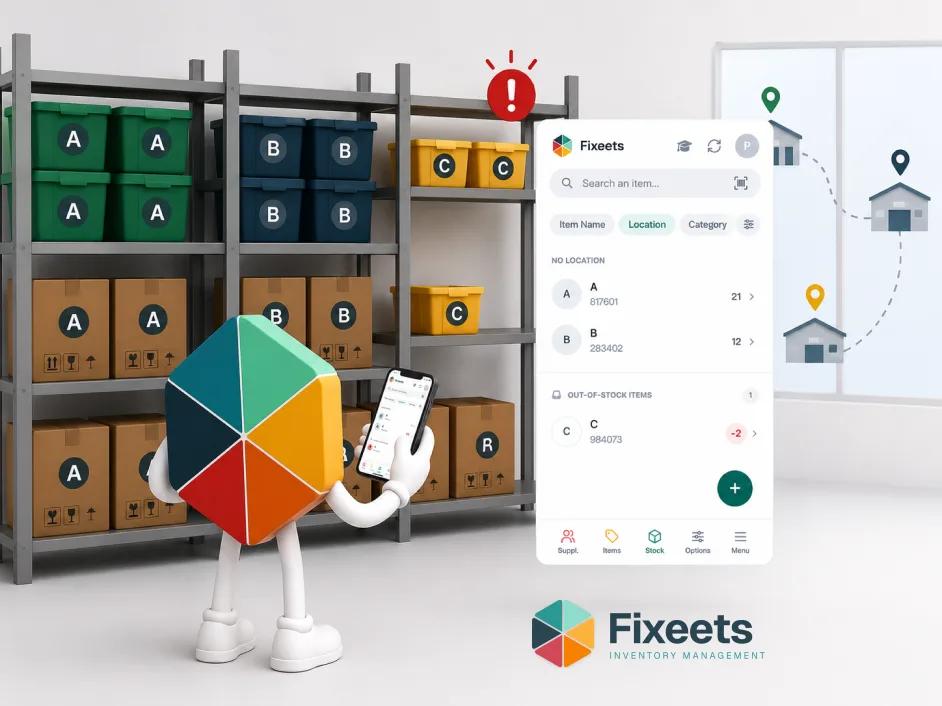
Location complexity. Stock does not always sit in one place. A small retailer might have a main warehouse, a shop floor, and a temporary storage unit. Knowing which item is where - and moving it correctly when needed - requires a system, not memory.
Supplier and reorder timing. Small stores often have tight cash flow. Ordering too early locks up capital. Ordering too late means stockouts and lost sales. Getting reorder timing right depends on having accurate stock data, consistently updated.
What Breaks Without Structure
The most common failure pattern for small retail and e-commerce businesses is not a single catastrophic event. It is a slow accumulation of small errors that compound over time.
Stock counts drift from reality because movements are not recorded consistently. A team member updates a spreadsheet row manually and gets the formula wrong. A return comes back to the warehouse but nobody logs it. A product sells out on one channel while remaining listed as available on another.
Each individual error is small. Together, they erode trust in the stock data entirely. At that point, teams stop relying on the system and start relying on physical counts and guesswork. The cycle resets.
The fix is not more spreadsheet complexity. It is a consistent structure for how stock enters, moves, and exits the system, with enough visibility for the whole team to work from the same data. Our article on when inventory templates stop working maps this exact drift pattern and what teams typically do next.
The Core Requirements for Small Retail Inventory
Before choosing any tool or approach, it helps to be clear about what a small retail or e-commerce operation actually needs from its inventory system.
Accurate stock levels at any point in time. The team should be able to check how many units of any SKU are available without doing a manual count.
Recorded stock movements. Every inbound delivery, outbound sale, return, and internal transfer should leave a record. Not because audits demand it, but because patterns in that data tell you things a stock count alone cannot.
Location awareness. If stock sits in more than one place, the system should reflect where each item is. Moving stock from one location to another should be a deliberate, logged action, not an undocumented physical move.
Low-stock visibility. The team should know when a product is approaching a reorder threshold before it actually runs out. Three methods for setting up inventory alerts in Google Sheets covers how to configure these without coding, and how to set a reorder point covers the formula for calculating that threshold in the first place.
A system the team will actually use. The most sophisticated inventory tool is useless if adoption is low. For small teams, familiarity and ease of use matter as much as features.
How Multi-Location Stock Works in Practice
For small retailers with more than one storage point, multi-location tracking is often the first thing that exposes the limits of a basic spreadsheet setup.
Consider a small retailer with a main warehouse and a shop floor. Stock arrives at the warehouse. Some of it moves to the shop floor for display and sale. Customers buy from the shop floor. Returns come back. Occasionally, items are transferred between locations to balance availability.
Each of those movements needs to be reflected in the stock record. If the warehouse shows 50 units but 20 of them are already on the shop floor, the warehouse figure is misleading. If a transfer happens without being recorded, both location counts become unreliable.
A structured system handles this by assigning a location to each item and making warehouse movements - from one location to another - a deliberate recorded action rather than an undocumented physical event. The total stock count remains accurate because the movement is logged, not just assumed.
This is the difference between knowing you have 50 units somewhere and knowing you have 30 in the warehouse and 20 on the shop floor, with a movement record showing when and why they were transferred. For a full walkthrough of structuring this in a spreadsheet, our guide on managing inventory across multiple locations in Google Sheets covers the setup step by step.
Managing E-commerce Inventory Without a Dedicated Integration
Most small e-commerce businesses selling on Shopify, WooCommerce, Etsy, Pinterest, or similar platforms eventually run into the same question: how do I keep my inventory accurate across all these channels without a dedicated integration?
The honest answer for stores with up to around 1,000 SKUs is that a well-structured central inventory record, consistently maintained, solves most of the problem. The complexity that requires deep platform integration usually arrives at much higher volumes or much higher transaction speeds than most small stores operate at.
The practical approach is to treat one system as the single source of truth for stock levels. Every inbound delivery updates that system. Every sale, whether it comes from WooCommerce, Etsy, or a physical till, gets recorded as an outbound movement. Returns come back in. The system reflects reality.
The discipline of maintaining that central record is more valuable than the sophistication of the tool used to maintain it. Teams that update their stock consistently with a structured tool have better inventory accuracy than teams using complex integrations they do not fully understand or maintain.
What Fixeets Offers for Small Retail and E-commerce Teams?
Fixeets is built for exactly the operational stage most small retail and e-commerce businesses are at: past the point where a raw spreadsheet is enough, but not ready for the cost and complexity of a full ERP system.
It runs inside Google Sheets, which means the team works in a familiar environment without a migration or a steep learning curve. The structure Fixeets adds on top is what raw spreadsheets cannot provide on their own.
For retail and e-commerce specifically:
Stock tracking across locations. Each item can be assigned to a specific location. Warehouse movements between locations are logged as deliberate actions, keeping both the source and destination counts accurate.
Outbound movements tied to orders. When stock leaves for a customer or an order, that movement is recorded with the relevant details. The stock level updates accordingly.
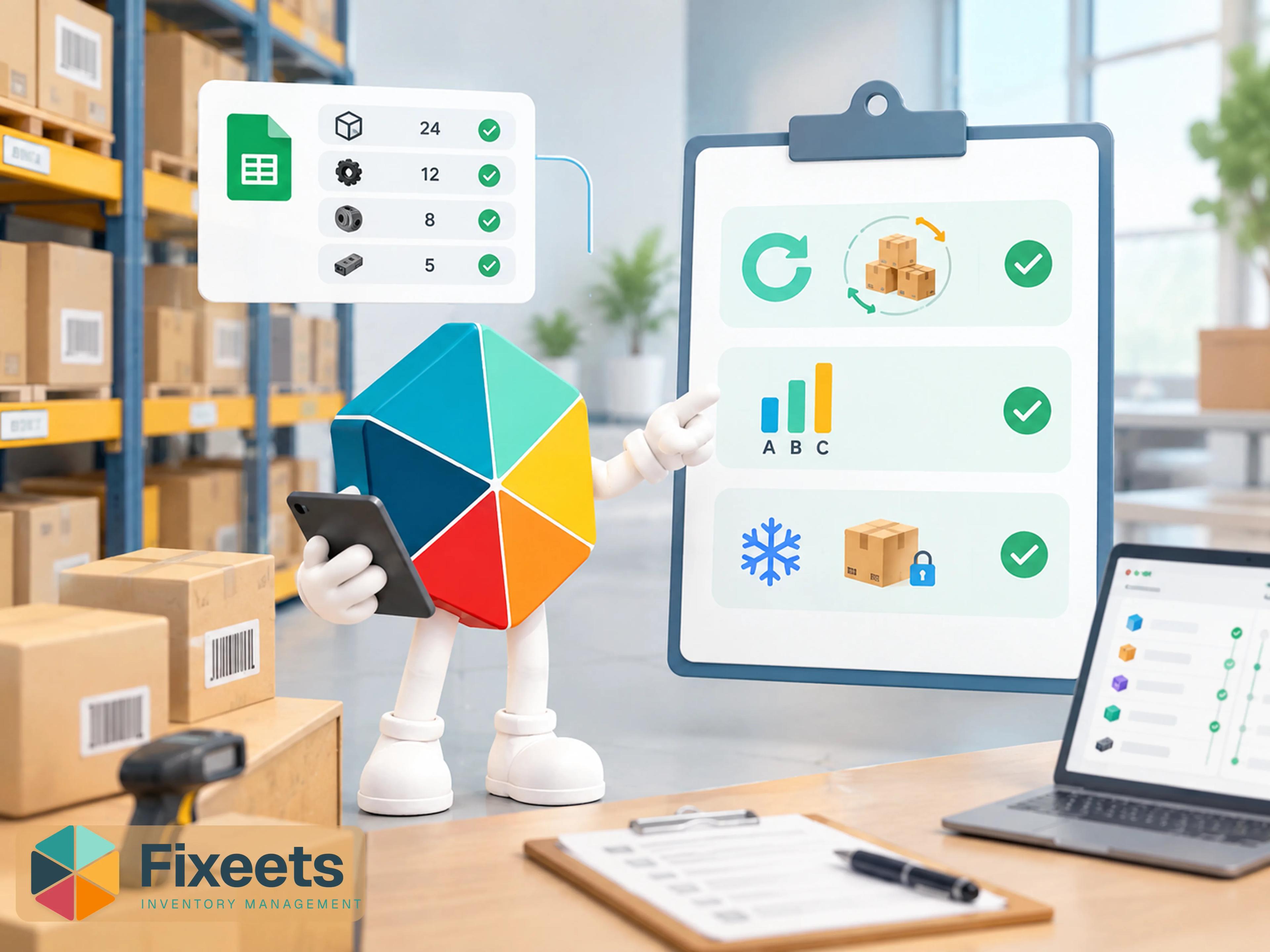
Barcode and QR code scanning. Products can be scanned in and out rather than updated manually, which reduces entry errors and speeds up the process for teams handling physical goods.
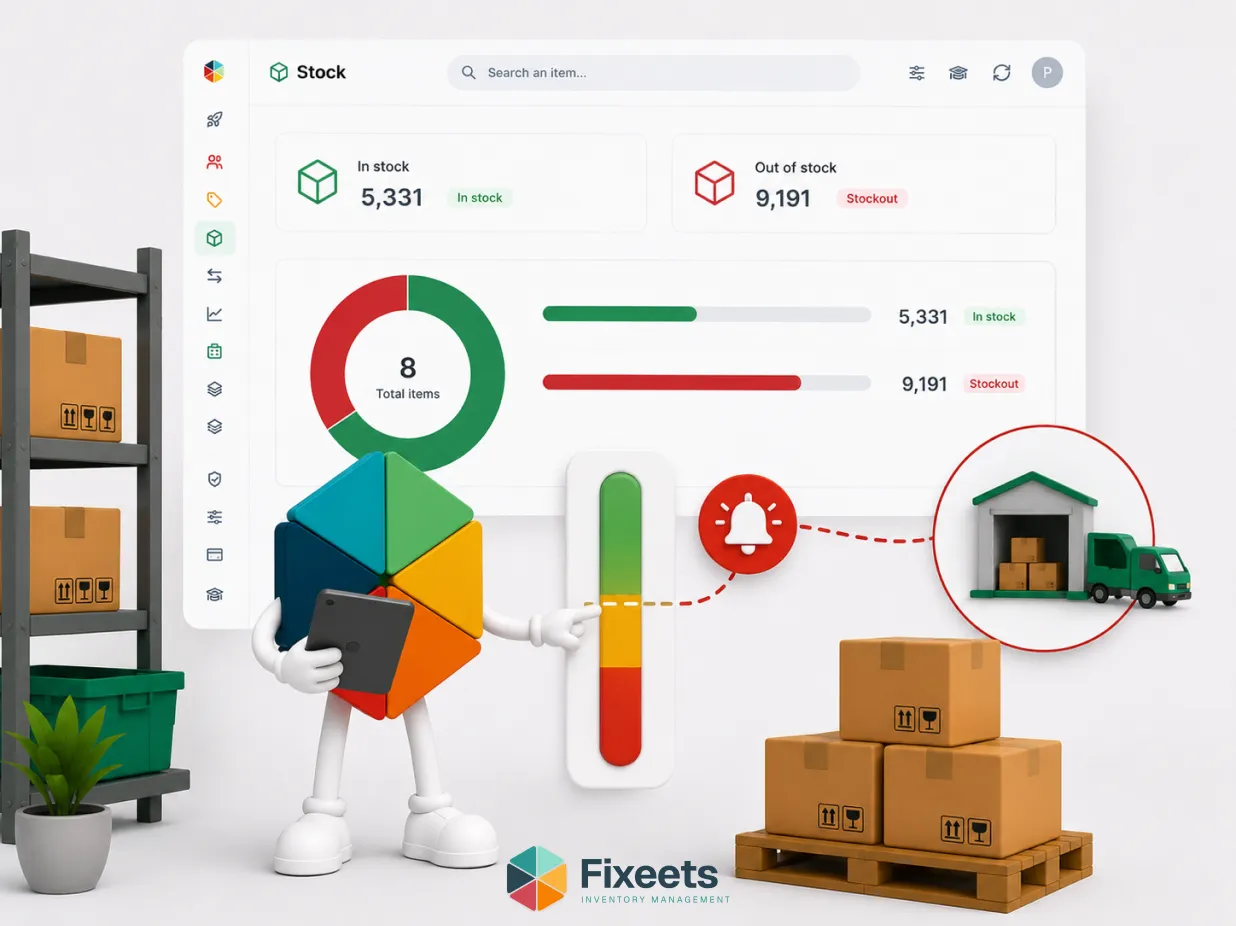
Stock-out alerts. The system flags when items approach a defined minimum threshold, giving the team time to reorder before the problem becomes visible to customers.
Multi-user access. The whole team works from the same data. There is no version confusion from multiple spreadsheet copies.
Analytical dashboards. Stock levels, movement history, and inventory insights are visible without building custom reports.
The result is a system that fits how small retail and e-commerce teams already work, adds the operational structure they need, and scales as the business grows without requiring a platform change. For a closer look at how this applies to store operations specifically, see inventory management for retail stores.
A Practical Starting Point
If your store is currently managing inventory in a basic spreadsheet or across disconnected tools, the transition to a structured system does not have to be a large project.
Start with your highest-value or fastest-moving SKUs. Get those into a structured record first. Establish the habit of logging movements as they happen. Once that discipline is in place for your core products, expanding to your full catalogue is straightforward.
The goal is not a perfect system from day one. It is accurate, consistent data that your team trusts and uses.
That is what prevents the slow drift of errors that eventually makes manual inventory management unworkable.
Fixeets Inventory Management is built to support exactly this transition: accurate, team-wide stock control inside Google Sheets, without the overhead of a full ERP.
If your team is deciding between a spreadsheet template and a structured tool, our comparison of Google Sheets inventory templates vs dedicated inventory tools covers the decision framework clearly.
Key Takeaways
- Small retail and e-commerce businesses lose money through slow-accumulating stock errors, not single catastrophic events
- Accurate stock levels, recorded movements, location awareness, and low-stock visibility are the four core requirements for retail inventory control
- Managing multiple sales channels (Shopify, WooCommerce, Etsy) requires one system as the single source of truth, not complex platform integrations
- Multi-location tracking must treat warehouse movements as deliberate logged actions, not undocumented physical events
- The discipline of consistent updates with a structured tool matters more than the sophistication of the platform used to maintain them
Frequently Asked Questions
What causes stockouts in small retail businesses? Usually a slow accumulation of small errors rather than one event: movements not logged consistently, a return that never gets recorded, or a product still shown as available on one channel after it sold out on another.
How do I prevent stockouts without expensive software? Keep one system as the single source of truth for stock levels, log every movement as it happens, and set a low-stock threshold per item so the team knows before a product actually runs out. How to set a reorder point covers the formula for that threshold.
Can I manage inventory across Shopify, Etsy, and a physical store with one system? Yes, without a dedicated integration, as long as one system is treated as the source of truth and every sale, from any channel, gets recorded as an outbound movement. Deep platform integration usually only becomes necessary at much higher volumes than most small stores operate at.
What is the difference between inventory management for retail and general inventory management? The core requirements are the same: accurate stock levels, recorded movements, and low-stock visibility. Retail adds the complexity of multiple sales channels and, often, product variants like size or colour, each needing its own tracking.
Do I need barcode scanning for a small retail store? Not at the very start, but it becomes valuable once product volume or variant count makes manual entry slow and error-prone. Fixeets supports barcode and QR code scanning as part of its structure for exactly that stage.
How many SKUs can Fixeets handle for a retail business? Fixeets is built for operations with up to a few thousand SKUs, which covers most small retail and e-commerce catalogs without requiring a full ERP system.
What is the first step to fixing a drifting inventory count? Start with your highest-value or fastest-moving SKUs. Get those into a structured record first and establish the habit of logging movements as they happen, then expand to the full catalogue once that discipline holds.
Does Fixeets integrate directly with Shopify or Etsy? Not yet. That integration is on the roadmap. Today, Fixeets and those platforms run side by side, with sales recorded as outbound movements rather than synced automatically.