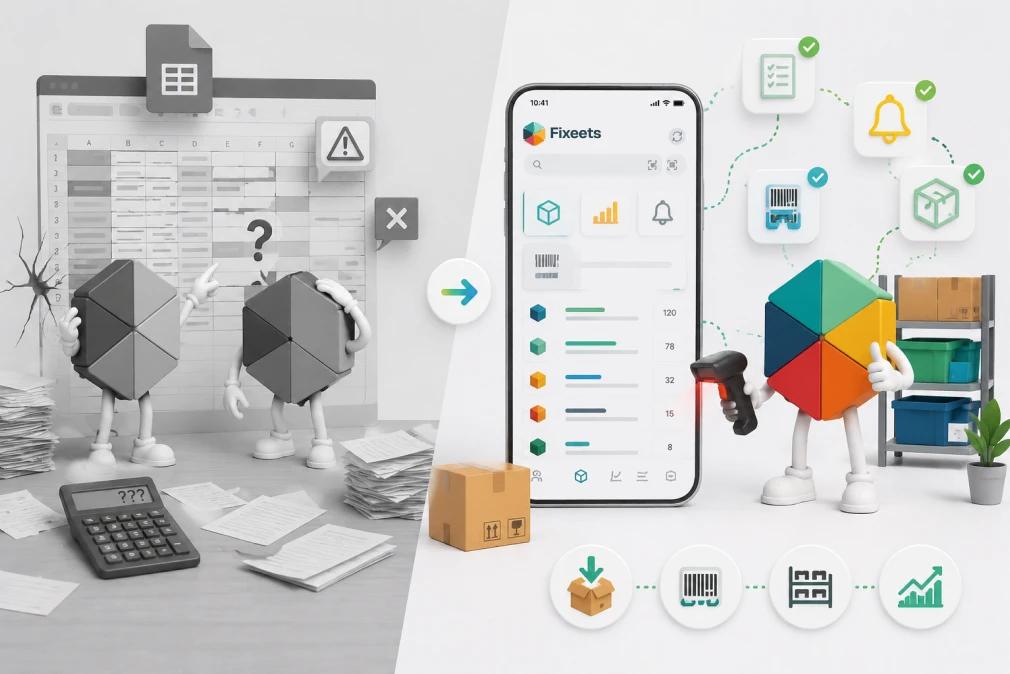
Excel is the default choice for inventory management in small businesses. It is familiar, free, and flexible. Most teams start there. The problem is not that Excel is a bad tool. The problem is that Excel was never built for inventory, and eventually the gaps show.
What Is Fixeets for Inventory Management?
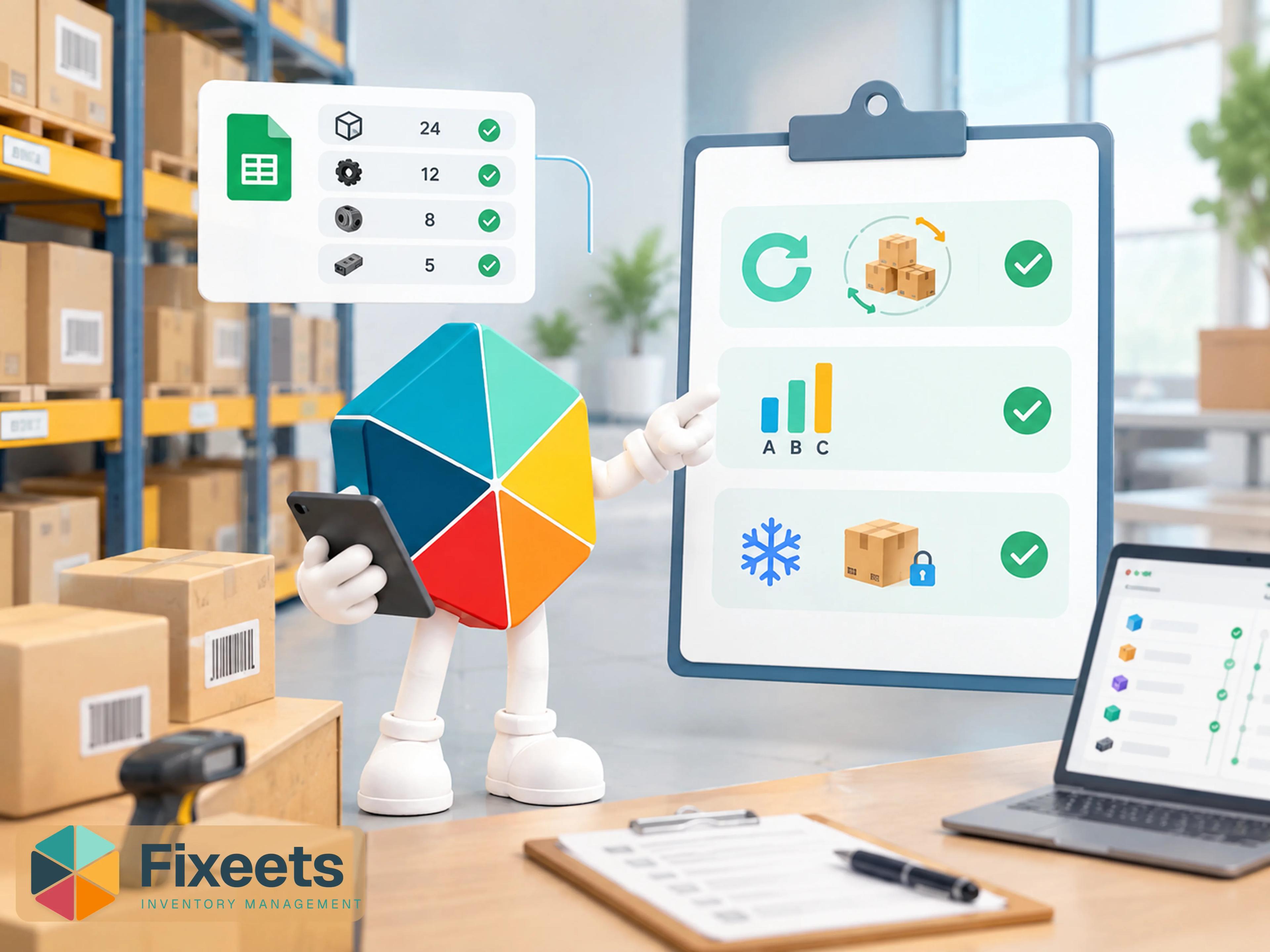
Fixeets is an inventory management system that runs inside Google Sheets and Google Workspace. It adds structured workflows, barcode scanning, automatic low-stock alerts, and multi-location visibility directly on top of a spreadsheet interface. Teams get the familiarity of a spreadsheet with the control of a purpose-built inventory tool, without migrating to an ERP or learning new software from scratch.
Where Excel Works Well for Inventory
Excel and Google Sheets handle early-stage inventory well. A single product list, a few dozen SKUs, one location, and one person updating the file is a setup that works. The tool is visual, customizable, and requires no onboarding.
For very small operations with stable stock and low transaction volume, a well-maintained spreadsheet can be enough. The issue is not the starting point. It is what happens as operations grow.
Where Excel Starts to Break Down
No Real-Time Stock Updates
Excel files are static. When one person updates a cell and saves, another person working on the same file may not see the change immediately. In shared environments this creates version conflicts, overwritten data, and stock figures that are simply wrong by the time someone reads them.
Google Sheets improves on this with cloud-based collaboration, but without structured access controls and movement logic, the underlying problem remains. Stock levels reflect the last manual update, not the actual current state.
Manual Errors Accumulate Quickly
Every stock movement in Excel requires a manual entry. Receiving goods, shipping an order, transferring between locations, adjusting for damage - each event depends on someone updating the right cell in the right row at the right time.
At low volume this is manageable. At higher volume, errors compound. Stock figures drift from reality. Reorder decisions get made on inaccurate data. Teams discover the discrepancy during a physical count, not before.
No Low-Stock Alerts Without Custom Scripting
Out-of-the-box Excel has no alert system. Teams either check stock levels manually or build custom formulas and conditional formatting to flag low inventory. This works until the spreadsheet grows complex, logic breaks, or someone accidentally overwrites a formula.
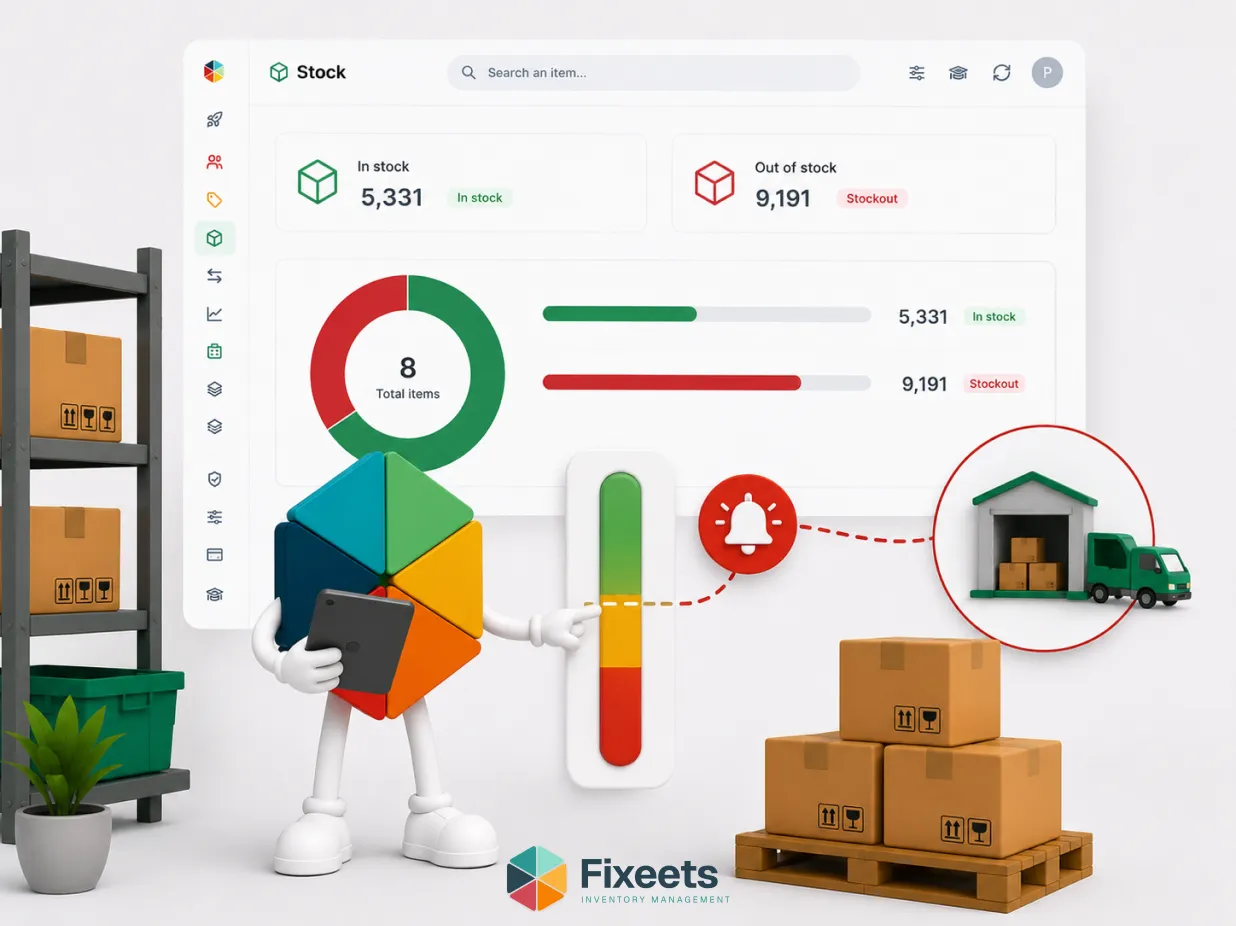
Fixeets includes automatic low-stock alerts as a core feature. When a SKU drops below its threshold, the system flags it. No custom formula required. No manual check needed. For a closer look at how this compares to building alerts manually, three methods for automating inventory alerts in Google Sheets covers the options without coding.
Barcode Scanning Is Not Native
Using barcodes with Excel requires third-party hardware integration or manual configuration. Most small teams end up typing data instead, which slows down receiving and increases the chance of entry errors.
Fixeets supports barcode scanning natively, connecting physical stock events directly to the inventory record without manual typing.
Multi-Location Tracking Is Difficult to Scale
Managing inventory across two or more locations in Excel usually means maintaining separate files or separate tabs. Reconciling them is a manual process. Getting a consolidated view of total stock across sites requires formulas that are easy to break and hard to maintain.
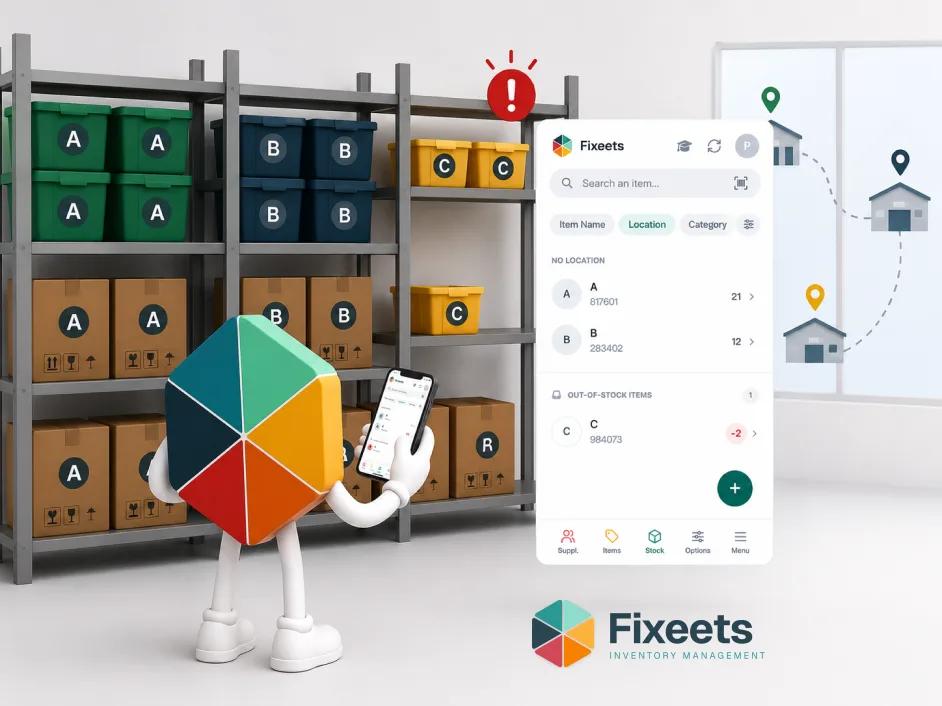
Fixeets provides multi-location visibility directly inside the interface. Live stock levels per location are visible without stitching files together.
No Audit Trail by Default
Excel does not log who changed what, or when. If a stock figure changes unexpectedly, tracing the source of the error requires checking edit history, if version history was enabled and if the right granularity was captured.
A reliable inventory system needs a movement log. Every transfer, adjustment, and receipt should be traceable. Fixeets builds this into the workflow automatically.
Fixeets vs Excel: Side-by-Side Comparison
| Feature | Excel / Google Sheets | Fixeets |
|---|---|---|
| Real-time stock visibility | Manual, depends on last save | Live inside Google Sheets |
| Low-stock alerts | Custom formula required | Automatic, built-in |
| Barcode scanning | Not native | Supported |
| Multi-location tracking | Manual, multiple files | Live per location |
| Movement log / audit trail | Not automatic | Built-in |
| SKU capacity | Unlimited (unstructured) | Up to 500 SKUs (structured) |
| Access controls | Limited | Managed via Google Workspace |
| Setup time | Immediate | Quick, no ERP migration |
| Learning curve | None for basic use | Minimal, familiar interface |
What Fixeets Does Not Replace
Fixeets is not an ERP. It does not handle accounting, payroll, CRM, or order processing on its own. It is an inventory management layer that sits inside Google Workspace.
If your operation needs deep financial integration, Fixeets connects naturally with Google Workspace tools and works alongside existing workflows. Fixeets does not currently offer a direct QuickBooks integration - teams that use both simply run them side by side, with Fixeets handling the stock side and QuickBooks handling the accounting side.
It also supports up to 500 SKUs at the Enterprise tier. This covers the majority of SME inventory operations. If your catalog exceeds that, reach out to discuss what works.
Who Should Stay With Excel
If your team tracks fewer than 30 stock movements per month, a structured spreadsheet can still work. Fixeets has a free Standard plan with a 30-movement limit, which is a practical way to test structured inventory management without committing.
If your business has a single location, a small and stable product range, and one person managing stock, Excel is not causing you enough problems to justify changing tools yet.
Who Should Move to Fixeets
If you are experiencing any of the following, the gap between Excel and a structured system is already costing you:
- Stock figures that do not match physical counts
- Low-stock surprises that delay operations or shipments
- Multiple people updating the same spreadsheet at different times
- No visibility of stock movement history
- Manual reconciliation across locations or tabs
- Time spent building and maintaining inventory formulas
Fixeets is designed for this exact stage. The interface stays inside Google Sheets. The workflows become structured. The data becomes reliable.
Making the Switch
There is no migration complexity involved. Fixeets runs inside your existing Google Workspace environment. Teams do not need to export data into a new platform or retrain on a different interface.
The shift is from an unstructured spreadsheet to a structured inventory system that happens to look like a spreadsheet. For most teams, that is the switch that actually sticks.
To explore how Fixeets handles inventory management for growing operations, visit the Fixeets inventory management page.
For a broader look at how inventory control connects to business operations, the article on the evolution of inventory management from spreadsheets to systems covers the core concepts.
If your team is already tracking stock across locations, managing inventory across multiple locations in Google Sheets explains how that workflow operates inside Fixeets.
For the fundamentals behind this comparison - methods, movement logging, and how to choose a system - see our complete inventory management guide.
Key Takeaways
- Excel handles early-stage inventory adequately. It breaks down when transaction volume increases, teams grow, or stock spans multiple locations.
- The main failure points are manual errors, no real-time visibility, no automatic alerts, no movement log, and difficult multi-location reconciliation.
- Fixeets adds structured inventory workflows on top of Google Sheets without replacing the familiar interface or requiring an ERP migration.
- The tool supports up to 500 SKUs, includes barcode scanning, automatic low-stock alerts, and live multi-location visibility.
- A free Standard plan with 30 movements per month is available for teams not ready to commit to a paid tier.
- The practical question is not whether Excel can track inventory. It is whether it is tracking yours accurately.
Frequently Asked Questions
Is Fixeets better than Excel for inventory management? For teams with growing transaction volume, multiple users, or more than one location, Fixeets provides reliability that Excel cannot match without significant custom configuration. For very small and stable operations, Excel may still be sufficient.
Can I use Fixeets with my existing Google Sheets? Fixeets runs inside Google Sheets and Google Workspace. It adds structure to the environment you already use rather than replacing it.
Does Fixeets replace Excel completely? No. Fixeets is an inventory-specific system. Teams often continue using spreadsheets for other tasks while using Fixeets specifically for stock management.
What is the SKU limit in Fixeets? The Enterprise plan supports up to 500 SKUs. The free Standard plan covers up to 30 movements per month with no time limit.
What happens when Excel inventory data gets out of sync? Version conflicts in shared Excel files are common when multiple users edit simultaneously. Without a movement log and structured update logic, discrepancies accumulate silently until a physical count reveals the gap.
Can Fixeets track stock across multiple warehouses? Multi-location visibility is live in Fixeets. Full transfer tracking between warehouses and locations is currently in development. If multi-site transfer workflows are a priority for your operation, reach out to the team for a direct conversation about your use case.
Is there a free version of Fixeets? Yes. The Standard plan is free with no time limit and covers up to 30 stock movements per month. It is not a trial.
How long does it take to set up Fixeets? Setup is quick. There is no complex onboarding, no data migration, and no new platform to learn. If your team already uses Google Workspace, the environment is already in place.
Does Fixeets integrate with accounting tools like QuickBooks? Not directly. Fixeets and QuickBooks can still run side by side: Fixeets manages the stock side, QuickBooks handles accounting, and the two remain separate systems rather than syncing automatically.
What size business is Fixeets designed for? Fixeets targets SMEs and MSMEs. It is built for teams that have outgrown unstructured spreadsheets but do not need a full ERP system.