A purchase order is written by the buyer: "we want these items, at this price, delivered by this date." A sales order is written by the seller once that request is accepted: "we will deliver these items, at this price, by this date." Same deal, two sides of the counter. The buyer's purchase order usually arrives first, and the seller turns it into a sales order that drives picking, delivery and the invoice.
Small businesses mix the two up all the time, often because they sit on both sides. You buy from suppliers with purchase orders and sell to customers with sales orders, and a customer's purchase order lands in your inbox looking a lot like the ones you send out. Here is what each document is, what goes on a sales order, and how to keep track of both without retyping anything.
Sales Order vs Purchase Order: The Short Answer
| Purchase order (PO) | Sales order (SO) | |
|---|---|---|
| Who issues it | The buyer | The seller |
| Sent to | The supplier | Kept internally, often sent back to the customer as a confirmation |
| When | When the buyer decides to buy, before anything ships | When the seller accepts the order, often after a quote is approved |
| What it commits | The buyer's offer to buy at stated terms; once the seller accepts, both sides are usually bound by it | The seller's commitment to deliver at the agreed terms |
| What comes next | Receiving the goods, then matching the supplier's invoice | Preparation, delivery note, invoice, payment |
| Numbered by | The buyer's PO numbering | The seller's order numbering |
The practical test: whose numbering is on the document? If it carries your customer's PO number at the top, it's their purchase order. If it carries your order number and the customer's PO number as a reference, it's your sales order.
What a Sales Order Contains, With a Filled-In Example
A sales order holds everything needed to prepare, ship and bill the sale. It doesn't need to be fancy. It needs to be complete, because everyone downstream reads from it: the warehouse picks from its lines, the delivery note copies its quantities, the invoice copies its prices.
Here is a sales order from a small distributor, Brightline Systems Inc, for a customer in San Francisco:
| Field | Example |
|---|---|
| Order number | SO-2026-0042 |
| Order date | November 3, 2026 |
| Customer | TechVision Solutions Inc, 1450 Market Street, San Francisco, CA 94103 |
| Customer PO / reference | PO-58213 |
| Line 1 | RTX-4090 graphics card, 10 x $1,599.00 = $15,990.00 |
| Line 2 | SSD-2TB NVMe drive, 25 x $139.00 = $3,475.00 |
| Line 3 | RAM-V32 memory kit, 50 x $89.00 = $4,450.00 |
| Subtotal | $23,915.00 |
| Sales tax (example rate, 8%) | $1,913.20 |
| Total | $25,828.20 |
| Expected delivery | November 16, 2026 |
| Payment terms | 30% deposit on order, balance net 30 after delivery |
| Order status | In preparation |
| Payment status | Deposit paid |
Three fields cause most of the trouble later:
- The customer's PO number. Large customers often won't pay an invoice that doesn't quote their PO number, because their accounts payable team matches every invoice to a purchase order. Copy it onto the sales order on day one, and it follows onto the delivery note and the invoice.
- The expected delivery date. It's what the customer will chase you on. If it slips, change it on the order, not in an email thread.
- Two statuses, not one. Where the order stands (in preparation, shipped, delivered) and where the money stands (nothing paid, deposit paid, paid) move independently. An order can be delivered and unpaid, or paid and not yet shipped.
From Quote to Sales Order to Delivery Note to Invoice
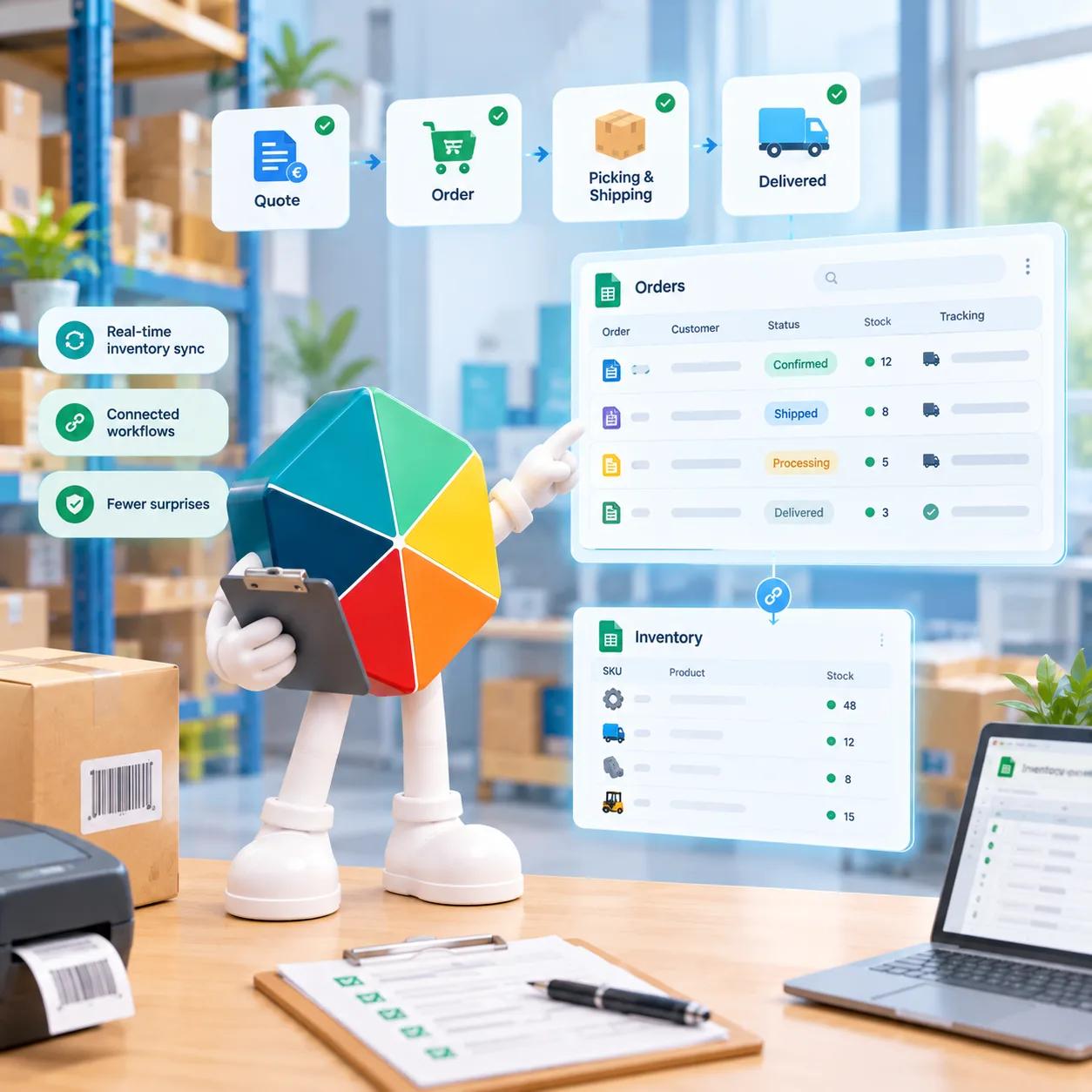
On the seller's side, the sales order sits in the middle of a short chain:
- Quote. You propose prices and terms. The customer can accept, negotiate or walk away. How to write one is covered in how to write a quote for a customer.
- Sales order. The customer says yes, by signing the quote or by sending a purchase order. The quote becomes an order, with the same lines and prices.
- Delivery note. The goods ship with a note listing what was sent, usually without prices, signed by the receiver. See what a delivery note is and how it differs from an invoice.
- Invoice. You bill what was delivered, with its own invoice number and the order number and customer PO as references. Numbering has its own rules, covered in invoice numbering rules and formats.
The point of the chain is that the lines are typed once. If the quote is in one file, the order in a spreadsheet, the delivery note in a template and the invoice in an accounting tool, each step is a chance to send 40 units and bill 50.
The Other Side: The Buyer's Purchase Order Becomes the Seller's Order
Look at the same sale from the buyer's desk. TechVision needs graphics cards, so its purchasing person issues purchase order PO-58213 to Brightline: items, quantities, the price they were quoted, the delivery address and their payment terms. The PO is their internal record that the spend was approved.
When Brightline receives that PO, three things should happen:
- Check it against the quote. Same items, same prices, same delivery date? A PO that quietly changes a price or a quantity is a counter-offer, not an acceptance. Settle the difference before you confirm.
- Create the sales order, not a copy of the PO. The sales order carries your order number, your references and your prices. The customer's PO number goes into a reference field.
- Confirm back to the customer. Many buyers expect an order acknowledgment with the expected delivery date, so they can plan their own work.
Later, TechVision receives the goods and records what arrived. When Brightline's invoice comes in, their accounts payable team matches three things: the purchase order, the receipt and the invoice. If all three agree, the invoice gets paid. If your invoice doesn't show their PO number, or bills more than the receipt says, it sits in a queue.
And when you are the buyer, the same logic runs the other way: your purchase order goes to your supplier, and their sales order is the mirror image of it.
Tracking Sales Orders in Google Sheets, by Hand or With Fixeets Orders
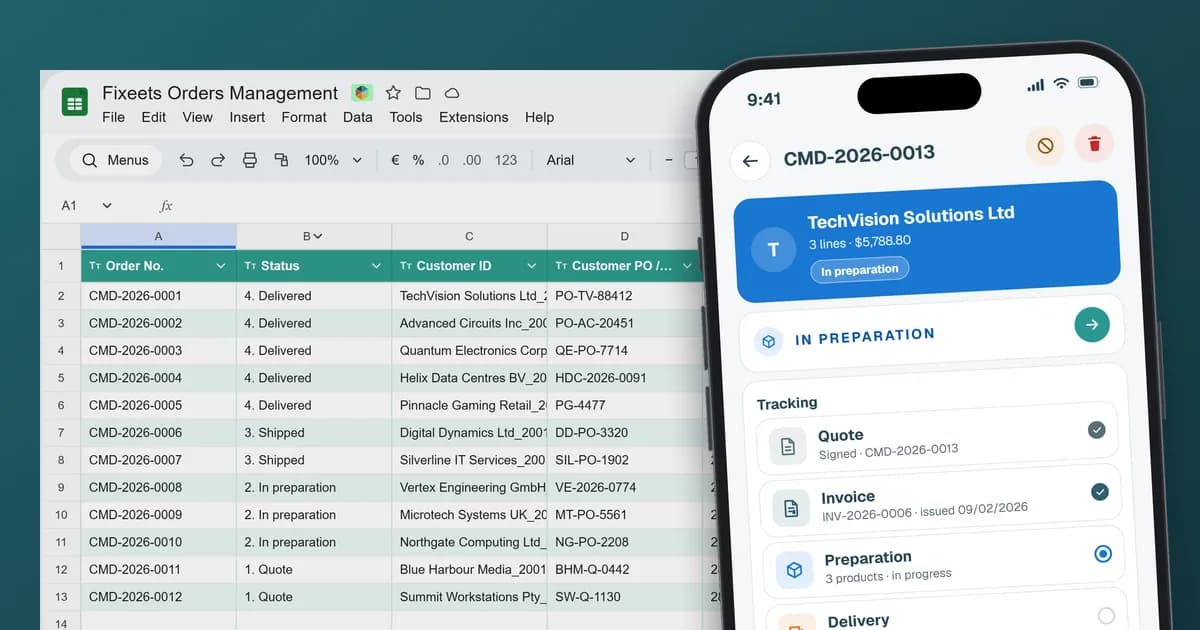
Plenty of small businesses track sales orders in a spreadsheet, and it works if the structure is right. A workable sheet has one row per order with: order number, customer, customer PO, order date, expected delivery date, order status, payment status, and a second tab for the lines (order number, product, quantity, unit price). Keep the statuses in a dropdown so nobody types "shipped?" in a cell. The step-by-step setup is in how to track orders in Google Sheets.
What gets hard by hand is everything around the rows: numbering orders and invoices without gaps or duplicates, producing documents from the same lines, and keeping stock in step.
That's what Fixeets Order Management adds on top of a Google Sheet in your own Drive:
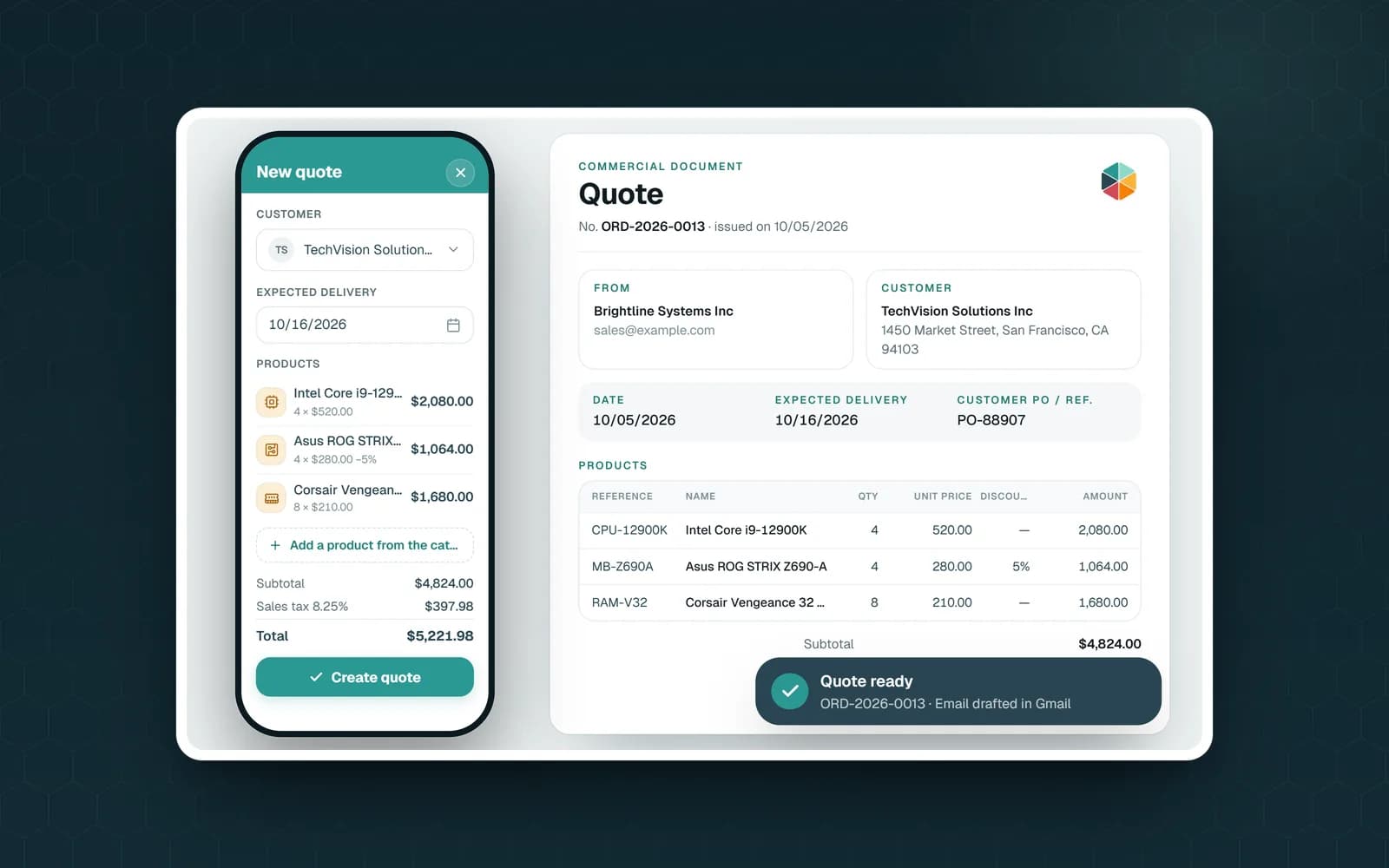
- A quote becomes the order. An order starts as a draft, moves to Quote, and when the customer accepts, the same record moves to In preparation. Nothing is retyped.
- Your numbering. Order numbers and invoice numbers follow the formats you set in the file, so SO-2026-0042 or CMD-2026-0013 is your choice.
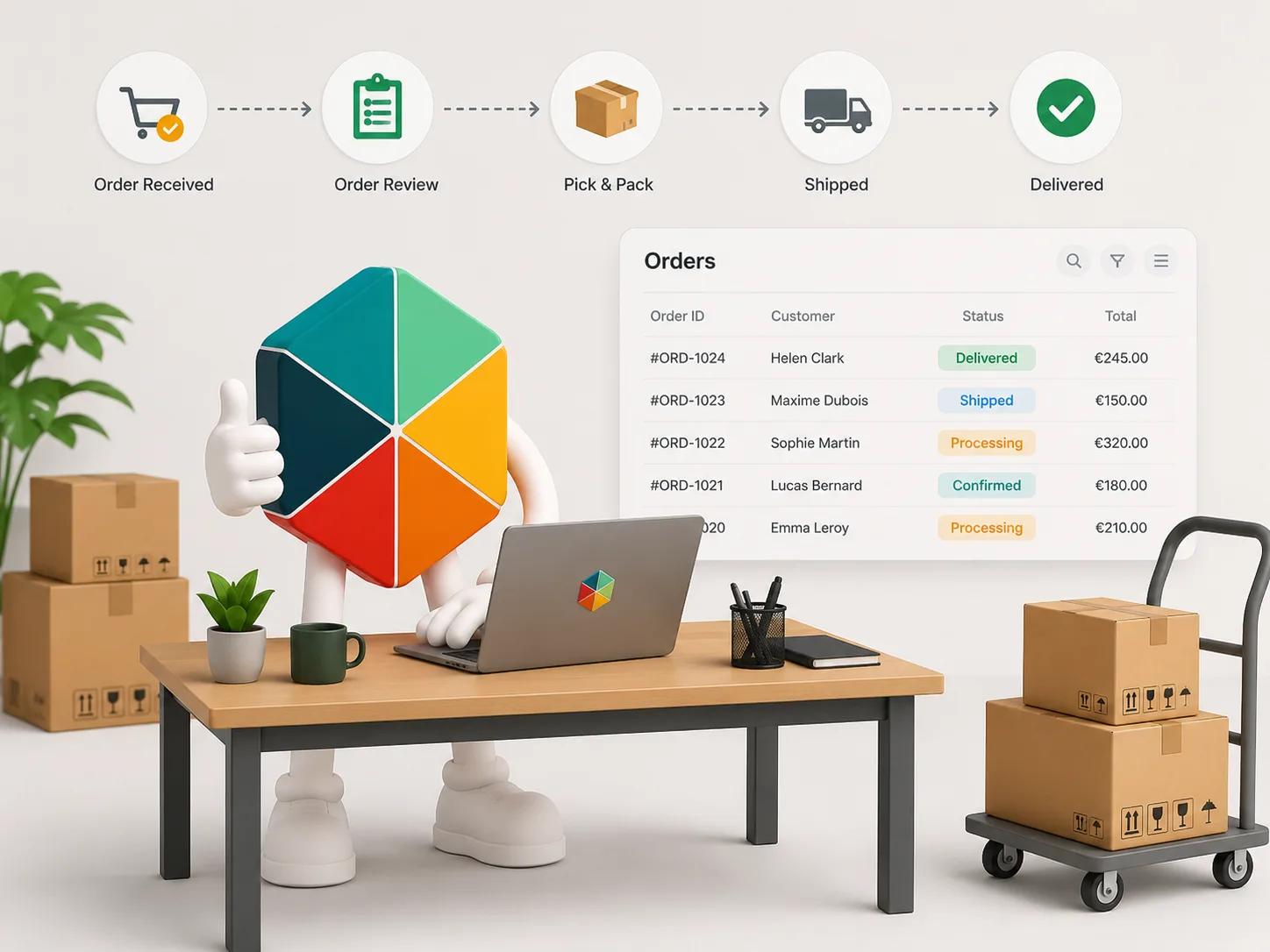
- One status for the order, one for the payment. The order goes draft, quote, in preparation, shipped, delivered, or cancelled. Payment is tracked separately: nothing yet, deposit paid, paid.
- The customer's PO has its own column, "Customer PO / Ref.", so it stays attached to the order.
- Documents from the same lines. The quote, the delivery note and the invoice are created as PDFs from the order and saved in your Google Drive.
- Stock follows the order. If you link a Fixeets Inventory file, the app shows what will leave stock when the order ships and takes it out once you confirm.
On the buying side, Fixeets Inventory has its own purchase orders to suppliers, from draft to received, so the goods you buy land in stock when they arrive. For the bigger picture of how orders move from capture to after-sale, see what order management is. Plans are on the pricing page.
Key Takeaways
- A purchase order is issued by the buyer to a supplier; a sales order is issued by the seller once the order is accepted
- The buyer's PO usually comes first and becomes the seller's sales order, with the PO number kept as a reference
- A sales order lists the order number, customer, customer PO, lines, prices, taxes, expected delivery, payment terms and status
- On the seller's side, the chain is quote, sales order, delivery note, invoice, with the lines typed once
- Buyers match the purchase order, the receipt and the invoice before paying, so put their PO number on your invoice
- Track order status and payment status separately: they move at different times
FAQ
What is the difference between a sales order and a purchase order? A purchase order is created by the buyer and sent to the supplier to request goods at stated prices and terms. A sales order is created by the seller after accepting that request, and it drives preparation, delivery and invoicing. Same transaction, opposite sides.
Who sends a purchase order? The buyer. A purchasing team or the business owner issues it to a supplier when they decide to buy, usually after receiving a quote.
Is a sales order the same as an invoice? No. A sales order records what was agreed and what needs to be delivered. The invoice comes after delivery and asks for payment. The invoice should reference the order number and the customer's PO number.
Does a sales order come before or after a purchase order? Usually after. The buyer sends a purchase order, and the seller creates a sales order from it. When the customer accepts a quote directly, the sales order can be created without a purchase order at all.
What is an order acknowledgment? A confirmation the seller sends back to the buyer saying the order was received and accepted, often with the expected delivery date. Many small businesses send the sales order itself, or a short email, for this.
Can I manage sales orders in Google Sheets? Yes, with one row per order and a tab for the lines. Fixeets Orders works on the same kind of Google Sheet and adds quote-to-order, your order and invoice numbering, separate payment status, and quote, delivery note and invoice PDFs.