To write a quote, put down who it is from and who it is for, exactly what you will supply, the price of each line, the tax, the total, how long the price holds and the terms that come with it. Give it a number and a date, and leave room for the customer to sign it. That is the whole document. The harder part starts after you send it: knowing which quotes are still waiting for an answer, and not retyping every line when the customer finally says yes.
Quote vs Estimate vs Invoice: What Is the Difference
The three documents look alike, and customers mix up the words all the time. What separates them is how firm the price is and when in the sale they show up.
| Document | What it says | How firm the price is | When you send it |
|---|---|---|---|
| Estimate | A rough idea of the cost | Can change once the work is clearer | Early, while the scope is still open |
| Quote | A set price for a defined list of products or work | Fixed for as long as the quote is valid | Before the customer commits |
| Invoice | What the customer owes for what was sold | Final | After the sale, or at agreed milestones |
An estimate says "about $5,000, depending on what we find". A quote says "$4,850 for these four items, valid until December 2". Once the customer accepts a quote, it generally becomes the basis of the deal, so both sides expect the price and the content to hold. The invoice comes later and asks for payment. It has its own number in its own sequence, separate from the quote.
If you are not sure which one to send, ask yourself whether you could stand behind the price if the customer signed today. If not, send an estimate and say so plainly on the document.
What a Quote Should Show
A good quote answers the customer's questions before they ask them: who is this from, what exactly am I getting, what will I pay in total, and until when does this offer hold?
- Who: your business name, address and contact details, then the customer's name and address, with a contact person if you have one.
- Reference and date: a quote number and the date it was issued, so both sides talk about the same version.
- What: one line per product or service, with a reference, a clear description and a quantity. "Setup" is vague. "On-site setup, half day, 4 workstations" is not.
- Price: the unit price, any discount, and the amount for each line.
- Taxes: the tax rate, the tax amount, then the total. In the US, say whether sales tax is included or added on top.
- Validity: the date after which the price is no longer guaranteed. Thirty days is common; go shorter if your own supplier prices move often.
- Terms: payment terms (deposit, balance, due date), delivery time, and anything the price depends on.
- A place to sign: a line for the customer's name, signature and date.
An example quote, filled in
Here is what that looks like for a small IT reseller quoting new workstations for a customer.
Quote ORD-2026-0142 · Issued November 2, 2026 · Valid until December 2, 2026
From: Brightline Systems Inc, [email protected]
To: TechVision Solutions Inc, 1450 Market Street, San Francisco, CA 94103
| Ref. | Description | Qty | Unit price | Amount |
|---|---|---|---|---|
| WS-200 | Workstation, 32 GB RAM, 1 TB SSD | 4 | $1,450.00 | $5,800.00 |
| MN-27 | 27-inch monitor | 8 | $280.00 | $2,240.00 |
| SV-SET | On-site setup, half day | 1 | $450.00 | $450.00 |
| Subtotal | $8,490.00 | |||
| Sales tax on equipment, 8% (example rate) | $643.20 | |||
| Total | $9,133.20 |
Terms: 30% deposit on acceptance, balance due 30 days after delivery. Delivery within 10 business days of the signed quote. Prices valid until December 2, 2026.
Approved and agreed: customer name, signature and date.
Quote rules in the US
There is no federal rule that sets what a quote must look like or contain. Some states have their own requirements for written estimates in specific trades, especially when the customer is a consumer. Sales tax is also set state by state, including whether a service like on-site setup is taxable, which is why the rate above is only an example. If you work in a regulated trade or sell into several states, check with your accountant or your trade association. This article is general guidance, not legal advice.
Getting the Customer's Approval in Writing
A quote is only useful if you can show that the customer agreed to it. A "sounds good" on the phone does not tell you which version they accepted, or at what price.
The simplest proof is the signed quote itself: the customer writes "Approved and agreed", signs, dates it and sends it back as a scan, a PDF or even a photo. Keep that signed copy with the order. If a question comes up three weeks later about the number of monitors, it settles it in a minute.
Two habits avoid most disagreements:
- Change the quote, change the version. If the customer asks for six workstations instead of four after signing, send an updated quote and get it signed again. The first signature covered the first version, not the new one.
- Put the validity date where nobody can miss it. If the customer signs after it has passed, you are free to confirm the price or update it before you commit.
A reply email that names the quote ("Yes, go ahead with ORD-2026-0142") is weaker, but still worth saving with the order.
Following Up on Quotes Waiting for an Answer
Most lost quotes are not refused. They are forgotten, on both sides. The customer got busy, and nobody on your side remembered to call back.
A short routine is enough:
- Keep every open quote in one list, with the date it was sent and its validity date. When quotes live in an inbox and a folder of PDFs, you cannot see which ones are still open.
- Follow up a few days after sending, while the details are fresh, and once more before the validity date. Asking whether anything needs to change works better than "just checking in".
- Close the ones you lost. Mark a refused or expired quote as cancelled instead of deleting it. You keep the history and can see later which products or customers you tend to lose.
When the Customer Says Yes: From Quote to Order, Delivery and Invoice
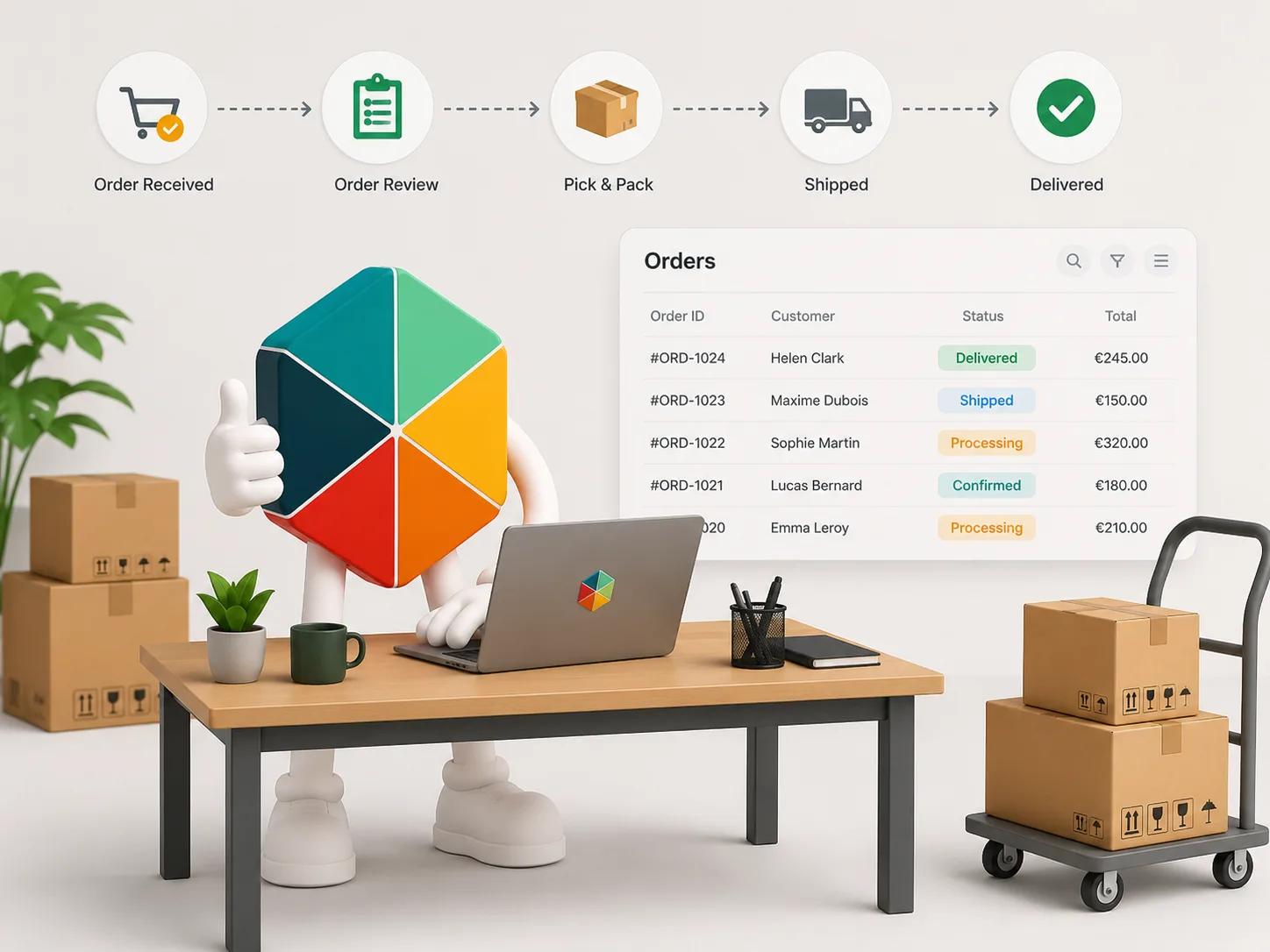
Many small businesses lose time here on every sale. The quote is in a Word file, the order goes into a spreadsheet, the delivery note is typed again for the warehouse, and the invoice is typed a fourth time for accounting. Each retype is one more chance to get a quantity or a price wrong.
The fix is to treat the quote and the order as one record that moves forward, not four documents:
- Quote: the customer, the lines and the prices are entered once.
- Order: when the signed quote comes back, the same record moves to preparation. Nothing is copied.
- Delivery: the delivery note is printed from the same lines, without prices, with the carrier and tracking number.
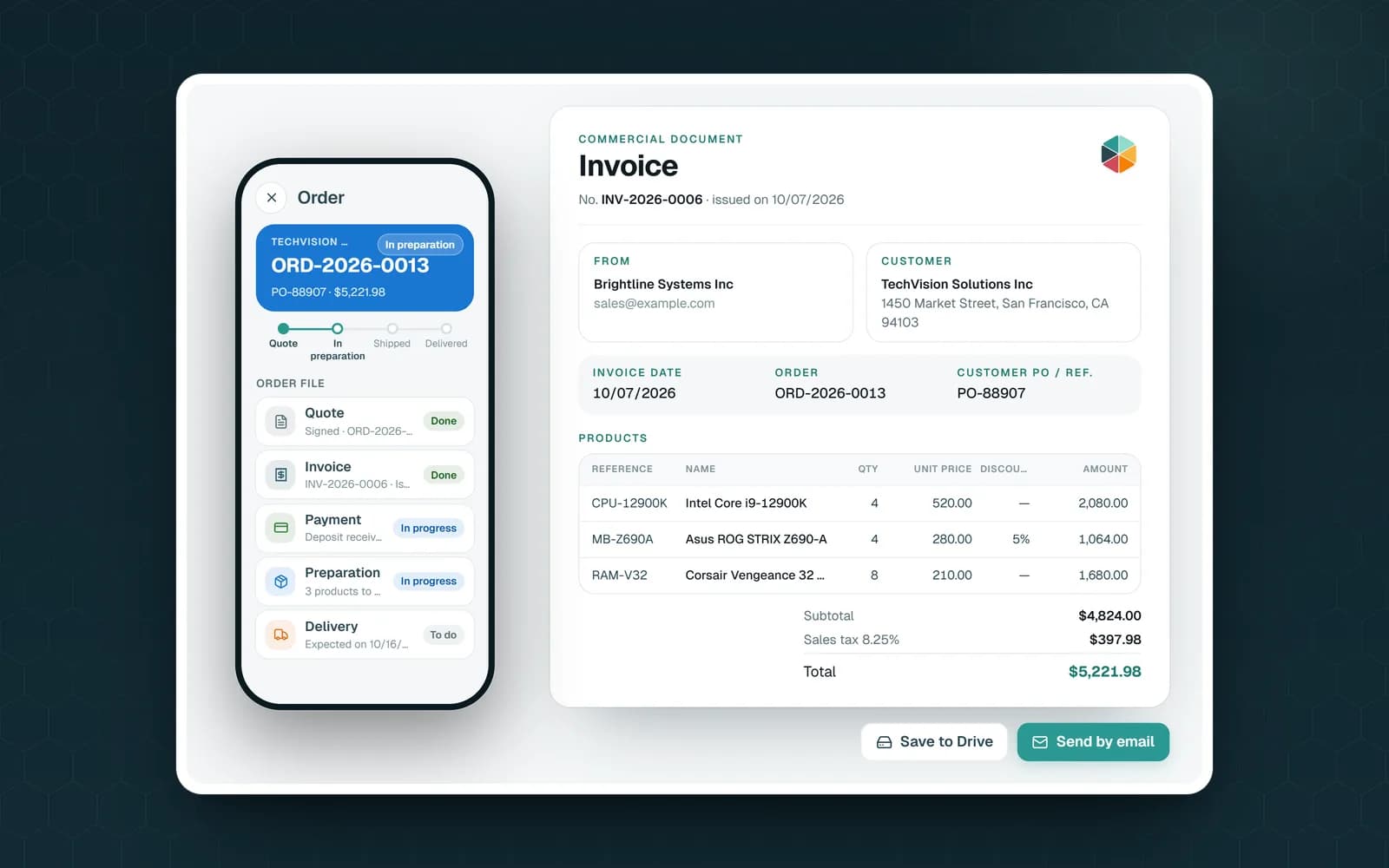
- Invoice: the invoice uses the same lines and gets its own invoice number, with the order number shown for reference. How to choose that number is covered in invoice numbering rules and formats.
Payment runs on its own track: nothing paid yet, deposit paid, paid. A customer can pay a deposit while the order is still being prepared, and an order can be delivered and still unpaid. Squeezing both into one status column is what makes an order spreadsheet hard to read. For the full chain from capture to after-sale, see what order management covers.
Writing Quotes in Google Sheets With Fixeets Orders
Fixeets Orders is our order management app that works with Google Sheets: your customers, products and orders live in your own spreadsheet. A quote is not a separate file there. It is the first stage of the order.
- A new order starts as a draft. As soon as you open its quote document, it moves to the Quote status.
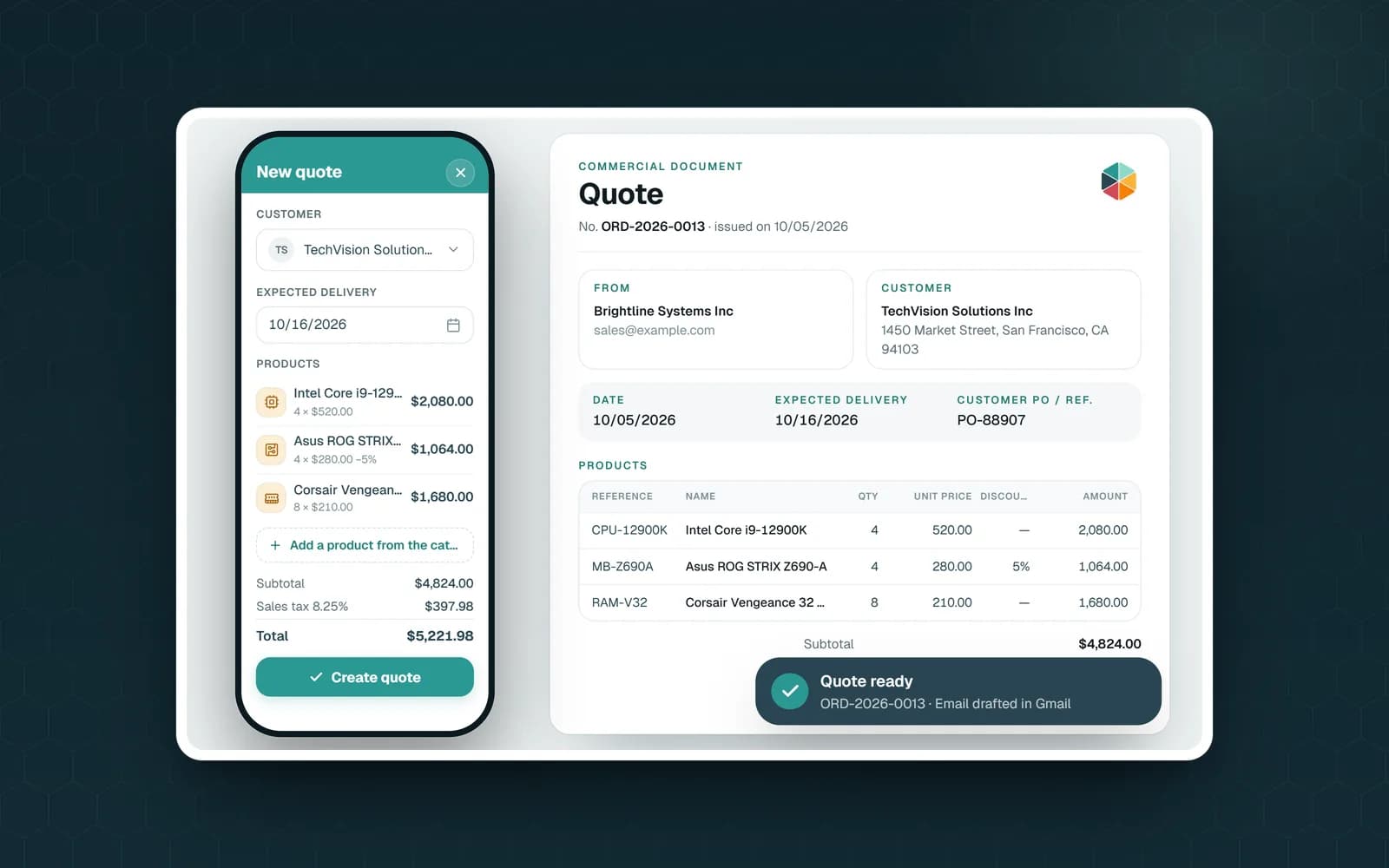
- The quote document takes the customer from your customer list and the lines from the order: reference, description, quantity, unit price, discount, tax rate and amount. It has a Terms block (its hint reads "Offer validity, payment terms, delivery time"), an optional second page for your terms and conditions, room for your company stamp, and a signature box headed "Approved and agreed", for the customer's date and signature.
- Taxes: in the options, you set the tax name printed on your documents (for example Sales tax) and the default rate filled in on new lines.
- Save to Drive stores the quote PDF in your Google Drive and links it to the order. Send quote prepares an email with a link to that PDF and opens it in Gmail. Nothing leaves until you click Send yourself.
- The Quote tab lists every quote with a short label: Quote to prepare, Awaiting signature, or Quote signed.
- When the customer agrees, "Receive the signed quote" asks for the signed PDF or a photo of it. The file is saved to your Drive and attached to the order, and the order moves to In preparation. If the customer agreed by phone, "Move to preparation" moves the order forward without a document.
- If you edit a signed quote, the app warns you first, because the signature will no longer match.
- From the same order, you print the delivery note, record the shipment and create the invoice, with the next number from your invoice format suggested. Payment is tracked separately: deposit paid, then paid.
- If you also use Fixeets Inventory, you can link the two files. When the order ships, the app shows what will leave stock and takes it out of your inventory once you confirm.
What the app does not do is chase customers for you. There are no automatic reminders: the Quote tab shows what is waiting, and the follow-up call is still yours to make. How to set up stages and columns is covered in how to track orders in Google Sheets. On the free plan, documents carry a small "Document created with Fixeets" line at the bottom. Plan limits are on the pricing page.
Quote Checklist to Remember
- A quote is a set price for a defined scope; an estimate can change; an invoice asks for payment
- Every quote has a number, an issue date and a validity date
- One line per product or service, with quantity, unit price, tax and total
- Payment terms, deposit and delivery time are written down, not implied
- Get it signed with "Approved and agreed", a signature and a date, and keep the signed copy
- A changed quote is a new version that needs a new signature
- Follow up before the validity date, and mark lost quotes as cancelled
- When the customer says yes, move the same record forward instead of retyping it