A rental tracking spreadsheet records what equipment you own, who rented it, for which dates, in what quantity, and whether it came back, on time and in good condition. In Google Sheets, it works well for a small fleet if you split it into a few tabs, keep one row per rented item, use fixed statuses, and add a formula that tells you how many units are still free on a given date.
Here is how to build one that holds up, and the exact points where it starts to slip.
The Tabs: Equipment, Customers, Rentals, Rental Lines
The most common mistake is one big tab where every row is a rental and every column is a bit of everything. It's quick to start and painful a month later. Four tabs work better:
- Equipment: one row per type of equipment you rent out, with how many units you own.
- Customers: one row per customer, so you never retype a name, phone number or address.
- Rentals: one row per rental: who, from when to when, its status, the amount, the payment and the deposit.
- Rental lines: one row per item inside a rental. A contractor who takes two scissor lifts and a generator is one rental and two lines.
The split between Rentals and Rental lines is what makes quantities and partial returns possible later. It's also how dedicated rental apps store the same data.
The Columns of a Rental
Equipment tab
| Column | Example |
|---|---|
| Equipment ID | SL-26 |
| Name | 26 ft scissor lift |
| Category | Lifting |
| Units owned | 3 |
| Rate per day | $110 |
| Deposit per unit | $1,000 |
Rentals tab
| Column | Example |
|---|---|
| Rental no. | RNT-0148 |
| Customer | Miller Renovation |
| Start | 10/12/2026 |
| Planned end | 10/15/2026 |
| Status | Booked |
| Amount | $1,060 |
| Payment | Deposit paid |
| Deposit | $2,500 |
| Deposit status | Received |
Rental lines tab
| Column | Example |
|---|---|
| Rental no. | RNT-0148 |
| Equipment ID | SL-26 |
| Quantity | 2 |
| Returned quantity | 0 |
| Condition out | Good |
| Condition in | (empty until return) |
Three rules keep this clean:
- Statuses come from a dropdown, never free text. Draft, Booked, Rented, Returned, Cancelled. Use Data validation in Google Sheets so nobody types "out" or "gone."
- Payment and deposit get separate columns. Payment: Pending, Deposit paid, Paid. Deposit: Received, Refunded, Withheld. Mixing them in one "money" column is how deposits get forgotten.
- Rental numbers follow one format. RNT-0148, RNT-0149, and so on. You'll quote them on the phone and on the agreement.
How Many Are Free on a Date?
This is the question the whole sheet exists to answer. On the Rental lines tab, after the columns above, add four helper columns, the first three pulled from the Rentals tab with a lookup on the rental number:
- G: Start of the rental
- H: Effective end: the planned end, or today's date if the rental is still Rented and the planned end has passed
- I: Status of the rental
- J: Units held = Quantity minus Returned quantity
The effective end is what keeps late returns honest. If a lift was due back yesterday and is still out, a formula based on the planned end thinks it's free. With the effective end, it stays blocked until someone records the return. In H2, with the planned end looked up into a cell (or computed inline), the logic is: =IF(AND(I2="Rented", PlannedEnd<TODAY()), TODAY(), PlannedEnd).
Then, on the Equipment tab or a small "Availability" tab, with the equipment ID in A2 and the date to check in B1, the units taken that day are:
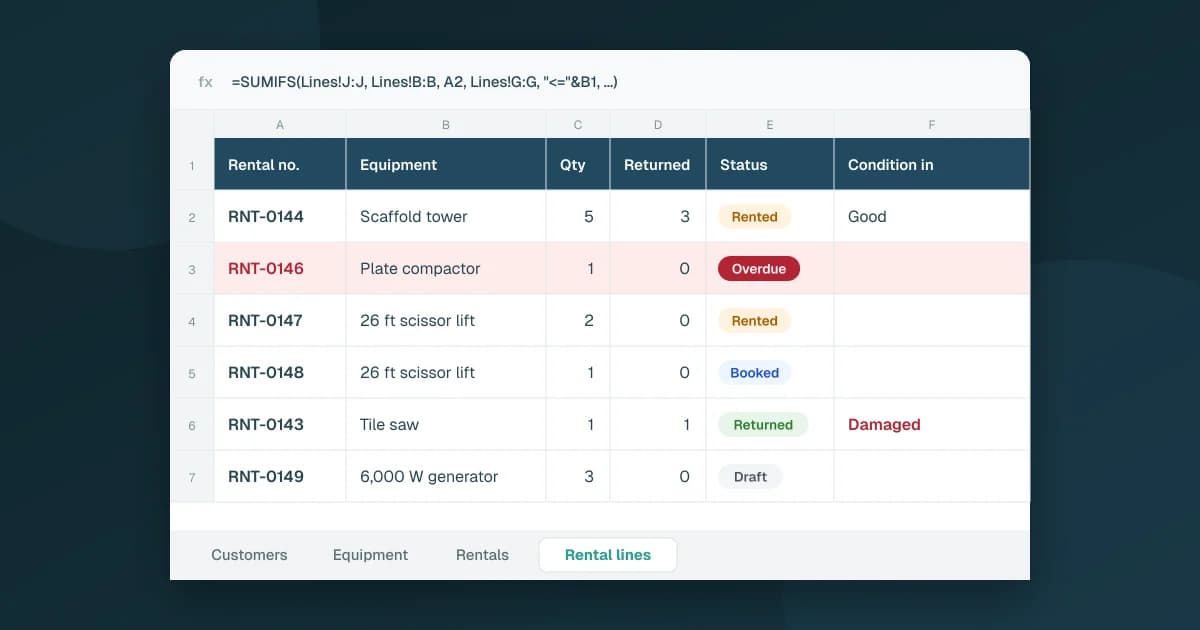
=SUMIFS(Lines!J:J, Lines!B:B, A2, Lines!G:G, "<="&B1, Lines!H:H, ">="&B1, Lines!I:I, "<>Draft", Lines!I:I, "<>Cancelled")
Units free on that date is Units owned minus that result. Column B of Lines is the equipment ID; a fully returned line holds zero units, so returned rentals drop out on their own.
Drafts are excluded on purpose: a quote the customer hasn't confirmed shouldn't block equipment, or the sheet fills up with maybes.
Why double bookings still slip through
Even with the formula, the spreadsheet only answers when someone asks. Three things go wrong in practice:
- A rental covers several days, the formula checks one. To book Wednesday to Friday you need the lowest availability across the three days, not just Wednesday's.
- Two people book at the same time. Both see one lift free, both promise it. The sheet doesn't stop the second booking.
- Nobody runs the check. On a busy morning, the booking goes in first and the check happens later, if at all.
That's not a reason to drop the spreadsheet. It's the reason to know exactly what it does and doesn't protect you from.
The Return: Partial, Late, Damaged
Returns are where the sheet needs the most discipline.
- Partial returns. The contractor brings back three of five scaffold towers on Friday. Update Returned quantity on that line to 3, and leave the rental as Rented. Change the status to Returned only when every line is fully back.
- Late returns. With the effective end column, an overdue rental keeps its units blocked. Add a conditional format that turns the row red when the status is Rented and the planned end is before today, so overdue rentals stand out without a search.
- Damage. Fill Condition in on each line (New, Very good, Good, Fair, Damaged). When something comes back damaged, set the deposit status to Withheld if you keep part of it, and log the repair in your maintenance records. The article on how to track equipment maintenance in Google Sheets shows how to structure that side.
When the Spreadsheet Isn't Enough Anymore
The same method works for customer orders, by the way: how to track orders in Google Sheets uses the same logic of fixed stages and separate reference tabs. And it hits the same limit. The structure holds, but every check depends on someone remembering to do it.
You usually feel it when:
- more than one person takes bookings,
- you rent quantities (ten generators, forty barriers) rather than single items,
- deposits pile up and nobody is sure which ones are still held,
- you want utilization or revenue per piece of equipment without building a pivot table every month.
If your fleet is mostly chairs, tables and tents, party rental inventory without double bookings shows how quantities change the busy-weekend routine.
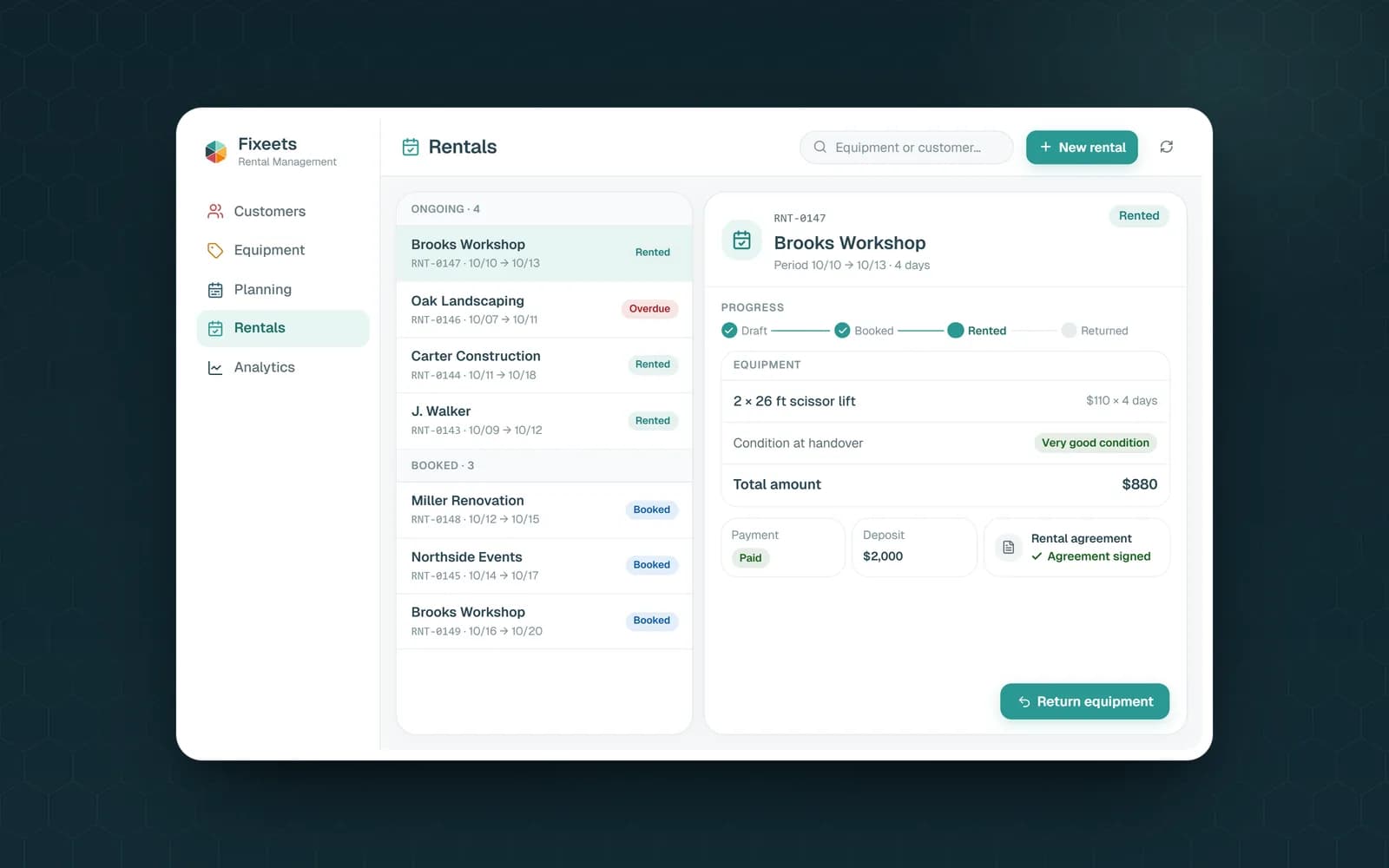
At that point you can keep the same Google Sheet and add the checks on top. Fixeets Rental creates a Google Sheet in your Drive with exactly these tabs (Customers, Equipment, Rentals, Rental lines) and does the checking for you. When you create a rental, it checks the quantity available on those dates and tells you if it isn't enough. Drafts don't block equipment, and a late return keeps it unavailable until it's back. Handover and return record the condition, returns can be partial, payment and deposit each have their own status, and the rental agreement is generated as a PDF in your Drive.
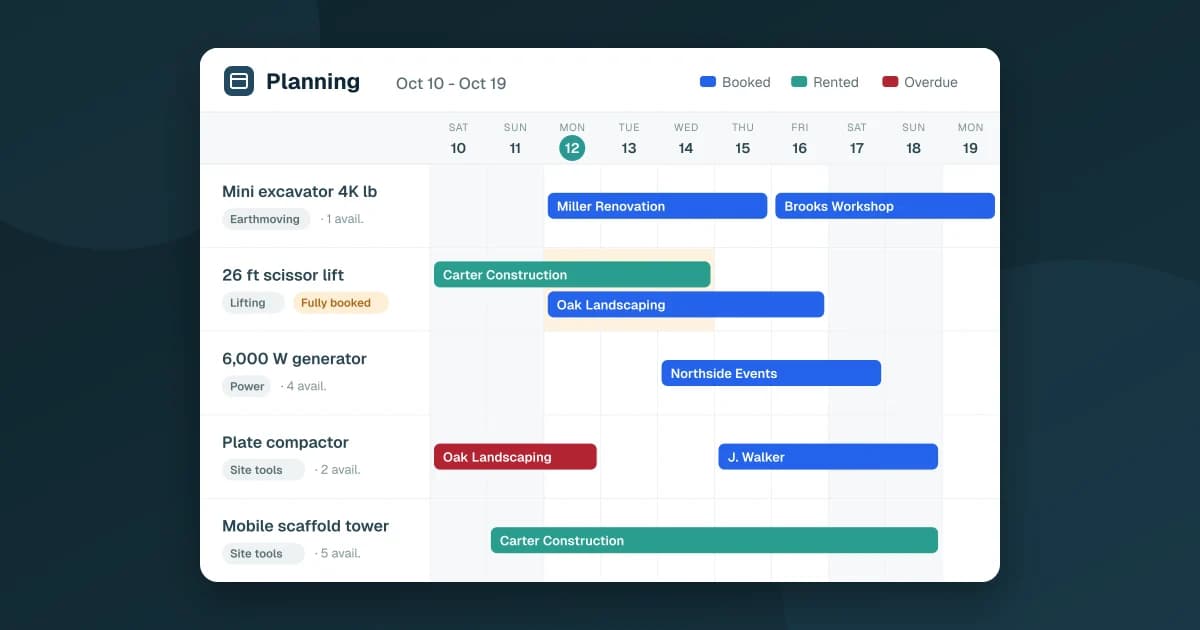
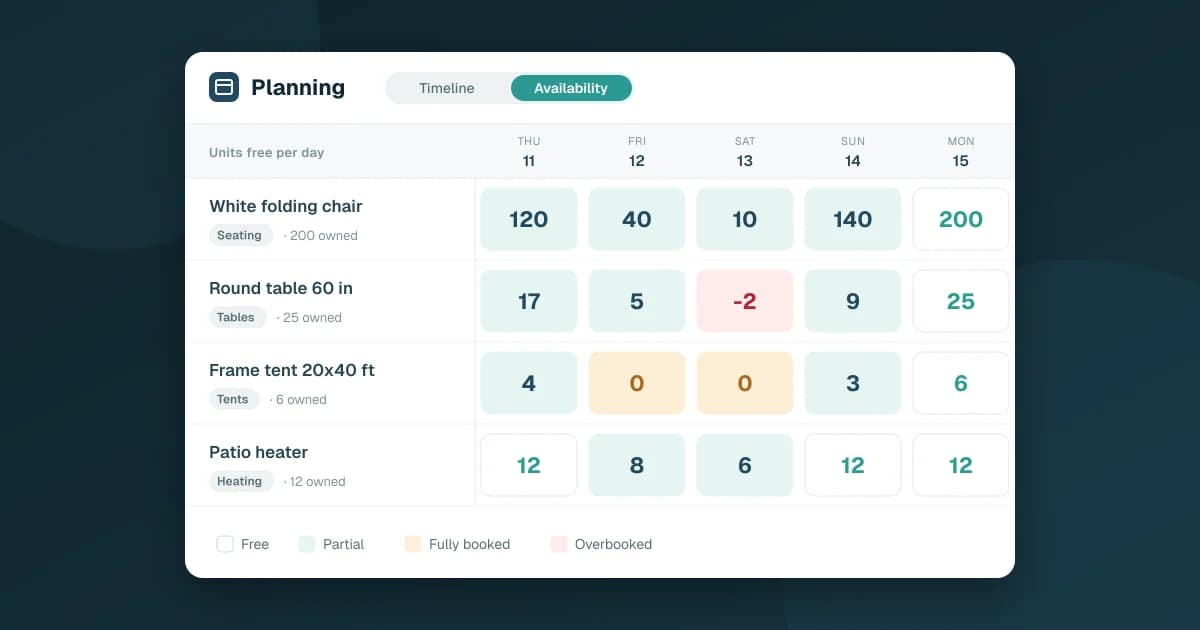
The planning shows a timeline and a calendar with departures and returns of the day, and flags days that are fully booked or overbooked. Analytics cover utilization, idle equipment, revenue, outstanding amounts and on-time returns. You work from the Google Sheets side panel or the web app, on a computer or in a phone's browser.
What it doesn't do: online bookings or online payments by your customers, or delivery planning. If you're still deciding between a spreadsheet and a dedicated tool, what equipment rental software should do walks through the options. Plans are on the pricing page.
Key Takeaways
- Split the sheet into four tabs: Equipment, Customers, Rentals and Rental lines, with one row per rented item
- Use dropdowns for statuses, and separate columns for payment and deposit
- A SUMIFS formula on the rental lines tells you how many units are taken on a date
- Drafts shouldn't block equipment; late returns must, through an "effective end" date
- Partial returns need a Returned quantity column, not a status change
- The spreadsheet can't stop two people booking the same unit or check a multi-day period on its own
- Fixeets Rental keeps the same Google Sheet structure and adds the availability check, agreements, planning and analytics
FAQ
How do I track equipment rentals in Google Sheets? Create four tabs (Equipment, Customers, Rentals, Rental lines), keep one row per rented item, use dropdowns for statuses, and add a SUMIFS formula that counts units taken on a date. Units free is units owned minus that count.
What columns should a rental tracking spreadsheet have? At minimum: rental number, customer, start date, planned end date, status, amount, payment status, deposit and deposit status on the rental, plus equipment, quantity, returned quantity and condition out and in on each rental line.
How do I stop double bookings in a spreadsheet? Check availability for every day of the requested period before confirming, count booked and rented rentals but not drafts, and keep overdue rentals blocking their units. A spreadsheet can't enforce this when two people book at once, which is the main reason teams move to a rental app.
How do I handle a partial return? Record the returned quantity on the rental line and leave the rental open. Mark the rental as Returned only when every line is fully back.
Is there a rental tracking template I can download? We don't offer a template file. The tables above show the columns to create, and Fixeets Rental generates a ready-structured Google Sheet in your own Drive when you start.
Does Fixeets Rental replace my Google Sheet? No. Your data stays in a Google Sheet in your Drive. Fixeets adds the availability check, agreements, planning and analytics on top of it.