A maintenance work order is the written instruction that sends a technician to one piece of equipment: which machine, what is wrong or what is due, how urgent it is, who does the job, which parts to bring and which safety steps come first. It is written before the work. What the technician writes after the work, what was found and what was done, is the report, and the reports are what build the machine's history. Most small teams already have some version of a work order, often a text message that says "compressor is down again, can someone look". The work order is what turns that message into a job someone can pick up, do safely and close.
What a Maintenance Work Order Is, and How It Differs From the Report
A work order, also called a job ticket or a work order form, answers one question for the person holding it: what do I need to know before I touch this machine? It travels with the technician. It gets read on a ladder, next to an electrical panel, with gloves on, so it has to be short and specific.
The report comes after. It records what was actually done, how long it took, which parts were used and what the technician noticed. The two documents look alike, and many teams merge them into one sheet of paper with an "after" box at the bottom. That works, as long as both halves get filled in. The trouble starts when only the top half exists: you know someone was sent, but not what they did.
| Work order | Report | |
|---|---|---|
| When | Before the job | After the job |
| Written by | Whoever plans the task or reports the problem | The technician who did the job |
| Main question | What needs doing, where, and how to do it safely? | What was found, done and used? |
| Ends up as | An open job on the list | A line in the machine's history |
What to Put on a Maintenance Work Order
A good work order answers the questions the technician would otherwise call you about. Seven blocks cover almost every case.
- The machine. Its name and its ID, the same one as on the tag stuck to it, plus where it is. "The compressor" is not enough when there are two.
- The breakdown or the planned task. For a breakdown, the symptom as the operator saw it: when it happens, what the machine does, any alarm code. For planned maintenance, the task itself, ideally pointing to the checklist.
- The priority, with a reason. Not just "urgent". Say why: the line is stopped, the line is running on a backup, or it can wait for the next planned stop. The reason helps the technician make the right call when two jobs collide.
- Who does the job. One named person, not "maintenance". If a supervisor has to accept the work, name them too.
- Parts and operations. The parts and consumables to bring, with quantities, and the steps in order. A Done box next to each line costs nothing and shows what was skipped.
- Safety and access. Lockout/tagout points, required PPE, whether the machine must be shut down, and practical access notes: which key, which time slot, which area is off-limits during production.
- Signatures. The technician signs that the work is done, and the person in charge signs that the machine is back in service. Those two signatures are what make a work order hold up during a safety review or an insurance claim.
The work order number and the date opened sit at the top. If you already track maintenance in a spreadsheet, these blocks match the columns described in how to track equipment maintenance in Google Sheets, so the form and the sheet stay consistent.
Preventive or Corrective: the Same Form, Two Starting Points
A preventive work order and a corrective one use the same form. What changes is where it comes from.
A preventive work order starts from the calendar or a meter: the oil change is due every 500 hours, the filter check every month. The task, the parts and the safety steps are known in advance, so the form can be prepared once and reused each time. The operations usually come straight from your preventive maintenance checklist.
A corrective work order starts from a breakdown. Someone reports a problem, and the form has to be filled quickly with what is known: the symptom, the urgency, a first guess at the parts. It is fine if the parts list is incomplete. The report will say what was really needed.
Keeping one form for both has a practical advantage. Technicians learn one layout, and the history can later separate planned work from breakdowns with a single "type" field.
After the Work: the Report That Builds the History
A work order with no report is a dead end. The report is where the useful information lives:
- the date the work was done, and how long it took
- what the technician found, in their own words
- what was done, and what was not
- the parts actually used, which are often not the parts planned
- extra costs, such as an outside contractor or a rented tool
- the outcome: completed, to resume later, or waiting for parts
"Waiting for parts" deserves its own status. Without it, a half-finished job either looks done or looks forgotten.
Kept together, these reports become the machine's history: how often it fails, what it costs, whether the preventive plan is working. That is the subject of building a maintenance history log. The work order starts the job, but the report is what you will reread a year from now.
Example: a Filled Work Order for a Breakdown
Here is a work order as it could be filled for a breakdown in a small food packaging plant. The plant and the job are an illustration.
| Field | Filled in |
|---|---|
| Work order no. | WO-0418 |
| Opened | Tuesday, 7:40 AM, by Lisa T. (line 2 supervisor) |
| Type | Corrective (breakdown) |
| Equipment | Air compressor AC-02, building B mezzanine |
| Problem reported | Trips on high temperature after about 20 minutes. Line 2 losing air pressure. |
| Priority | High: line 2 is running on the backup compressor, with no spare capacity |
| Assigned to | Kevin B. |
| Parts to bring | 1 oil filter, 1 air/oil separator, 1 gal of compressor oil |
| Operations | 1. Check oil level and cooler. 2. Clean cooler fins. 3. Check the thermostatic valve. 4. Replace the filter if needed. 5. Test run for 30 minutes under load. |
| Safety | Lockout/tagout on the electrical disconnect. Bleed the tank to 0 psi before opening. Gloves and safety glasses. Surfaces can exceed 180°F. |
| Access | Mezzanine key at the maintenance office. Work before the 2 PM shift change. |
| Machine shutdown | Yes. Estimated duration: 2 hours. |
| Signatures | Technician on completion, supervisor on return to service |
And the report Kevin B. fills in once the job is done:
| Field | Filled in |
|---|---|
| Completed | Tuesday, 10:15 AM. Duration: 1 h 45 min. |
| Findings | Cooler fins clogged with flour dust. Oil level low. Thermostatic valve OK. |
| Work done | Cleaned the cooler, topped up the oil, replaced the oil filter. 30-minute test run, peaked at 176°F. |
| Parts used | 1 oil filter, half a gallon of compressor oil. Separator not needed, returned to stock. |
| Status | Completed |
| Recommendation | Add cooler cleaning to the monthly preventive for AC-02 |
Two things are worth noticing. The parts used differ from the parts planned, which is normal and exactly why the report records them separately. And the recommendation turns one breakdown into a change in the preventive plan, which is how the next one gets avoided.
From the QR Label on the Machine to the Work Order on the Phone
On paper, the weak point is the link between a machine and its papers. Fixeets Maintenance, which keeps your data in your own Google Sheet, handles that link like this:
- QR labels on the machines. Turn on the Barcode / QR code option, then print labels from your equipment IDs, one at a time or on Avery sheets (A4 or Letter).
- Scan to open the machine. Scanning a label with the phone opens that machine's page, with its overdue and upcoming jobs, its history, and Carry out to record the work.
- The work order as a document. On any preventive or incident, the Work order action opens a printable document with the equipment, the technician, the date, the status, the priority, a Parts and operations table with a Done column, and a signature area. If your Fixeets Inventory is linked, the planned parts fill the table; otherwise you add lines by hand. Safety instructions (required PPE, lockout/tagout, machine shutdown, estimated duration), a note for access and precautions, and a work acceptance block are off by default: switch on the ones you need under Customize, then Save template once. You print it or save it as a PDF from the app in a browser, on a computer or a phone.
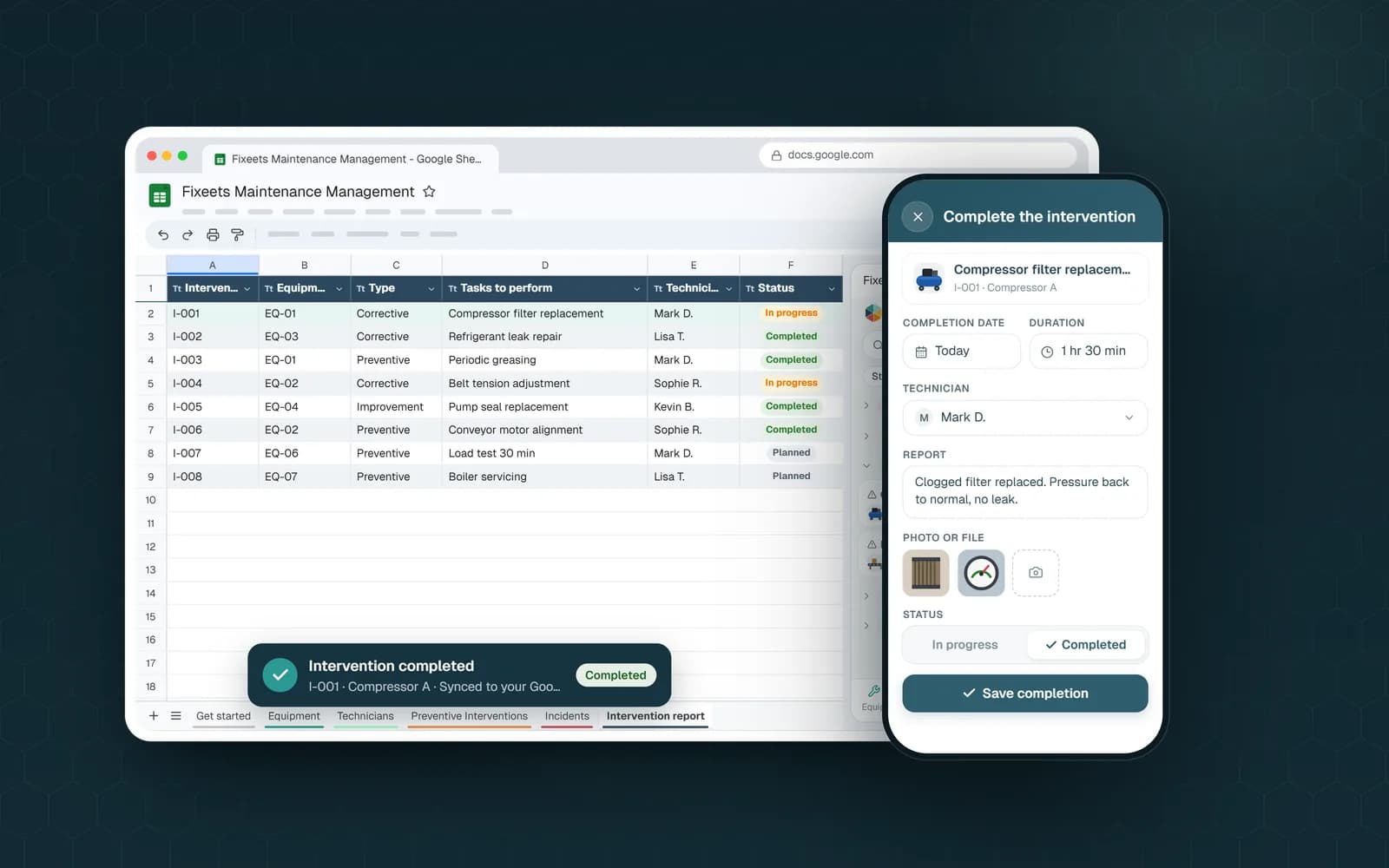
- The report when you carry out the job. Carry out asks for the completion date, the duration, the report, a photo or file, the parts used (taken out of stock when Inventory is linked), additional costs, and a status: Completed, To resume or Parts to order. Once a job is marked Completed, a preventive moves to its next due date and an incident is closed. The intervention report can then be printed from the job.
On the free plan, printed documents carry a small "Document created with Fixeets" line at the bottom. Plan limits are on the pricing page.
Work Order Essentials to Remember
- A work order is written before the job, the report after it
- One machine, one named person, one priority with a reason
- Parts and steps listed in order, with a Done box on each line
- Safety and access notes on the form, not in someone's head
- The same form for preventive and corrective work
- The report records what was really found, done and used, and that is what builds the history